Written by Paul Worrall
Apple has managed to make its own stylus lineup more confusing than it has any right to be. There are currently four Apple Pencil models on sale — 1st generation, 2nd generation, USB-C, and Pro — and the naming logic doesn’t follow the pattern most people assume. Newer doesn’t necessarily mean better for your specific iPad. More expensive doesn’t necessarily mean more capable for drawing. And there’s one genuinly critical difference between the models that Apple doesn’t make obvious but that matters enormously if you’re buying a Pencil specifically to draw or paint with.
I’ve been a Mac user most of my adult life. My wife Lucy is a watercolour painter — proper paper and pigment, the kind that takes real patience — and she’s been curious about trying digital drawing on an iPad for a while. Helping her work out which Apple Pencil she’d actually need sent me down a rabbit hole of Apple’s increasingly baffling product lineup, and the answer was considerably less straightforward than I expected. The USB-C model looked like the obvious choice for her iPad, right up until I realised it doesn’t support pressure sensitivity — the single feature that makes a stylus feel like a real drawing tool rather than a plastic stick. Sixteen years in the art industry and it still caught me out. Here’s the clear picture so it doesn’t catch you out too.
⭐ Which Apple Pencil Should You Buy?
Best for artists — if your iPad supports it: Apple Pencil Pro — barrel roll, squeeze gesture, haptic feedback, the most capable drawing stylus Apple makes.
Best for artists — older compatible iPads: Apple Pencil 2nd generation — pressure sensitivity, magnetic charging, double-tap. Still excellent for drawing.
Best for older iPads with Lightning: Apple Pencil 1st generation — pressure sensitivity, tilt detection, the only option for many older models.
Best for note-taking only (not drawing): Apple Pencil USB-C — the cheapest current model, but has no pressure sensitivity. Fine for notes, unsuitable for serious art.
The One Thing Most People Miss — and It Matters for Artists
The Apple Pencil USB-C does not support pressure sensitivity. This is the single most important fact in this entire guide and the one Apple doesn’t put front and centre in its own marketing. Every other Apple Pencil — 1st gen, 2nd gen, and Pro — detects how hard you press and translates that into varying line weight, brush opacity and stroke thickness in drawing apps. The USB-C model treats every touch identically regardless of pressure, which is genuinly fine for signing documents, annotating PDFs and taking handwritten notes. It is not adequate for drawing or painting digitally, where pressure sensitivity is the fundamental mechanic that makes a stylus feel like a real drawing tool rather than a plastic pointer.
If you are buying an Apple Pencil specifically to draw or paint with — in Procreate, Adobe Fresco, Clip Studio Paint or any other drawing app — do not buy the USB-C model regardless of how conveniently it fits your iPad’s port. Buy the 1st gen, 2nd gen or Pro instead, whichever is compatible with your specific iPad.
Apple Pencil Pro — The Best for Artists
The Apple Pencil Pro, launched in 2024, is the most capable drawing stylus Apple has ever made and the clear recommendation for serious artists — provided your iPad is compatible. Alongside the pressure and tilt sensitivity of the 2nd gen, the Pro adds three genuinly significant features for artists specifically: barrel roll detection (the Pencil knows when you rotate it in your hand, which affects how angled brush tips and calligraphy pens respond), a squeeze gesture for quick tool switching without touching the screen, and haptic feedback that gives a subtle physical confirmation of certain interactions. In Procreate specifically, barrel roll changes how brush angle-sensitive tools respond as you rotate the Pencil — the closest thing to the way a real brush, pen or chisel nib naturally changes character when you turn it in your fingers.
The Pro charges magnetically on the flat edge of compatible iPads, same as the 2nd gen, and includes Find My support for locating a misplaced Pencil. The honest caveat is compatibility — the Pro only works with the most recent iPad Pro (M4 and later), iPad Air (M2 and later) and iPad mini (A17 Pro). If your iPad doesn’t support it, the 2nd gen remains the better drawing choice than the USB-C model.
Apple Pencil 2nd Generation — Still Excellent for Drawing
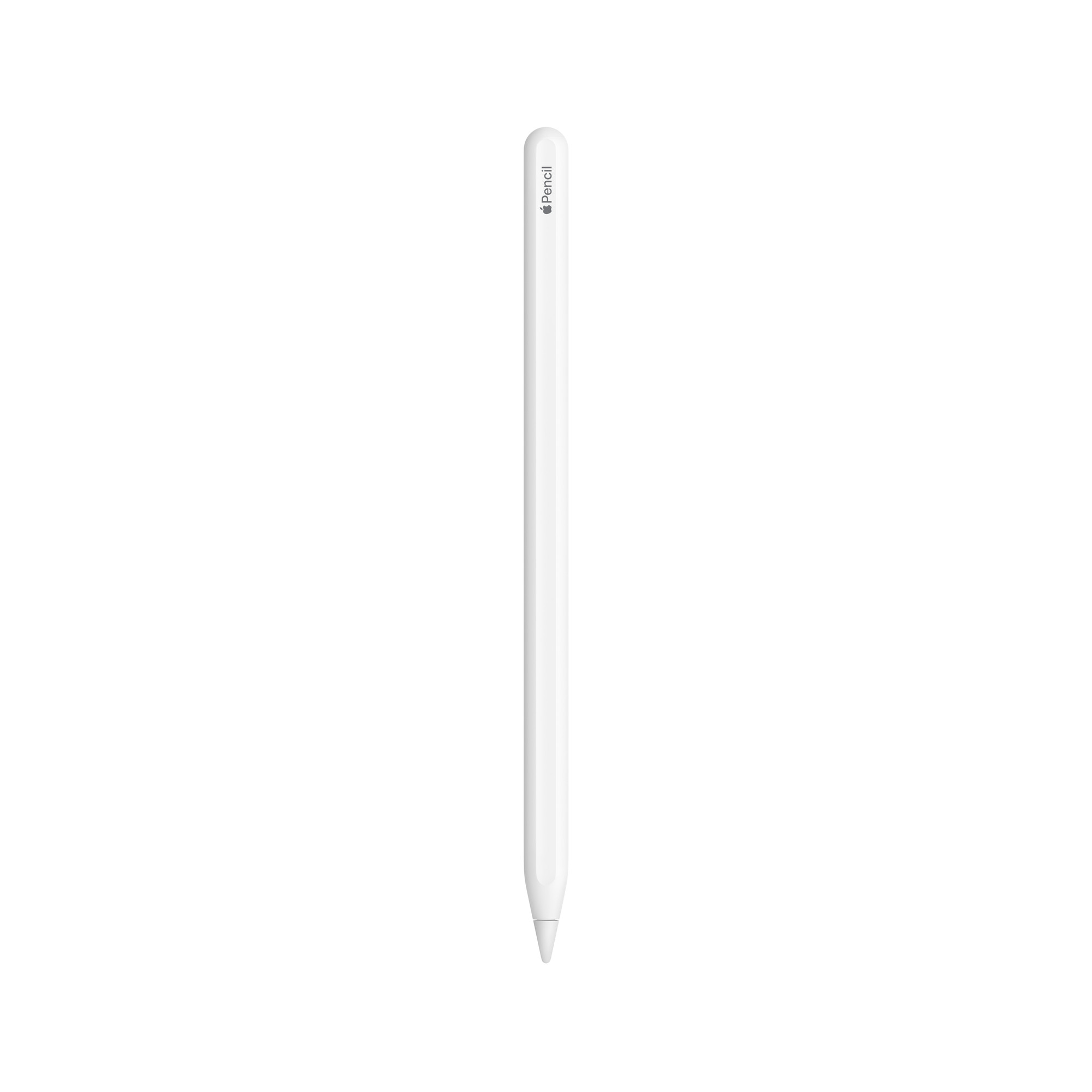
The Apple Pencil 2nd generation remains a genuinly excellent drawing stylus for the large number of iPad Pro, iPad Air and iPad mini models that support it but don’t support the Pro. Pressure sensitivity, tilt detection, double-tap gesture for tool switching, and magnetic attachment that charges wirelessly on the flat edge of the iPad — a considerable practical improvement over the 1st gen’s Lightning charging, which required either plugging it awkwardly into the bottom of the iPad or using an adapter.
The 2nd gen is compatible with iPad Pro models from 2018 onwards (up to 2022 before Pro compatibility switches to the newer Pencil Pro), iPad Air 4th and 5th generation (2020 and 2022), and iPad mini 6th generation. If your iPad falls in this range, the 2nd gen is the right drawing Pencil and is still priced accessably at £129.
Apple Pencil 1st Generation — For Older iPads

The Apple Pencil 1st generation was the first Apple Pencil, launched back in 2015, and Apple still sells it because it remains the only Apple Pencil compatible with a large number of older and base-model iPads — the 9th generation iPad and earlier, the 10th generation iPad (with an adapter), and a number of older iPad Pro and Air models. If your iPad only supports the 1st gen, it is still a genuinly capable drawing stylus — pressure sensitivity, tilt detection, low latency — even though the charging method (Lightning plug into the bottom of the iPad, or via an adapter) is considerably less convenient than the magnetic 2nd gen and Pro models. At £99 it’s the most affordable Pencil with full drawing capabilities.
Apple Pencil USB-C — For Note-Taking, Not Drawing
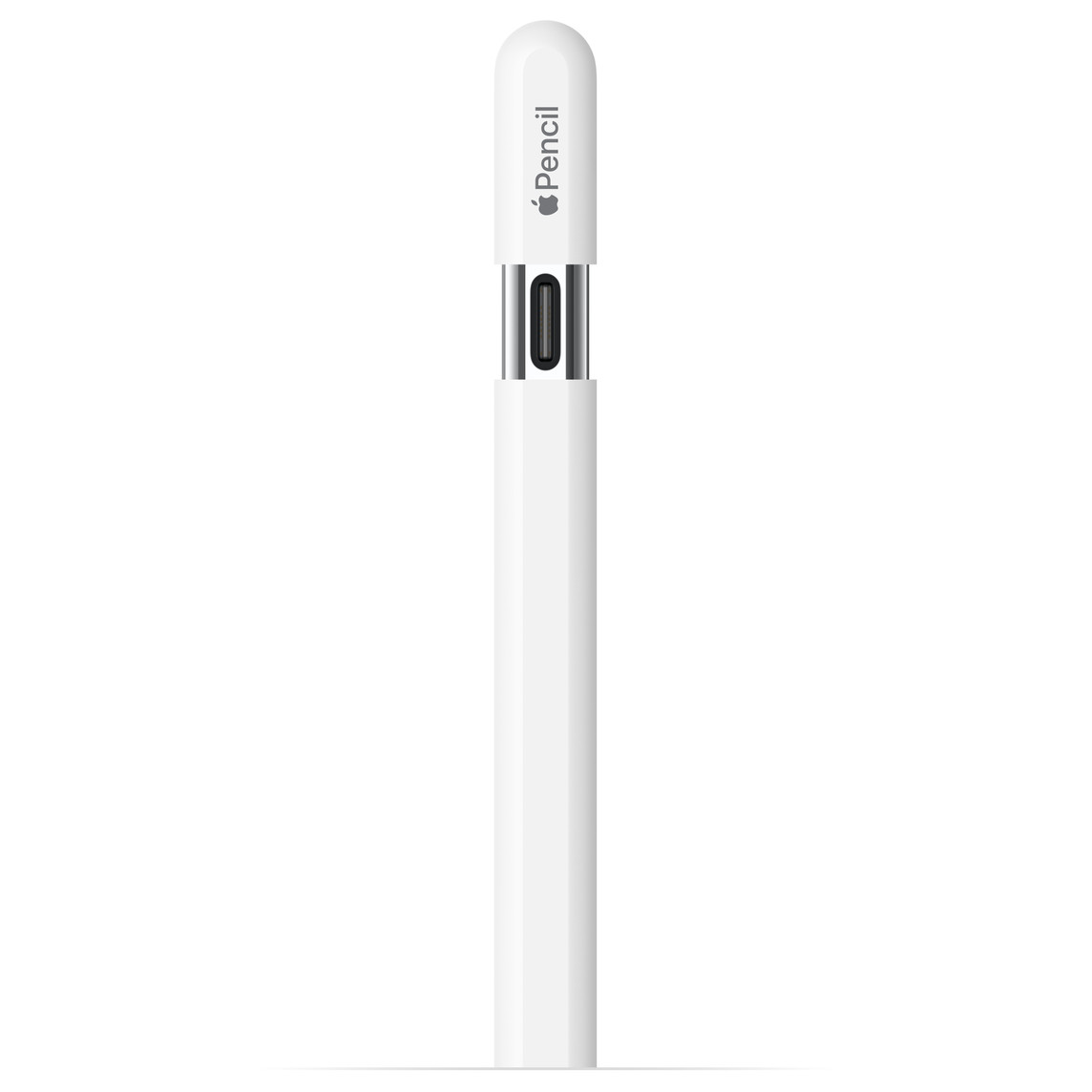
The Apple Pencil USB-C is the cheapest current Apple Pencil and the most widely compatible — it works with any iPad that has a USB-C port, which covers most current models. It charges via USB-C cable, has no magnetic attachment, no double-tap gesture, no barrel roll, no squeeze, no haptic feedback — and crucially, no pressure sensitivity. As I said earlier in this guide, that last omission makes it unsuitable for drawing and painting specifically. If you primarily want to take handwritten notes, annotate documents, mark up PDFs or navigate your iPad with a stylus rather than drawing seriously, the USB-C model does all of that at the most accessable price in the lineup. For artists, it is not the right choice.
Compatibility — Check This Before You Buy Anything
The single most common Apple Pencil mistake is buying the wrong model for your iPad. The models are not cross-compatible — an iPad that supports the Pro won’t necessarily work with the 2nd gen, and an iPad that only supports the 1st gen won’t accept the 2nd gen at all. Before buying any Apple Pencil, look up your exact iPad model and generation against Apple’s official compatibility page at apple.com, which is updated regularly and takes roughly thirty seconds to check. The short version, as of mid-2026:
Apple Pencil Pro: iPad Pro M4 and later, iPad Air M2 and M3, iPad mini A17 Pro.
Apple Pencil 2nd generation: iPad Pro 2018–2022 (11-inch and 12.9-inch), iPad Air 4th and 5th gen, iPad mini 6th gen.
Apple Pencil 1st generation: iPad 6th-10th gen (with adapter for 10th gen), older iPad Pro and Air models.
Apple Pencil USB-C: Most current USB-C iPads, plus iPad 10th gen.
Which Should You Actually Buy?
If your iPad supports the Pro, buy the Pro — for drawing specifically, the barrel roll and haptic feedback are genuinly meaningful additions rather than marketing features. If your iPad supports the 2nd gen but not the Pro, buy the 2nd gen rather than the USB-C — you keep pressure sensitivity, which matters far more than the small price difference between the two models. If your iPad only supports the 1st gen, buy the 1st gen — it’s still a proper drawing stylus despite being the oldest model. And if you’re on the USB-C only and primarily want to take notes rather than draw, the USB-C is fine for that specific purpose and nothing more.
More Digital Tools for Artists
- The Best Drawing Apps for iPad — Procreate, Adobe Fresco & More
- The Best Tablets with a Pen for Drawing
- The Best Drawing Tablet for UK Artists
- Procreate vs Adobe Fresco — Which Is Right for Digital Artists?
- The Best Laptops for Drawing and Digital Art
- Discount Art Supplies — Compare Prices Across All UK Art Retailers