Written by Paul Worrall
PureRef is one of those tools that barely gets talked about outside artist circles, and yet it’s genuinely one of the most commonly used pieces of software among people who draw, paint or model for a living. If you’ve never come across it, it’s worth knowing about — and if you have, this covers what it’s actually good and not so good at.
I’m Paul Worrall. I spent nearly a decade running digital marketing for ARTdiscount, one of the UK’s larger online art retailers, and I now run Discount Art Supplies — a price comparison platform used by over 41,000 UK artists every week.
What PureRef Actually Does

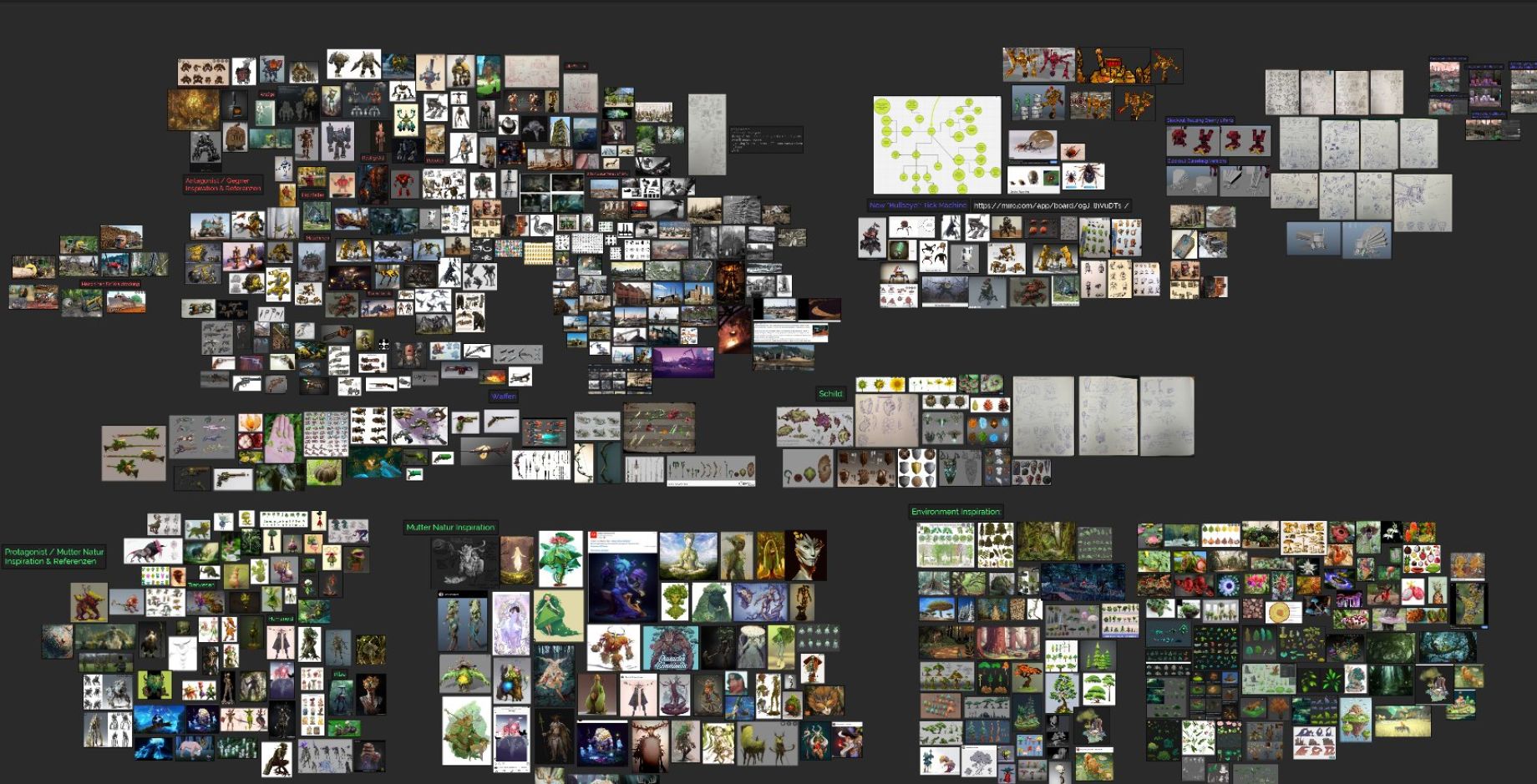
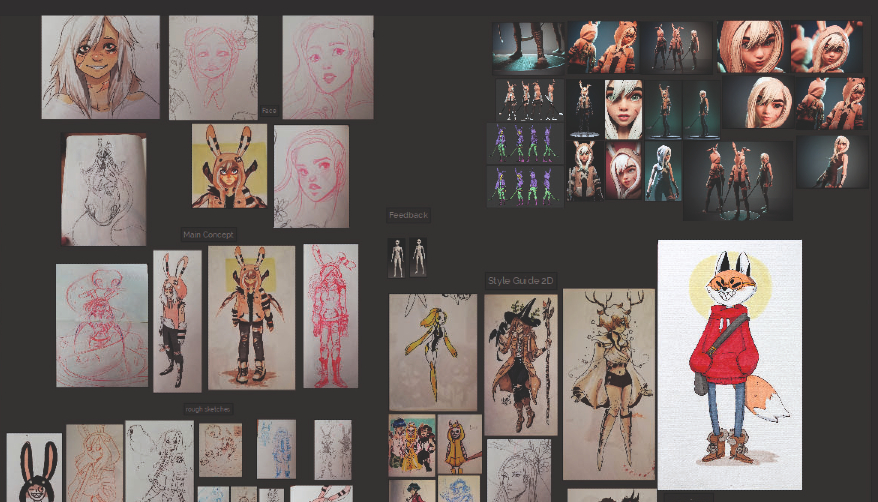
PureRef is a reference image board that sits always-on-top of whatever else you’re running — your drawing app, Blender, ZBrush, Photoshop — so you can drag in photos, sketches or colour swatches and keep them visible while you work, rather than tabbing back and forth. It’s minimalist by design: no accounts, no cloud syncing, no clutter, just images arranged on a canvas. That simplicity is exactly why it’s stayed a fixture in so many artists’ workflows for well over a decade, maintained the whole time by a single developer.
Is It Actually Free?

Genuinely, yes, for personal, hobby or educational use — the download accepts a pay-what-you-want amount, including £0. Commercial studio use requires a paid Small Business or Business licence, priced per seat. It’s honest pricing rather than a stripped-down free tier designed to push you toward paying.
What It’s Genuinely Good At
Speed and simplicity. PureRef opens in seconds, stays out of the way, and does exactly one job without trying to be anything more. For a single project — gathering references for one painting, one character, one 3D model — it’s importent to know there’s genuinely little that beats it for how little friction it adds to your actual work.
What It Can’t Do
This is the honest limitation worth knowing before you build your whole reference workflow around it: PureRef has no search, no tagging, and no way to find a specific image across different saved boards once your collection grows. It’s built as a single-session canvas, not a searchable library. Once you’ve outgrown “one board for one project” and need to find something you saved months ago across dozens of files, it genuinely starts to struggle. Large, image-heavy boards can also occasionally stall or cause save issues, which is worth bearing in mind if you work at a big scale.
If You’ve Outgrown It

Worth being honest here too: most “PureRef alternatives” content online is thin, algorithmically generated listicle spam, which makes it genuinely hard to find a trustworthy recommendation. Of the real options that exist, BeeRef is a genuine free, open-source alternative covering the same core overlay use case — though worth knowing that development activity has reportedly slowed significantly, so it’s worth checking its current state before relying on it. Eagle is a paid, one-time-purchase option built more for searchable asset libraries than a floating overlay board, genuinely solving the specific problem PureRef doesn’t. Most artists I’ve come across still use PureRef for the day-to-day overlay and only reach for something else once they specifically need a searchable archive.
FAQ
Is PureRef actually free?
Yes, for personal, hobby or educational use — the download accepts a pay-what-you-want amount, including £0. Commercial use requires a paid Small Business or Business licence.
What is PureRef actually used for?
It’s a reference image board that floats on top of your other windows, so you can keep photos, sketches or colour references visible while working in a drawing, painting or 3D program without switching apps.
What can’t PureRef do?
It has no search, no tagging and no way to find a specific image across different saved boards once your reference collection grows. It’s built for one board at a time, not as a searchable library.
If you’re building out your wider digital art toolkit, my Best Digital Art Software guide covers the rest of it. At Discount Art Supplies we compare prices across all the major UK art retailers in real time, so you can find the best current deal on materials too.