Written by Paul Worrall
Digital painting software has spent years trying to look like real paint, and most of it still looks like a computer pretending. Rebelle is one of the few programmes that actually simulates the way watercolour flows, granulates and drips, and the way oil sits thick on the surface. If you paint traditionally and want to work digitally without losing that feel, it’s well worth knowing about. The question most people have now is a simple one: do you need Rebelle 8, or Rebelle 8 Pro?
I’m Paul Worrall. I spent nearly a decade running digital marketing for ARTdiscount, one of the UK’s largest online art retailers, and I now run Discount Art Supplies, a price comparison site used by over 28,000 UK artists every week. Plenty of our readers paint in both worlds, which is why I keep an eye on the digital tools they ask about. To be upfront, this is a guide to what each version includes, what it costs and how to choose, based on what Escape Motions publishes. It isn’t a hands-on review of how the brushes feel, and I’d rather say so than pretend.
Rebelle 8: Quick Picks
Best for most painters: Rebelle 8
Best for oil painters and professionals: Rebelle 8 Pro
Best way to decide: Try the free Windows demo
What Is Rebelle 8?
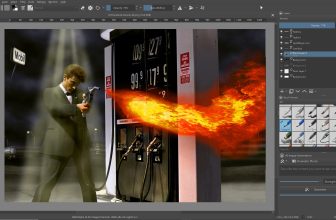
Rebelle is painting software from Escape Motions that simulates real media rather than just imitating the look. It covers oils, acrylics, watercolours, inks, pastels, pencils, markers and airbrushes, with watercolour granulation and drips, impasto for thick paint, more than 260 brush presets and a brush creator. There are masking tools, a colour mixing palette and time-lapse recording, so you can capture a painting as you make it. Rebelle 8 builds on that with an RYB colour wheel, a Color Harmonies tool and a Symmetry tool in both editions.
It launched in early access in August 2025 and was officially released on 2 October 2025 as Rebelle 8.1. Updates have followed, including version 8.2 in December 2025 and 8.3 in August 2026, which added things like gradient maps and, in Pro, heightmap export.
Rebelle 8 vs Rebelle 8 Pro: What’s the Difference?
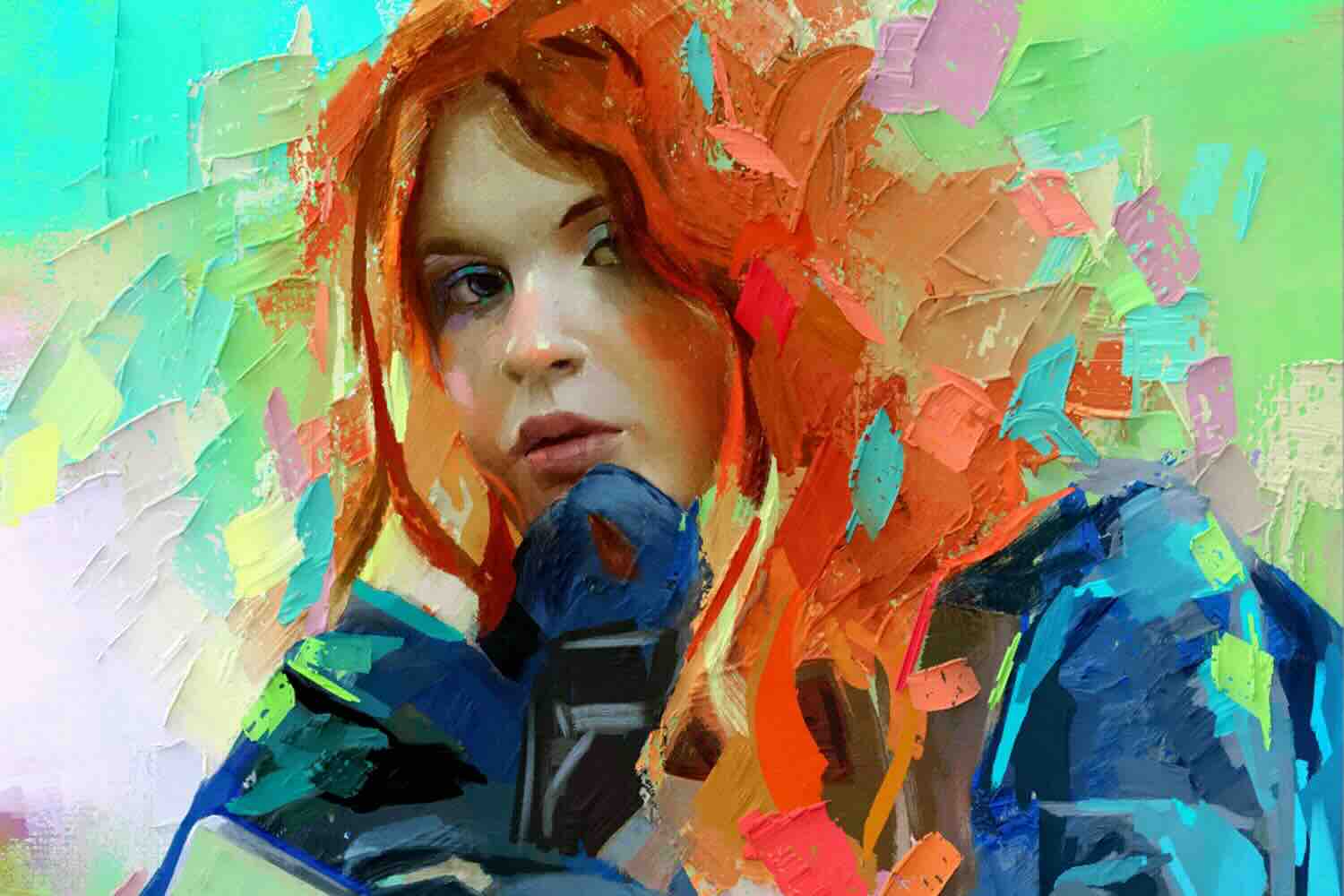
Pro includes everything in the standard edition, plus a set of tools aimed at professionals and anyone who wants to push the realism further. The headline addition is the Bristle brushes, which simulate the individual strands of a brush, along with RealShader and SoftShadows, which make thick oil strokes cast shadows and look three-dimensional in real time. Pro also adds NanoPixel 2 for exporting much larger images, plus pigment colour mixing, smooth scaling, metallic materials, advanced PSD import and export, colour management and heightmap export.
| Feature | Rebelle 8 | Rebelle 8 Pro |
|---|---|---|
| Oils, acrylics, watercolours, inks, pastels and more | Yes | Yes |
| 260+ brush presets and brush creator | Yes | Yes |
| Time-lapse recording | Yes | Yes |
| Bristle brushes | No | Yes |
| RealShader and SoftShadows (thick oil effects) | No | Yes |
| NanoPixel 2 (much larger exports) | No | Yes |
| Advanced PSD import and export | No | Yes |
| Heightmap export and colour management | No | Yes |
1. Rebelle 8 — Best for Most Painters
If you mainly paint in watercolour, ink or pencil, or you’re curious about digital painting that behaves like the real thing, the standard edition already does a lot. You get the full set of simulated media, the brush library, masking and the colour tools, which is more than most casual or hobby painters will use. It’s also the easier choice if you’re nervous about spending more on software than you do on paint.
2. Rebelle 8 Pro — Best for Oil Painters and Professionals
Pro is the one to look at if thick, textured oil paint is your thing, if you work with large print-ready files or if you move work in and out of Photoshop. The Bristle brushes and the shading on thick paint are the main reasons to upgrade. The larger export tools and the PSD support matter more if you’re producing work for clients or print than if you’re painting for pleasure.
How Much Does Rebelle 8 Cost?
At launch, Escape Motions listed Rebelle 8 at $89.99 and Rebelle 8 Pro at $149.99, which are US dollar prices, so check the checkout for the pound price and VAT before you buy. Prices can change, and I’d always look at the live page.
It’s a perpetual licence with one year of free updates. If you don’t renew after that, you keep the last version released during your update window, which is quite different from a subscription, where access stops when you stop paying. Escape Motions also lists a 30-day refund policy.
Rebelle 8 Upgrade Price
When Rebelle 8 launched, Rebelle 7 owners could upgrade at half price, at $44.99 for the standard edition or $74.99 for Pro, with a year of updates included. Anyone who bought Rebelle 7 on or after 28 May 2025 got the upgrade to the same edition free, and early access buyers received the full version at no extra cost. These were the launch terms, so check the shop for the current offer, as it may have changed since then.
Rebelle 8 System Requirements
The minimum is an Intel i5 or equivalent AMD processor, 4 GB of RAM, 1.5 GB of disk space and a graphics card with 1 GB of memory, running Windows 10 (64-bit) or macOS 10.15. Pro needs a graphics card that supports OpenGL 3.3. The recommended spec is a more modern Intel i7, AMD or Apple Silicon processor, 16 GB of RAM and a graphics card with 2 GB, plus a tablet that works with Wacom or Windows Ink. An internet connection is needed for activation. Windows and macOS are the platforms listed.
Is There a Rebelle 8 Free Trial?
Yes, Escape Motions offers a free demo, and given the price I’d use it first. The page lists a Windows demo, which needs your email address for the download link, and I didn’t see a Mac trial link on it.
Is Rebelle 8 Available for iPad?
Escape Motions’ product page lists Windows and macOS for Rebelle 8. I couldn’t find an iPad version of Rebelle 8, so if iPad is what you’re after, check their site directly before you spend anything. If you do want something that works across tablets, my guides to Adobe Creative Cloud for artists and our other artist software reviews are a good place to compare options.
Which Should You Buy?
For most traditional painters trying digital for the first time, I’d start with the free demo and then the standard edition. It does a similiar job to the Pro for watercolour and pencil work, and you can always upgrade later if you find yourself wanting thicker oil effects or bigger exports. Go straight to Pro only if you already know you need those tools, because that’s where the extra money goes. It’s a good oppurtunity to try before you commit, and the 30-day refund policy takes some of the risk out of it.
And if you’d rather spend on real paint, check our latest art supply deals or join the newsletter or our Facebook group of 15,000+ artists, so you don’t miss a sale. Running a small buisness around your art means every pound counts.
Frequently Asked Questions
What is Rebelle 8? Rebelle 8 is painting software from Escape Motions that simulates real media, including watercolour, oil, acrylic, ink and pastel, with realistic effects such as watercolour granulation and drips.
What is the difference between Rebelle 8 and Rebelle 8 Pro? Rebelle 8 Pro includes everything in Rebelle 8, plus Bristle brushes, RealShader and SoftShadows for thick oil paint, NanoPixel 2 for larger exports, advanced PSD import and export and colour management.
How much does Rebelle 8 cost? At launch, Rebelle 8 was listed at $89.99 and Rebelle 8 Pro at $149.99. It is a perpetual licence with one year of free updates, so check the checkout for current pricing.
What are the Rebelle 8 system requirements? The minimum is an Intel i5 or equivalent AMD processor, 4 GB of RAM and a graphics card with 1 GB of memory, on Windows 10 (64-bit) or macOS 10.15. Pro needs OpenGL 3.3.
Is there a Rebelle 8 free trial? Yes. Escape Motions offers a free demo, and its page lists a Windows version that needs an email address to download.