Written by Paul Worrall
Procreate versus Adobe Fresco is one of the most common questions I see from artists making the jump into digital work, and the honest answer is that neither app is objectively better — they’re built on completely different philosophies and suit different kinds of artists. I’ve spent sixteen years in the art supplies industry and run Discount Art Supplies, used by over 36,000 UK artists every week, and this comparison comes up in our community regularly enough that it’s worth settling properly.
For anyone not familiar with either app — Procreate and Adobe Fresco are both digital painting and illustration apps designed for drawing directly onto a screen using a stylus, most commonly an Apple Pencil on an iPad. Think of them as a digital sketchbook and paint set combined — you choose a brush, a colour, and draw or paint directly onto a digital canvas, with layers, undo history and export options that traditional materials simply can’t offer. Both apps are aimed at illustrators, concept artists, comic creators and anyone wanting to move some or all of their practice onto a tablet rather than paper or canvas.
Quick Answer — Which Should You Choose?
Choose Procreate if: You’re on iPad, want a one-off purchase with no subscription, and prioritise speed and simplicity.
Choose Adobe Fresco if: You already use Creative Cloud, want cross-platform access (iPad, Windows, desktop), or want the most realistic painting brushes available.
Price: Procreate — £12.99 one-time. Adobe Fresco — free tier available, £9.99/month for premium (often free with existing Creative Cloud subscription).
Procreate vs Adobe Fresco — Pricing
This is where the two apps diverge most sharply and it’s usually the deciding factor for most artists. Procreate is a one-time purchase of £12.99 from the App Store. You pay once, you own it, there’s no subscription, no recurring cost, no risk of losing access if you stop paying. For artists who want to avoid subscription fatigue — and there’s a lot of that in the creative software world right now — Procreate’s pricing model is genuinely refreshing.
Adobe Fresco takes the opposite approach. There’s a free tier with core drawing and painting tools, which is enough for many casual users to get started without paying anything. The premium tier costs £9.99 a month and unlocks the full Photoshop brush library, additional fonts and cloud storage. Crucially, if you already pay for Adobe Creative Cloud for Photoshop or Illustrator, Fresco Premium is included at no extra cost — which makes it essentially free for anyone already in the Adobe ecosystem.
Procreate vs Adobe Fresco — Platform Support
Procreate is iPad-exclusive, with a limited iPhone version called Procreate Pocket. That’s it. No Windows, no Android, no desktop Mac version. If you work across multiple devices or want to switch between an iPad and a laptop, this is a genuine limitation.
Adobe Fresco works on iPad, Windows and desktop, with files syncing through Creative Cloud. For artists who move between devices — sketching on an iPad on the train, finishing detailed work on a desktop at home — Fresco’s cross-platform support is a significant pratical advantage. If you only ever work on an iPad, this difference won’t matter to you at all.
Procreate vs Adobe Fresco — Brushes and Painting Feel
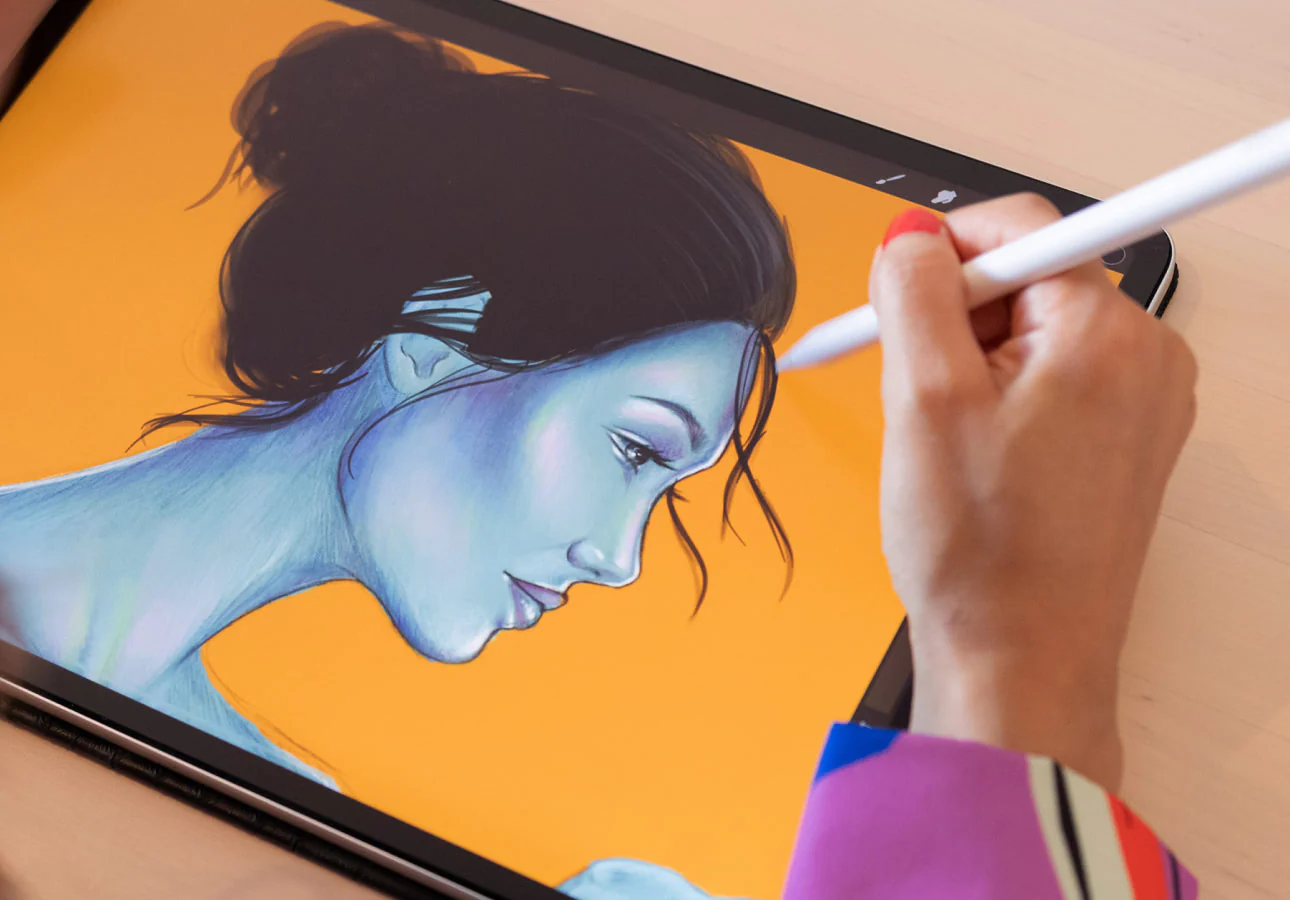
Adobe Fresco’s standout feature is its brush library — thousands of brushes, including the renowned Kyle T. Webster collection sourced from Photoshop, alongside live watercolour and oil brushes that genuinley mimic how real paint behaves. The watercolour brushes in particular bloom and bleed realistically as you paint, and the oil brushes allow proper smudging and layering that feels closer to traditional media than almost anything else available digitally.
Procreate’s brush set is smaller in raw numbers but highly customisable — you can build and tweak your own brushes extensively, and the existing library covers most styles competently. What Procreate does better is speed and responsiveness. The app is built to run smoothly even on older iPad models, with a minimal, focused interface that gets out of the way of the actual drawing.
Procreate vs Adobe Fresco — Animation
If animation is part of your interest, Procreate has a meaningful edge here with its Animation Assist feature — strong onion skinning and frame-by-frame timeline tools that are genuinely well built for traditional 2D animation work. Adobe Fresco includes basic frame-by-frame tools but they’re less developed, though Fresco does offer more advanced motion sequence capabilities for animating individual objects rather than full frame-by-frame sequences.
Procreate vs Adobe Fresco — File Compatibility and Workflow
If your work needs to move into other software — particularly Photoshop or Illustrator for further editing, printing preparation or client delivery — Adobe Fresco’s native integration with the rest of Creative Cloud is a genuine workflow advantage. Files move seamlessly between Fresco and Photoshop without export and import friction.
Procreate exports to standard formats — PSD, PNG, JPEG and others — which work perfectly well for most purposes but don’t have the same seamless integration if your downstream workflow depends heavily on the Adobe ecosystem.
The Honest Recommendation
If you’re starting out, work primarily on an iPad, and want to avoid subscriptions entirely — Procreate is the better starting point. The one-time cost, the speed, and the focused simplicity make it an excellent first proper digital art tool. Most professional illustrators I’ve come across in the UK art community who work digitally on iPad use Procreate as their primary tool.
If you already use Adobe Creative Cloud for other design work, need to move between devices, or want the most realistic traditional-media brush simulation available — Adobe Fresco is the stronger choice, and effectively free if your Creative Cloud subscription already covers it.
For artists who want to explore both before committing, Adobe Fresco’s free tier is the lowest-risk starting point since it costs nothing to try propperly. Procreate doesn’t offer a free trial, only the £12.99 purchase, though that’s a low enough barrier that most artists find it worth the risk.