Last updated: April 2026
Let me be straight with you from the start — Canva is not a professional design tool in the way that Adobe Illustrator or Photoshop are. It never claimed to be. But in 16 years of digital marketing, including a decade building brands in the art supplies industry, I’ve watched Canva quietly become one of the most genuinely useful tools available to independent artists who want to look professional online without spending thousands on a designer or weeks learning software that has a learning curve like a cliff face.
The question isn’t really whether Canva is good. It is. The question is whether the Pro version — at £13 a month or £100 a year — is worth paying for when the free version is already surprisingly capable. That’s what this article is actually about.
What Does Canva Actually Do for Artists?
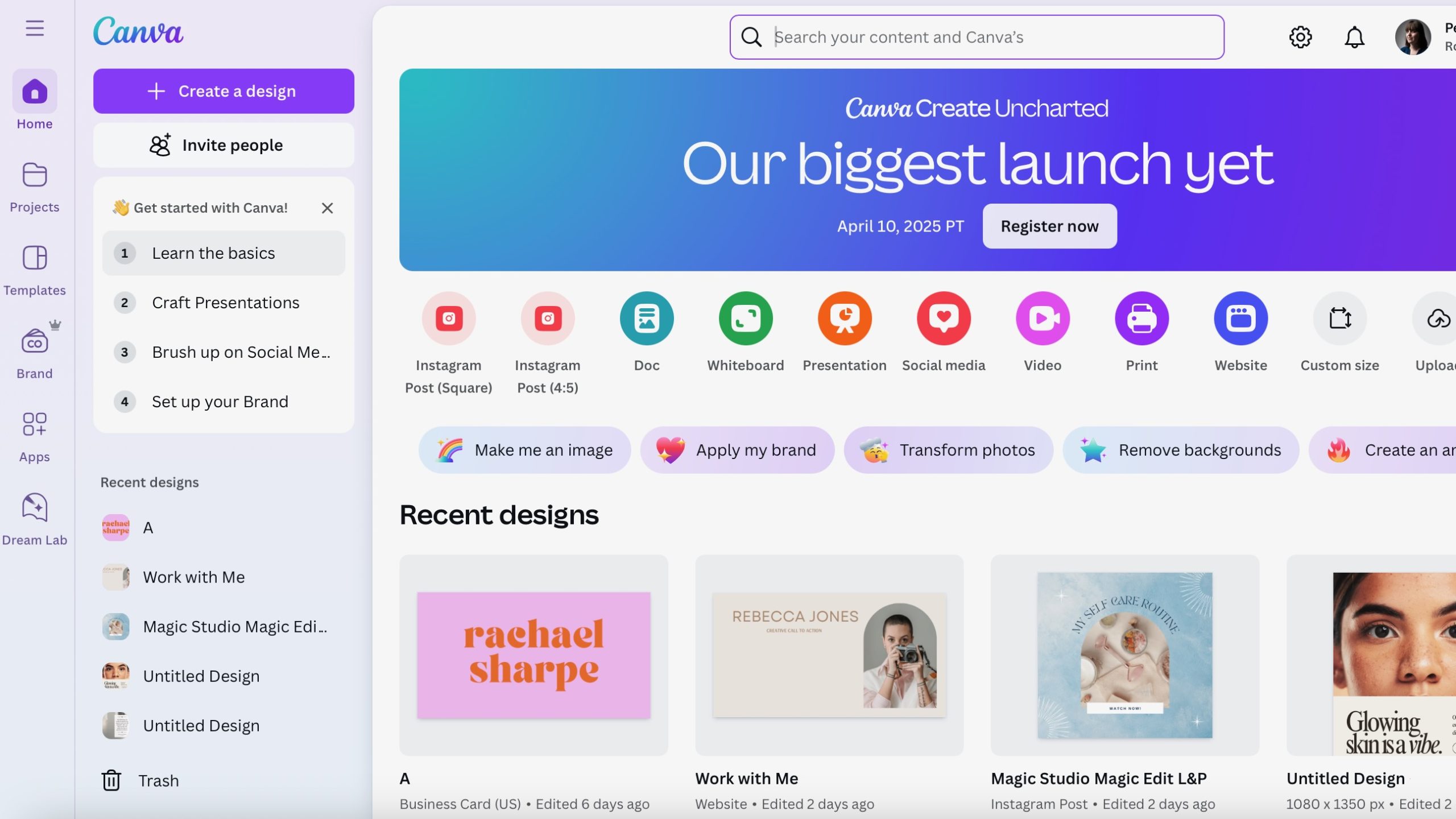
Before we get into the Pro vs Free comparison, it’s worth being clear about what artists actually use Canva for — because if you’re expecting it to replace your creative practice you’re looking at the wrong tool entirely.
Where Canva genuinely earns its place for artists:
- Social media graphics — Instagram posts, stories, Pinterest pins, Facebook banners
- Portfolio presentation — clean, professional layouts for your work
- Print on demand product mockups — seeing how your art looks on a mug, tote or phone case before committing
- Marketing materials — price lists, commission information sheets, exhibition flyers
- Email headers and newsletters — if you’re building an audience around your art
- Website graphics and banners
- Press kits and media packs for galleries or stockists
None of that is about the art itself. It’s about everything around the art — the presentation, the marketing, the professional infrastructure of running an art business. And that’s exactly where Canva saves artists an enormous amount of time and money.
What’s in the Free Version?
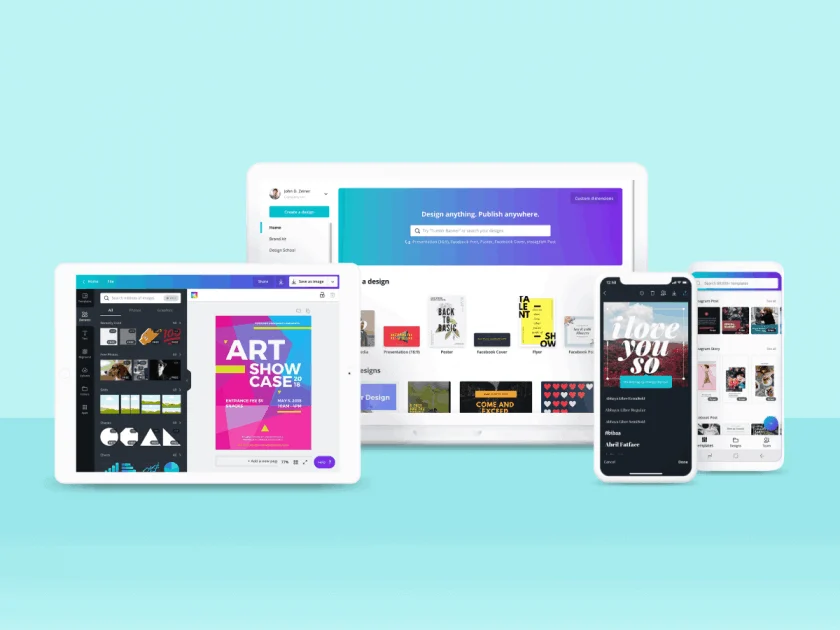
The free version of Canva is genuinely good and it’s worth being honest about that before recommending anyone upgrade. You get:
- Over 2 million free templates
- Access to millions of free stock photos, graphics and fonts
- 5GB of cloud storage
- Real time collaboration
- Basic design tools including the drag and drop editor
- Export to PNG, JPG and PDF
For a lot of artists who just need occasional social media graphics or a simple flyer, the free version is genuinely sufficient. Don’t let anyone tell you otherwise. The free tier is one of the most generous in the SaaS world — which is why Canva has over 135 million users globally.
But there are specific points where the free version runs out of road. And if you hit those limitations regularly, the Pro upgrade pays for itself quickly.
What Do You Actually Get with Canva Pro?
At £13/month or £100/year in the UK, Canva Pro adds:
- Magic Resize — resize any design to any format in one click. This alone is worth the subscription if you post across multiple platforms
- Background Remover — remove backgrounds from product photos or artwork instantly
- Brand Kit — store your colours, fonts and logos so every design is consistent
- 100GB storage — versus 5GB on the free plan
- Premium templates and assets — access to 100 million+ stock images, videos, audio and graphics
- Magic Studio AI tools — 25+ AI-powered design features including Magic Write, Magic Expand and Magic Design
- Transparent PNG export — essential if you’re putting your artwork on mockups or products
- SVG export — useful for print work
- Schedule social media posts — publish directly from Canva to Instagram, Facebook, Pinterest and more
- Save templates — build your own reusable templates for consistency
The Features That Actually Matter for Artists
Let me cut through the marketing and tell you which Pro features I think genuinely matter for artists specifically — and which ones you’ll probably never touch.
Magic Resize — genuinely transformative. If you’re posting your art across Instagram, Pinterest, Facebook and your website you’ll know the pain of manually resizing the same image over and over. Magic Resize does it in literally one click. Create one design and instantly generate every format you need. If you post consistently on social media this single feature justifies the entire subscription.
Background Remover — more useful than you’d think. Want to take a photo of your painting and drop it onto a clean white background for your online shop? Want to put your artwork onto a product mockup without a white border around it? Background Remover does this automatically in seconds. On the free plan you’re doing this manually in Photoshop or paying for a separate tool.
Brand Kit — essential if you’re building a recognisable art brand. Store your specific colours, your logo, your brand fonts — and they’re available in every design you create. Sounds simple but it makes a significant difference to the consistency of your online presence. Inconsistent branding is one of the things that makes independent artists look amateur online even when the art itself is exceptional.
Transparent PNG export — absolutely essential. This is locked behind Pro and it’s genuinely important. If you want to export your artwork or a logo with a transparent background — to put on a tote bag mockup, a website header, a watermark — you need transparent PNG. The free plan doesn’t give you this. For artists using print on demand platforms like Printful or Printify this is a real limitation.
The AI tools — interesting but not essential. Magic Write, Magic Design, Magic Expand — they’re clever and they’ll save you time on specific tasks. But they’re not the reason to upgrade. Think of them as a useful bonus rather than the main event.
The premium template library — honestly less important than you’d think. The free templates are already very good. Most artists using Canva properly end up adapting templates to their own brand rather than using them out of the box, which means the premium template count matters less than the quality of your own Brand Kit.
Canva Pro Pricing — What Does It Actually Cost?
| Plan | Monthly Cost (UK) | Annual Cost (UK) | Best For |
|---|---|---|---|
| Canva Free | £0 | £0 | Occasional use, beginners |
| Canva Pro | £13/month | £100/year | Individual artists building a brand |
| Canva Business | £20/user/month | From £90/user/year | Teams and agencies |
The annual plan at £100/year works out at £8.33 a month — a meaningful saving over monthly billing. If you’re going to subscribe, pay annually. And Canva regularly runs promotions including 30-day free trials on Pro — worth starting a trial before committing to get a proper feel for whether you’ll use the Pro features enough.
Is Canva Pro Worth It for Artists — The Honest Verdict
It depends entirely on one thing — how seriously you’re treating the business side of your art.
If you’re a hobbyist who paints for pleasure and occasionally shares on Instagram, the free version is genuinely sufficient. Don’t spend £13 a month on features you won’t use.
If you’re actively trying to build an audience, sell your work online, run a print on demand shop or present yourself professionally to galleries, stockists or clients — Canva Pro at £100 a year is an absolute no-brainer. It’s less than £2 a week for a tool that will save you hours every month and make everything you put out look significantly more professional.
The way I think about it: if you’re serious enough about selling your art to be reading this article, you’re serious enough to justify Canva Pro. The transparent PNG export alone — which you’ll need constantly if you’re using print on demand — makes it worth it.
And if you’re building a website to sell your art, make sure you’ve read our comparison of Shopify for artists and Squarespace for artists — Canva integrates naturally with both.
Rating: 4.5/5 for artists building an art business. 2/5 for hobbyists who just need the occasional graphic.
→ Try Canva Pro Free for 30 Days
Disclosure: This article may contain affiliate links. If you sign up to any platform via our links we may earn a small commission at no extra cost to you. We only recommend tools we’d genuinely point an artist friend toward.