Written by Paul Worrall
ArtPlacer solves a problem every artist selling online runs into eventually — a buyer loves a piece in the photo but can’t picture it on their own wall, and that hesitation kills sales that would otherwise close. ArtPlacer’s augmented reality visualisation lets a collector see your artwork at true scale on their actual wall through their phone camera, and it’s genuinly one of the more useful pieces of art-specific technology to emerge in recent years. Here’s the honest picture of what it does well, where it falls short, and who it’s actually built for.
Quick Verdict
Best for: Galleries, art advisors and full-time professional artists managing larger inventories who sell through their own website.
Pricing: From around $9/month up to $144/month depending on tier, with annual billing saving up to 15%.
The catch: No video content on any plan — static images and AR only, which matters if Instagram Reels and TikTok are central to how you sell.
What Does ArtPlacer Actually Do?
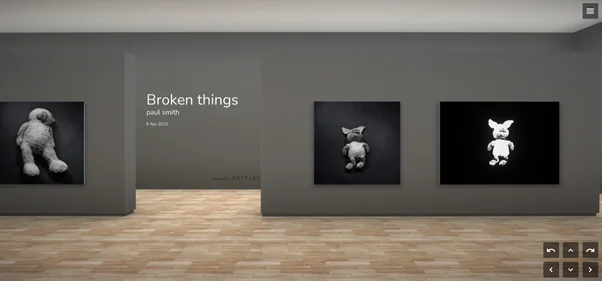
ArtPlacer is an all-in-one marketing and visualisation platform built for artists, galleries, art dealers and curators. The core feature is augmented reality — a free mobile app for iOS and Android lets potential buyers visualise your artwork on their own wall at precise, real-world scale before they buy, using their phone camera. Alongside that, it offers over 2,800 pre-designed room mockups so you can place your work in a styled interior without needing your own photography setup, custom wall colours, virtual 3D exhibitions for hosting full online shows, and a Personal Spaces feature for sending collectors a tailored visual preview.
The website integration is genuinly the most practical day-to-day feature for most artists — once set up, visitors to your own site or Shopify store can use the AR widget directly, without needing to download anything separately. Removing that friction matters, because every extra step between “I like this” and “I can picture it in my home” is a chance for a buyer to lose momentum and close the tab instead.
The AR Visualisation Is Genuinly the Standout Feature
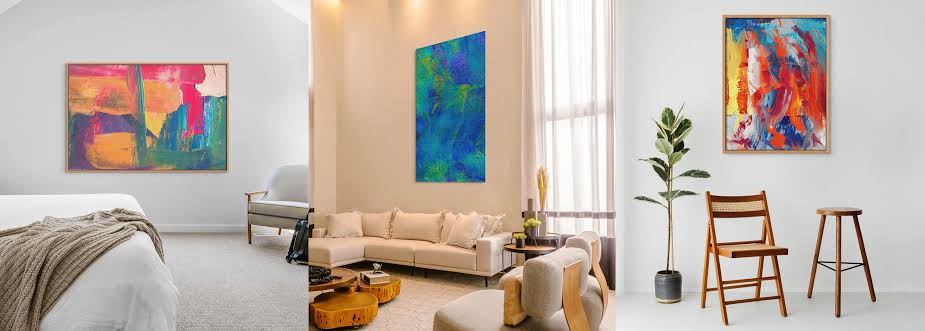
Reviewers consistently single this out as the reason to use ArtPlacer over cheaper alternatives — it remains one of the only properly built AR visualisation tools available as a Shopify app, which matters enormously if you sell directly through your own store rather than a marketplace. Letting a buyer see exactly how a piece will sit on their wall, at the right size, in the right light, addresses one of the single biggest hesitations in buying art sight-unseen — and removing that hesitation genuinly converts browsers into buyers more often than a flat product photo ever will.
Room Mockups — A Genuine Time Saver
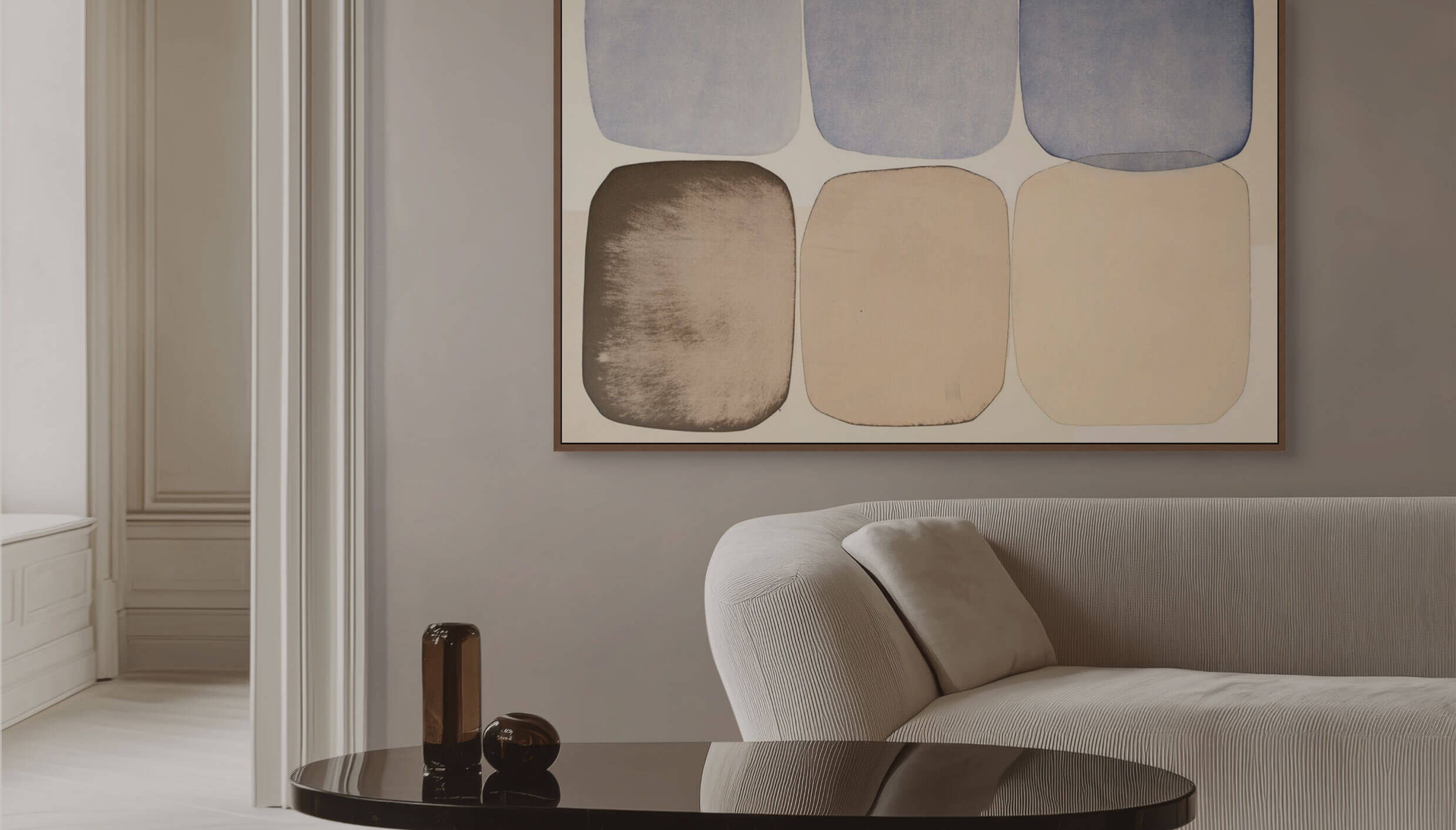
The 2,800+ room mockup library is a legitimately useful shortcut for artists who don’t have the time, equipment or styling skill to photograph their own work convincingly in a staged interior. Rather than spending hours in Photoshop building a believable mockup of a painting hung above a sofa, ArtPlacer does it in a few clicks with a genuinly professional finish — modern, classy, funky or classical interiors are all covered, and the variety is good enough that your listings don’t all look like they came from the same template.
Where It Falls Short
The most significant gap is video. ArtPlacer produces static images exclusively — no cinematic reels, no camera movement, nothing that moves, on any plan at any price point. In 2026, with Instagram Reels and TikTok acting as the primary discovery engine for art sold online, that’s a genuinly meaningful limitation if video is central to how you market your work.
The other honest criticism, echoed across multiple reviews, is that ArtPlacer’s most useful features for individual artists — the Discover profile, Personal Spaces and Presentations suite — sit behind the Advanced and Premium tiers rather than the entry-level plan, meaning the basic plan undersells what the platform can actually do. A handful of users have also flagged a strict no-refund policy on annual plans once the service has been used, even when discontinuing partway through — worth reading the terms carefully before committing to yearly billing over monthly.
Who Should Actually Use ArtPlacer?
Worth it if: You’re a gallery, art advisor or full-time professional artist with a meaningful inventory selling through your own website or Shopify store, where the AR visualisation and room mockups genuinly help close sales on higher-value pieces.
Probably overkill if: You’re an independent artist selling primarily through Instagram and Etsy with a smaller, frequently rotating body of work. The Basic plan’s 20-artwork inventory cap and the higher-tier features most useful to solo artists make ArtPlacer feel built for a bigger operation than many individual sellers actually run. If video content and social-native marketing matter more to you than AR visualisation specifically, it’s worth weighing ArtPlacer against tools built around video and reels rather than static mockups.
Final Verdict
ArtPlacer does one thing genuinly well — AR visualisation that helps collectors picture a piece in their own space before buying — and that alone justifies the cost for artists and galleries selling higher-value work through their own website. The lack of any video capability is a real gap given how art is discovered and marketed in 2026, and the pricing structure rewards committing to a higher tier than many solo artists will initially think they need. Worth the 7-day free trial to see whether the AR feature specifically moves the needle for your own sales before committing to a paid plan.