Written by Paul Worrall
Buying a computer for graphic design is genuinly a different decision to buying one for general use, and the mistake most people make is either wildly overspending on specs they’ll never touch, or underspending and hitting a wall the moment they open a large file in Photoshop or Illustrator. This is the honest breakdown of what actually matters, and what’s worth buying at every budget.
I should probably declare an interest before we go any further: I’m a lifelong Mac user, and it genuinly goes back a generation. My dad was a sign maker, and he was designing the actual Pepsi and Fanta signage on Blackpool Tower, the Sandcastle and North Pier using an original Macintosh SE back in the late 1980s. I grew up around that machine, and something about it clearly stuck — I use an Android phone quite happily, but when it comes to actually sitting down and working, I genuinly cannot do it on anything other than a Mac. That bias will show through in this guide, and I’d rather be upfront about it than pretend I’m coming at this with no history at all.
I’ve spent 16 years in the UK art and creative supplies industry and now run Discount Art Supplies, used by over 41,000 UK artists and creatives every week. If you’ve already sorted your software, our guides to GIMP vs Photoshop and the best digital art software are worth reading alongside this one — this is specifically about the hardware underneath it.
Quick Picks — Best Computers for Graphic Design UK
Best all-in-one desktop: Apple iMac (M-series) — Buy on Amazon
Best for professional/heavy workloads: Apple Mac Studio — Buy on Amazon
Best laptop overall: MacBook Pro (M-series) — Buy on Amazon
Best Windows option: Dell XPS Desktop/Laptop — Buy on Amazon
Best budget: Apple Mac Mini — Buy on Amazon
Desktop or Laptop — Which Should You Choose?
This is genuinly the first decision to make, before any specific model. A desktop gives you more performance per pound, better cooling (which matters a lot under sustained heavy design work), and a bigger screen without extra spend. A laptop gives you the ability to work from a client’s office, a coffee shop, or simply a different room in the house, at the cost of paying more for the same raw performance.
If you work entirely from one desk, a desktop is genuinly the better value choice almost every time. If your work genuinly requires portability — meetings, freelance work across locations, students moving between home and college — the laptop premium is worth paying for what you actually need, not just what looks more convenient.
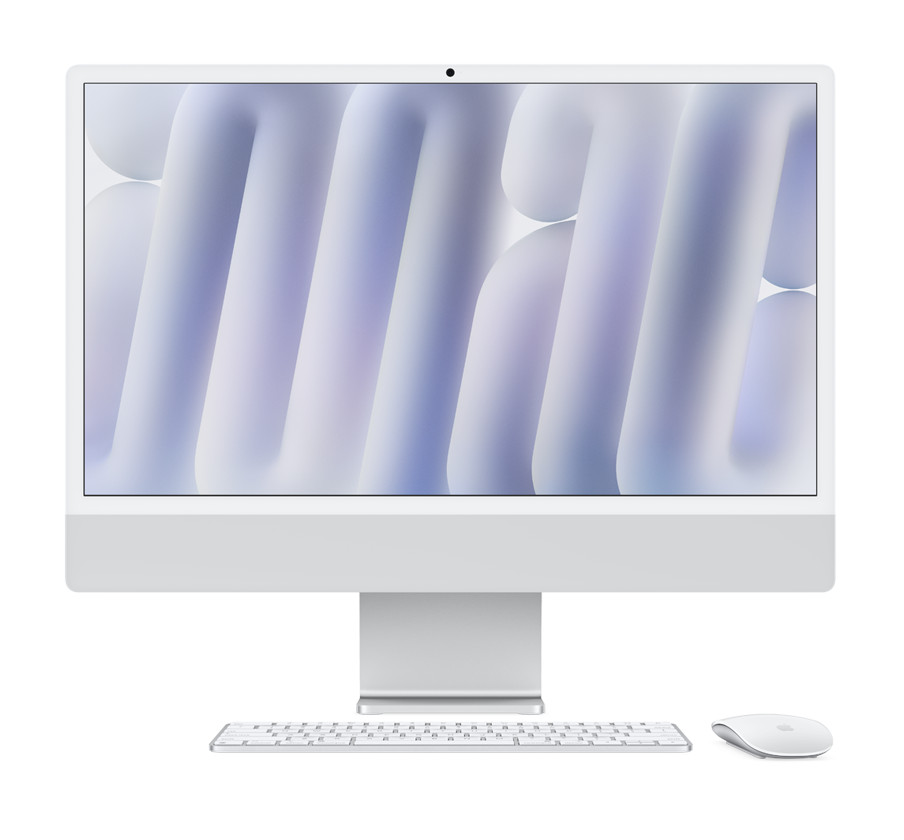
1. Apple iMac (M-series) — Best All-in-One Desktop
The iMac’s all-in-one design genuinly suits a design desk well — a properly colour-accurate display built in, Apple Silicon performance that handles the full Adobe suite comfortably, and none of the cable clutter of a separate tower and monitor. For anyone who wants a single, tidy purchase without building or choosing components separately, it’s a sensible default.
The trade-off is upgradeability — what you buy is what you’re stuck with, since RAM and storage can’t be added later the way they can on some Windows desktops. Buy slightly more spec than you think you need on day one, since there’s no upgrading your way out of a mistake later.
🔍 Compare iMac Prices → 🛒 Buy on Amazon2. Apple Mac Studio — Best for Professional/Heavy Workloads
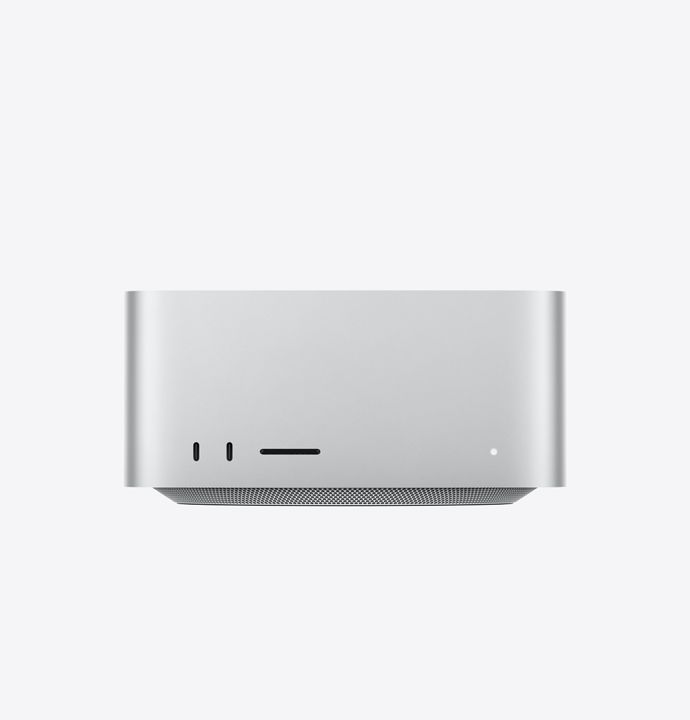
For genuinly demanding work — large-format print files, heavy multi-layer compositing, video crossover work alongside design — the Mac Studio’s raw performance headroom is a real step up from the iMac. It’s a headless desktop, so you’ll need your own monitor, but that also means you can pair it with a genuinly excellent display of your choice rather than being locked to Apple’s built-in screen.
This is a considered purchase for professionals whose time is genuinly worth the extra cost in faster render and export times, not a first computer for someone just starting out in design.
🔍 Compare Mac Studio Prices → 🛒 Buy on Amazon3. MacBook Pro (M-series) — Best Laptop Overall
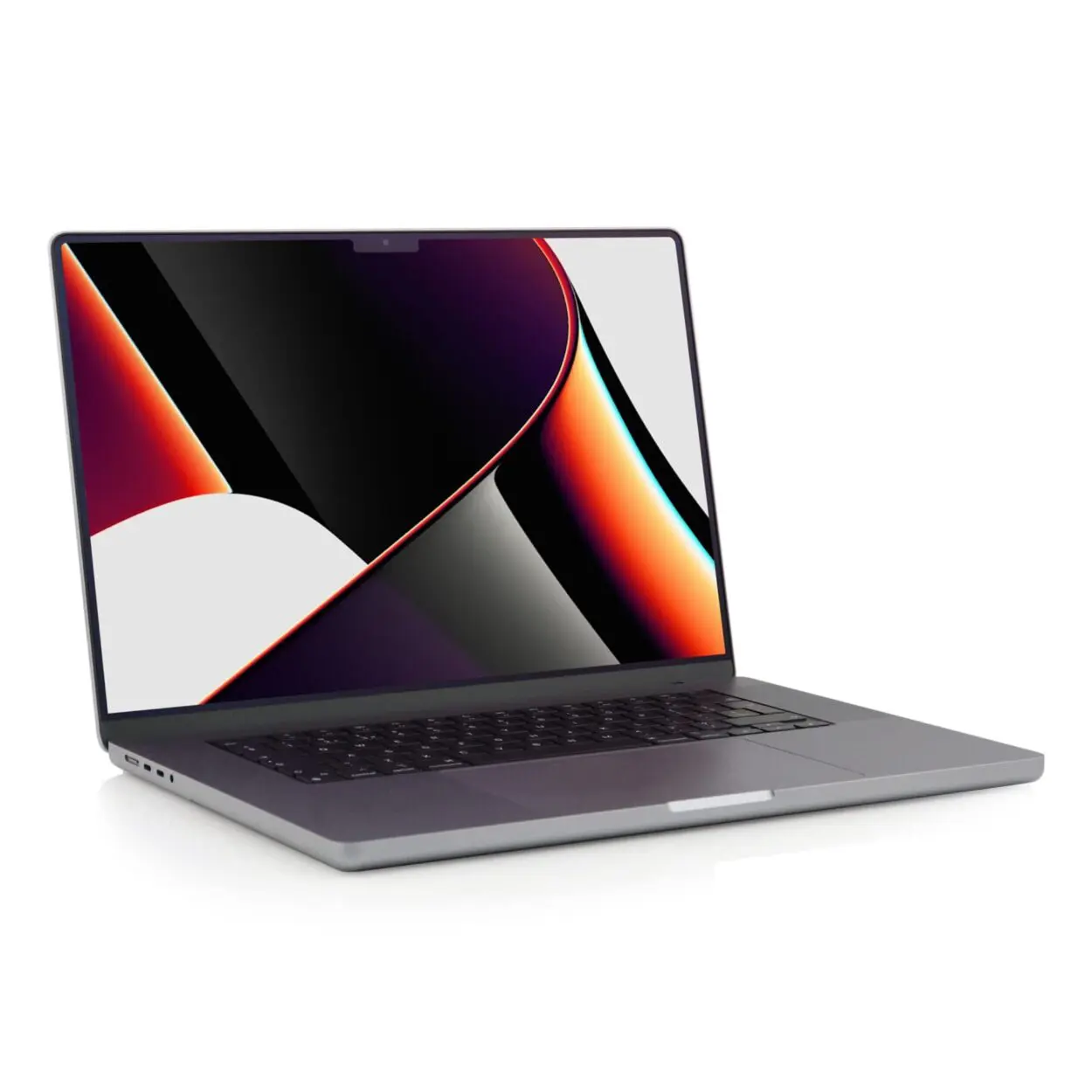
The MacBook Pro has genuinly become the default choice across much of the design industry, and the reasons hold up under scrutiny — excellent battery life even under sustained creative workloads, a genuinly colour-accurate display, and enough sustained performance to handle real design work rather than just light editing on the move.
It’s a premium price point, and the 14-inch versus 16-inch decision matters more than people expect — the 16-inch gives genuinly more comfortable screen real estate for detailed work, while the 14-inch is more practical if portability is the whole reason you’re buying a laptop rather than a desktop.
🔍 Compare MacBook Pro Prices → 🛒 Buy on Amazon4. Dell XPS — Best Windows Option
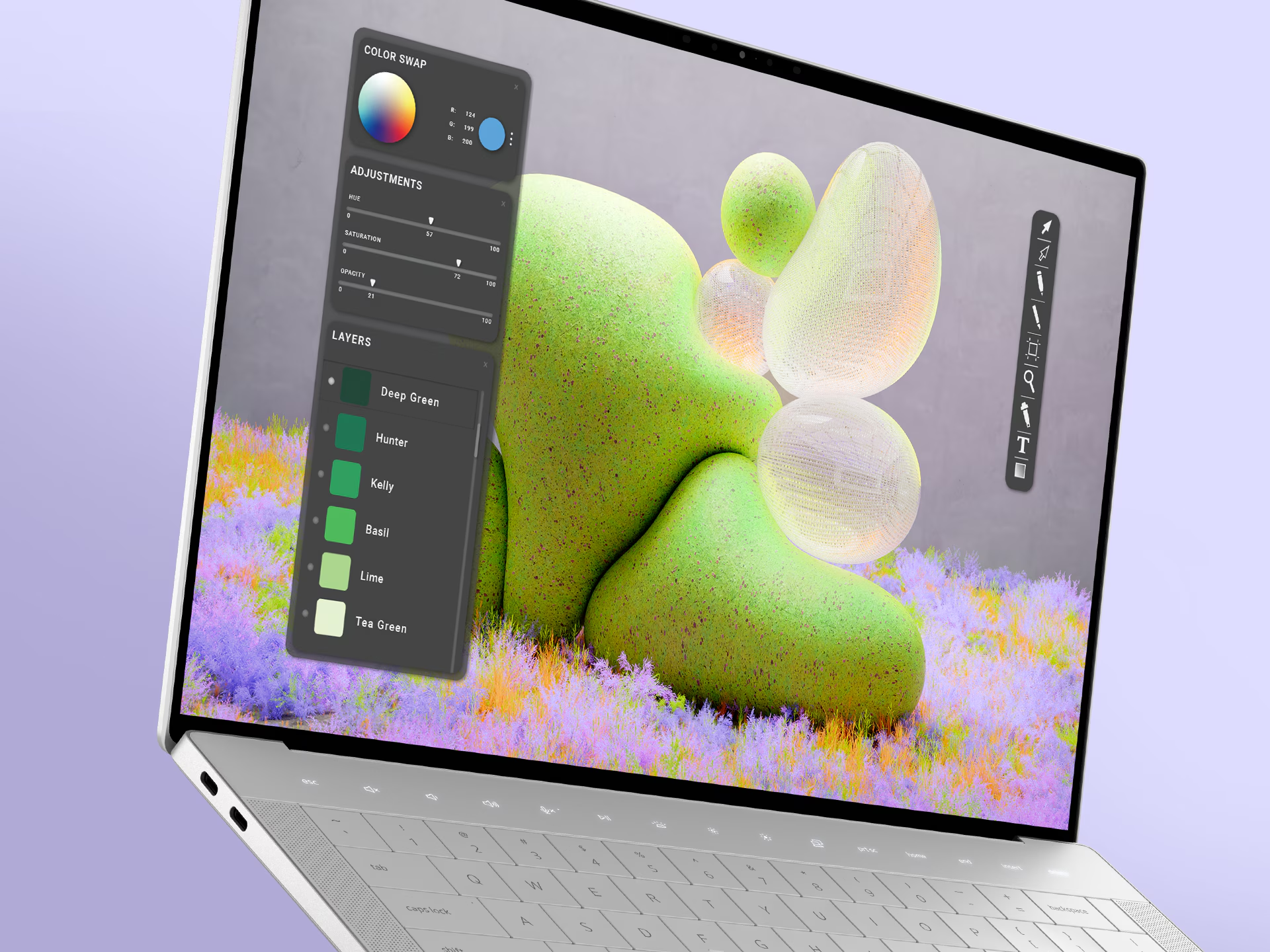
For anyone who needs or prefers Windows — specific software that isn’t Mac-native, existing familiarity, or simply personal preference — Dell’s XPS range is genuinly one of the best-built Windows options for creative work, with strong display quality and dedicated graphics options that matter for GPU-accelerated design and video work.
Windows also opens up a genuinly wider range of dedicated graphics card options than Mac, which matters specifically if your work crosses into 3D rendering or video editing alongside graphic design, where raw GPU power counts for more than it does in most standard design work.
🔍 Compare Dell XPS Prices → 🛒 Buy on Amazon5. Apple Mac Mini — Best Budget
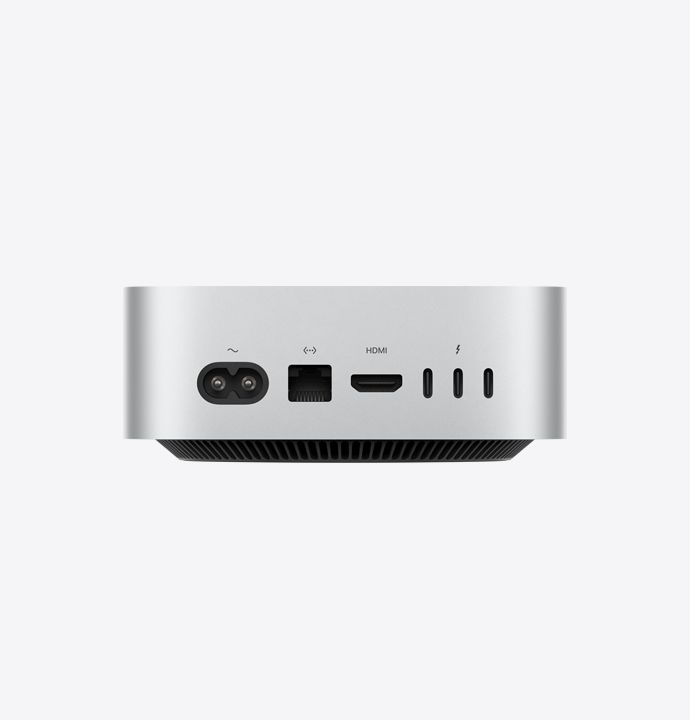
The Mac Mini is genuinly the most accessible route into Apple Silicon performance without iMac or MacBook pricing, provided you already have or don’t mind buying a separate monitor, keyboard and mouse. For students or anyone starting out in design who wants to learn on genuinly capable hardware without a large upfront commitment, it’s a sensible starting point.
It won’t match the Mac Studio’s sustained performance under heavy professional workloads, but for learning the software and working on realistic student or hobbyist projects, it does the job properly without unnecessary spend.
🔍 Compare Mac Mini Prices → 🛒 Buy on AmazonThe Specs That Actually Matter
RAM: 16GB is a genuinly sensible minimum for modern design software; 32GB is worth the extra cost if you regularly work with large, multi-layer files or run several creative applications simultaneously. 8GB will work but will genuinly frustrate you sooner than you’d expect.
Storage: Prioritise a fast SSD over raw capacity — design software and large project files both benefit enormously from SSD speed, and a smaller fast drive genuinly outperforms a larger slow one for day-to-day responsiveness. 512GB is a sensible minimum; go bigger if you work with a lot of video or high-resolution photography alongside design.
Display: Colour accuracy matters more than raw resolution for design work specifically. A smaller, genuinly colour-accurate screen will serve you better than a larger one with poor colour reproduction, especially for anything destined for print.
Graphics/GPU: Less critical for pure 2D graphic design than people assume, but genuinly important if your work crosses into 3D, video editing, or GPU-accelerated effects — check what your specific software actually uses before overspending on graphics power you won’t touch.
Mac vs Windows for Graphic Design
This is genuinly more personal preference than objective fact at this point — both platforms run the full Adobe Creative Cloud suite and most professional design software equally well. Mac’s advantage is historically stronger colour management and a design industry that’s culturally leaned Mac for decades, which shows up in shared workflows and studio standards. Windows’ advantage is genuinly wider hardware choice, often better value for equivalent raw performance, and easier compatibility if you need software that isn’t Mac-native.
If you’re joining an existing studio or team, matching their platform avoids genuine workflow friction. If you’re starting independently, either is a perfectly legitimate choice — don’t let platform loyalty override what actually suits your budget and workflow.
Which Should You Buy?
If you want a tidy, capable all-in-one desktop, the iMac is the sensible default. For genuinly demanding professional workloads, step up to the Mac Studio. If portability matters, the MacBook Pro is the strongest all-round laptop choice. If you need or prefer Windows, Dell’s XPS range is a genuinly well-built option. And if budget is the priority, the Mac Mini gets you into capable hardware without overspending.
Once your hardware’s sorted, our guides to the best digital art software and the best tablet with pen for drawing cover what to put on it and pair with it.