Written by Paul Worrall
“Which Cricut should I buy?” is one of the most common questions I see from crafters, and it’s easy to see why. There are now five main machines, several older models still on sale, and dozens of bundles, and the names don’t make it obvious which is which. Get it wrong and you either pay for features you’ll never use, or end up with a machine that can’t do the projects you bought it for.
I’m not a Cricut user myself, so this isn’t a hands-on review. What I do know is the UK art and craft market. I’ve spent sixteen years in the industry, including nearly a decade at ARTdiscount, and I now track prices and deals across UK retailers every day. So this guide does one job: explains in plain English what each machine is for, what it costs in the UK and who it suits, so you can make the right choice the first time.
Shopping right now? See our Cricut Black Friday deals for the current best prices.
Which Cricut Should I Buy? The Quick Answer
Small projects, labels and cards: Cricut Joy 2
Stickers and T-shirts on a budget: Cricut Joy Xtra
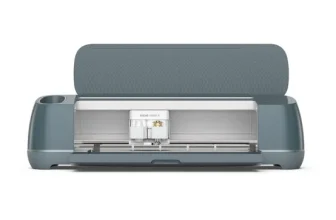
Best all-rounder for most people: Cricut Explore 5
Fabric, wood and engraving: Cricut Maker 5
Best value right now: Cricut Maker 4 on clearance
Selling in volume: Cricut Venture
What Is a Cricut Machine?
A Cricut is a smart cutting machine. You design something, or pick a ready-made design, in Cricut’s free Design Space app on your computer, tablet or phone, and the machine cuts it out precisely from your chosen material. Think vinyl decals for mugs and windows, iron-on designs for T-shirts, layered paper cards, stickers, labels, stencils and cake toppers.
The more capable machines can also draw with pens, score fold lines, emboss and deboss card, and even engrave. Several models support Print Then Cut, where you print a full-colour design on your home printer and the Cricut cuts neatly around it. That’s how most people make stickers.
Cricut Machines Compared
| Machine | UK price | Best for | Key features |
|---|---|---|---|
| Joy 2 | £99.99 (£129.99 bundle) | Labels, cards, small decals and stickers | Hand-sized, Print Then Cut, works without a mat on Smart Materials |
| Joy Xtra | £189.99 | Bigger stickers, T-shirts, tote bags | Wider than the Joy 2, Print Then Cut, still compact |
| Explore 5 | £199.99 (£249.99 bundle) | Most everyday crafts, making in multiples | 100+ materials, six tools, 30% more compact than before |
| Maker 5 | £349.99 (£399.99 bundle) | Fabric, wood, leather, engraving | 300+ materials, 13 tools, materials up to 3mm thick |
| Venture | £749.99 | Small businesses, high-volume making | Large-format, built for speed and big runs |
Cricut UK list prices at the time of writing. Retailer prices are often lower, especially on bundles and older models.
Cricut Joy 2: Choose This If You Want Something Small and Simple
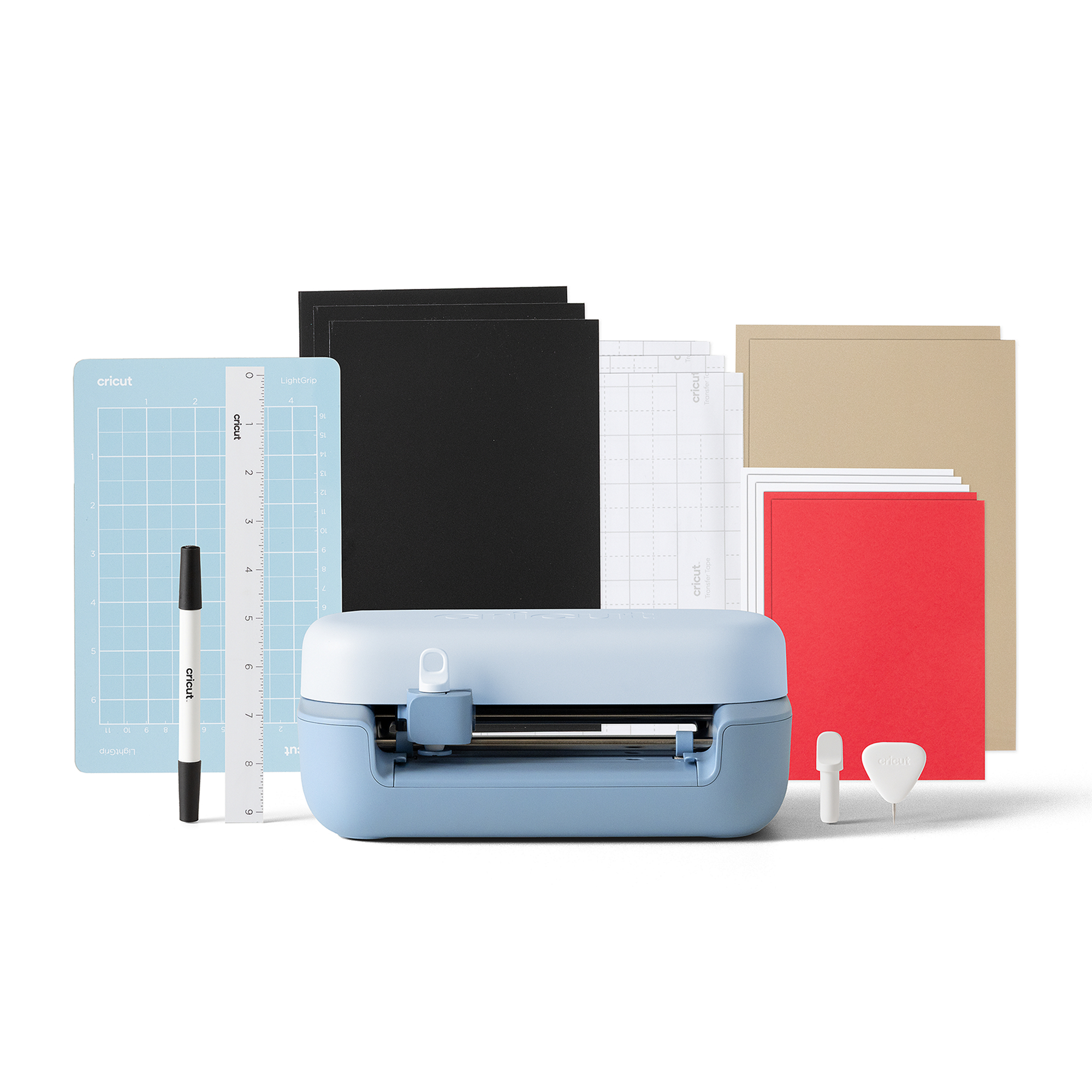
The Joy 2 is Cricut’s smallest machine, compact enough to hold in one hand and easy to keep on a shelf. It’s built for quick, everyday projects: labels for jars and storage boxes, personalised cards, small vinyl decals and simple gifts. New for this generation, it can make full-colour stickers using Print Then Cut, which is a first for Cricut’s smallest machine.
Choose it if you want an affordable, easy way into crafting with a Cricut, you’ll mostly make small things, and you don’t have room for a bigger machine. Skip it if you want to make larger designs, T-shirts or anything thick, as its smaller size becomes limiting quickly.
Check today’s price on Amazon →
Cricut Joy Xtra: Choose This for Stickers and T-Shirts on a Budget
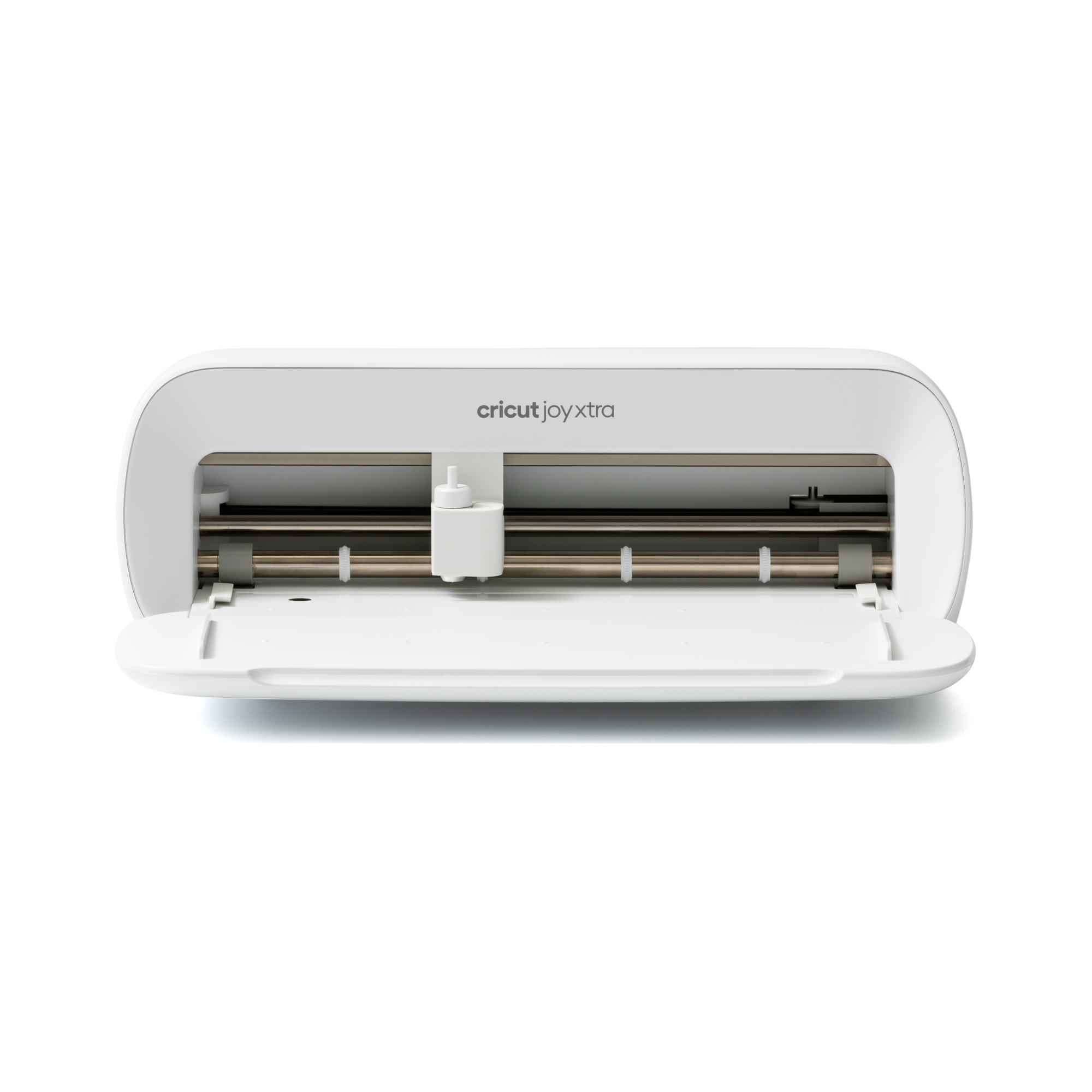
The Joy Xtra sits between the Joy 2 and the Explore. It’s still compact, but its extra width gives you room for bigger sticker sheets, iron-on designs for T-shirts and tote bags, and larger cards. It’s a popular choice for people starting a small sticker or print business from their kitchen table.
Choose it if stickers and iron-on are your main focus and you want to keep both cost and size down. Skip it if you want to work with a wide range of materials, as the Explore 5 is only a little more and does a lot more.
Check today’s price on Amazon →
Cricut Explore 5: Choose This If You’re Not Sure
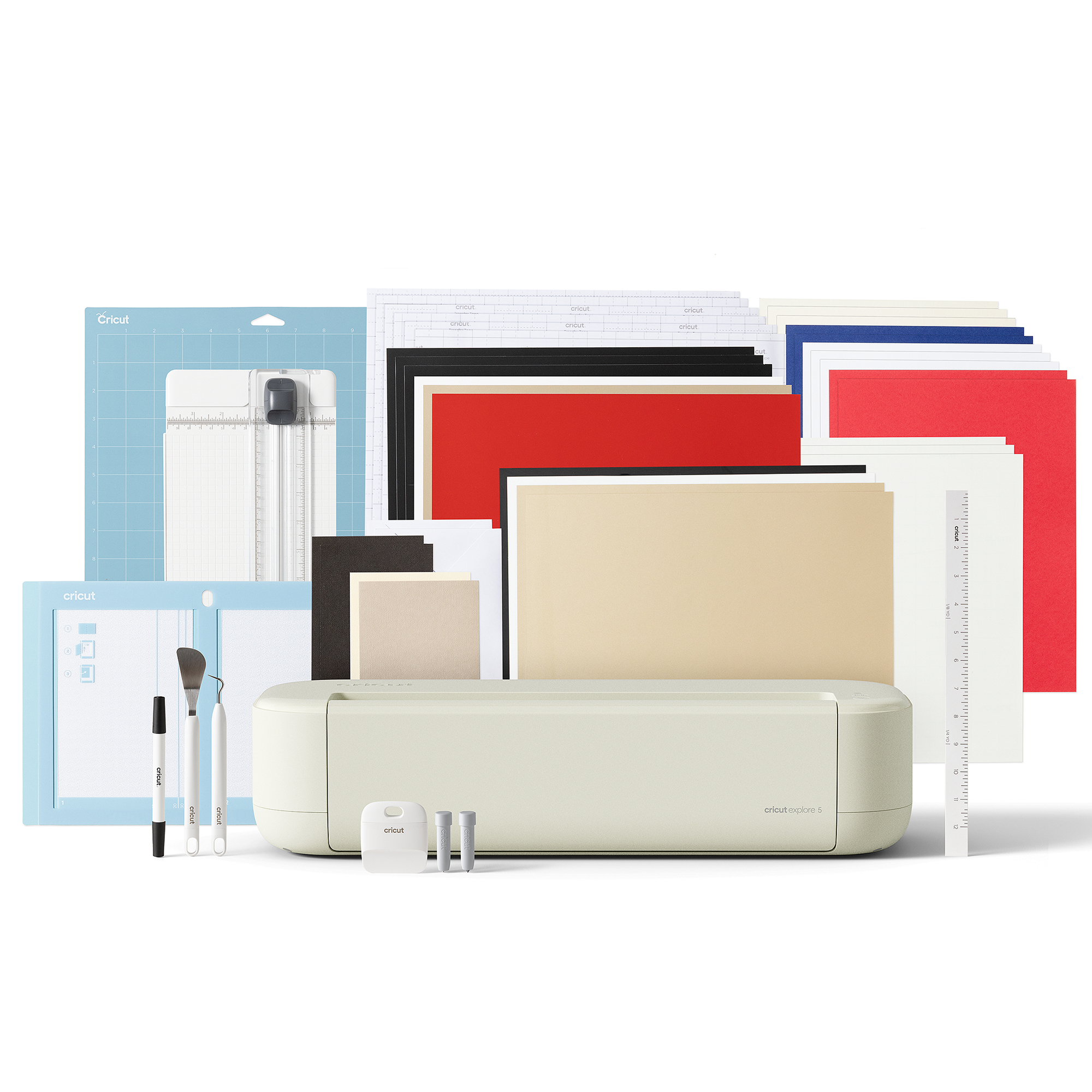
If you’re genuinely unsure which Cricut to buy, the Explore 5 is the safe choice. It cuts over 100 materials, including vinyl, iron-on, card, paper and sticker paper, works with six tools for writing, drawing and scoring, and is designed for making things in multiples, which matters if you might sell what you make. This generation is also around 30% more compact than the last one.
Choose it if you want one machine that handles most crafts, you might start selling, or you simply don’t know yet where your crafting will take you. Skip it if you specifically want to cut fabric, wood or leather, or engrave. That’s Maker territory.
Check today’s price on Amazon →
Cricut Maker 5: Choose This for Fabric, Wood and Engraving
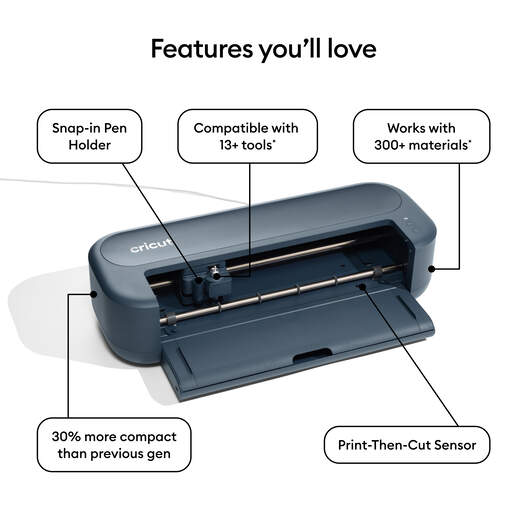
The Maker 5 is Cricut’s most capable home machine, launched in September. It cuts over 300 materials, including fabric, thin wood, leather and felt, handles materials up to 3mm thick, and works with 13 tools that cut, write, score, foil, emboss, deboss and engrave. It’s also around 30% more compact than the Maker 4, with an open-top design that makes loading easier.
Choose it if you sew or quilt and want to cut fabric pieces precisely, you want to work with wood or leather, or you like the idea of engraving. Skip it if you’ll mostly use vinyl, card and iron-on. The Explore 5 does those just as well for less.
Check today’s price on Amazon →
Cricut Venture: Choose This If You’re Running a Business
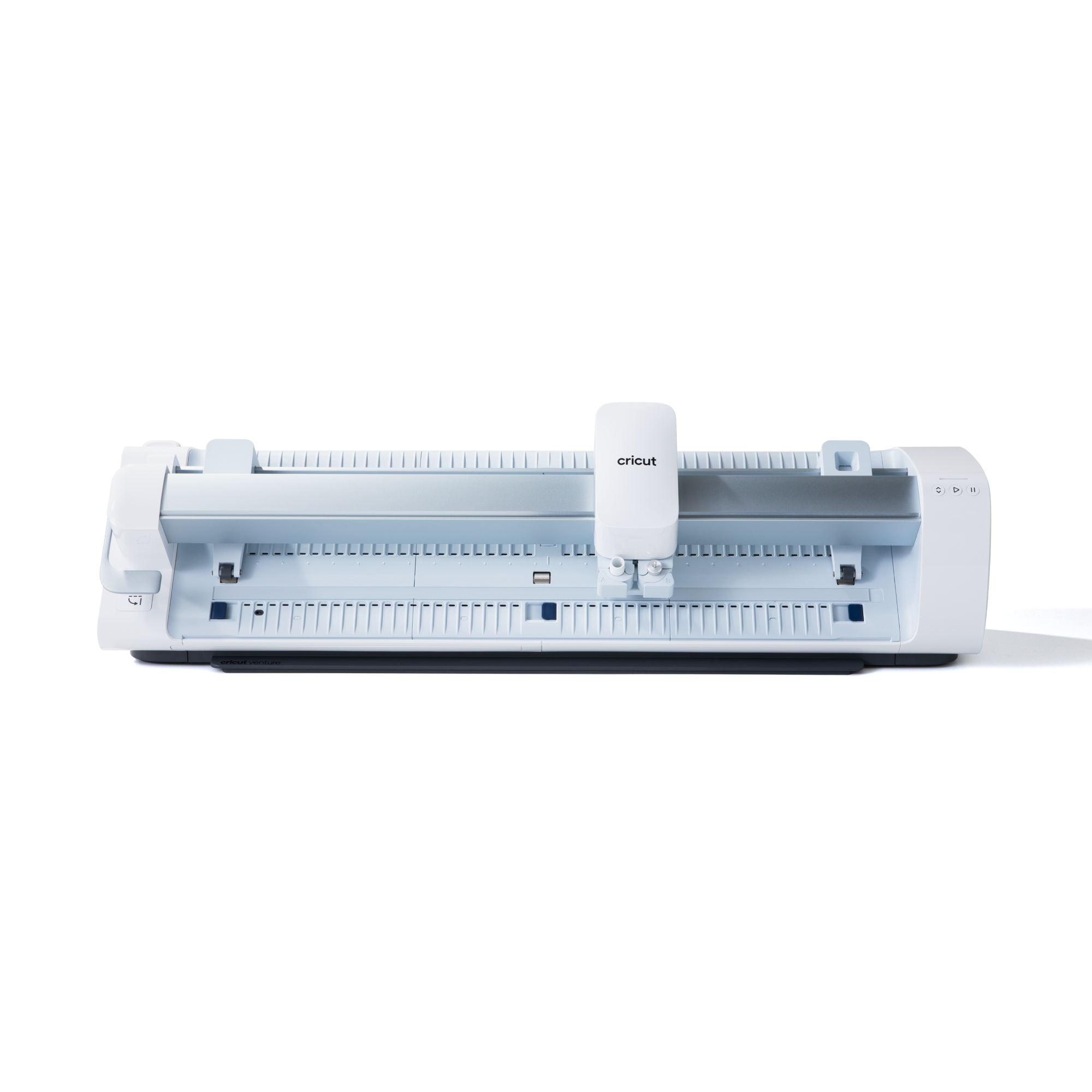
The Venture is Cricut’s large-format machine, aimed at small businesses and serious makers producing in volume. At £749.99 it’s a big step up in price, and for most home crafters it’s more machine than they need. If you’re already selling regularly and finding a smaller machine is holding you back, it’s the natural next step.
Check today’s price on Amazon →
What About the Older Models?
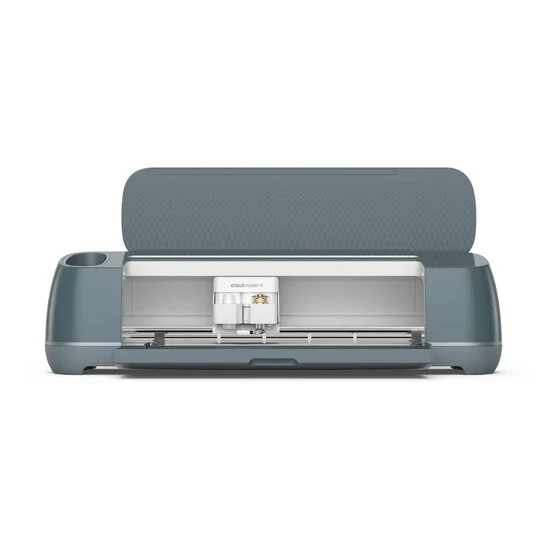
You’ll still see the Maker 4, Explore 3 and Explore 4 on sale, often at heavily reduced prices as retailers clear stock. They’re still perfectly good machines. The newer models are more compact and a little more capable, but the older Maker and Explore machines cut the same core materials and work with the same Design Space app.
If you find a Maker 4 bundle at a big discount, it can be better value than a new Explore 5 at full price, because you get the Maker’s wider range of materials for similar money. Just check exactly what’s in the bundle, and make sure you’re buying from a reputable UK retailer so the warranty is valid.
Four Questions to Ask Before You Buy
What will you actually make? Be honest. If it’s labels, cards and the odd sticker, a Joy is plenty. If it’s T-shirts and mugs for family and friends, look at the Explore. Only go for a Maker if fabric, wood or engraving is genuinely part of the plan.
How much space do you have? The Joy machines can live in a drawer. The Explore and Maker need a permanent spot on a desk or table, with clear space in front and behind for the mat to feed through.
Might you sell what you make? If so, buy for where you’ll be in a year, not where you are now. The Explore 5 is the sensible floor for anyone planning to sell, as it’s built for making in multiples.
What’s your real budget? The machine is only part of it. Materials, spare mats, blades and pens add up, so budget for extras. That’s where bundles can be worthwile, if the materials included are ones you’ll use.
The Costs People Forget
Design Space, Cricut’s app, is free, and you can upload your own designs at no cost. Cricut Access is an optional paid subscription that adds a large library of images, fonts and ready-made projects, and some newer features, like the AI design tool, need a subscription. Plenty of people never pay for it, especially artists who use their own artwork.
The ongoing cost is materials. Vinyl, iron-on, sticker paper and card are consumables, and cutting mats and blades wear out over time. Cricut’s own-brand acessories are convenient, but compatible materials from other brands are often cheaper. Buying materials in bulk during sales is the easiest way to keep running costs down.
Cricut for Artists
If you’re an artist, a Cricut can turn your work into products. Print your illustrations as stickers and let the Cricut cut them out, make vinyl decals of your designs, or create iron-on transfers for T-shirts and tote bags to sell online or at markets. The Joy Xtra or Explore 5 is the sweet spot for this.
If you’re thinking of selling, our guides to Etsy vs Shopify, Redbubble vs Society6 and Printful vs Printify will help you choose where to sell. For printing at home, see our guide to the best printer for art prints.
Which Cricut Should I Buy? FAQs
What is a Cricut machine?
A Cricut is a smart cutting machine that cuts designs out of materials like vinyl, card, paper, iron-on and fabric. You create or choose a design in Cricut’s free Design Space app on a computer, tablet or phone, then the machine cuts it precisely. Some models can also draw, score, emboss and engrave.
Which Cricut is best for beginners?
For most beginners, the Cricut Joy 2 or the Explore 5 is the best place to start. The Joy 2 is the cheapest and suits small projects like labels, cards and small stickers. The Explore 5 handles a much wider range of projects and materials, so it’s the better choice if you think you’ll get into crafting seriously.
What is the difference between the Cricut Explore and Maker?
The Explore 5 cuts over 100 materials and is ideal for vinyl, card, paper and iron-on. The Maker 5 cuts over 300 materials, including fabric, thin wood and leather, handles materials up to 3mm thick, and works with more tools, including engraving and debossing. If you don’t need those extra materials, the Explore is better value.
Do I need Cricut Access?
No. Cricut’s Design Space app is free to use with any machine, and you can upload your own designs at no cost. Cricut Access is an optional paid subscription that adds a large library of ready-made images, fonts and projects, plus extra features. Many machines are sold in bundles that include a trial.
Can a Cricut print?
Not on its own. Cricut machines cut rather than print, but several models support Print Then Cut. You print a full-colour design on your home inkjet printer, then the Cricut reads the printed sheet and cuts around it, which is how people make stickers and labels.
Whichever Cricut you choose, compare prices before you buy. The same machine and bundle can vary by £50 or more between retailers, especially around Black Friday and the January sales. Our Cricut deals page tracks the best current prices.