What is Artlogic?
Artlogic is an all-in-one professional management platform specifically designed for the fine art world. Unlike general website builders like Squarespace or Shopify, Artlogic is a “Gold Standard” hybrid that combines a high-end art inventory database, a Customer Relationship Management (CRM) system, and a bespoke website builder. It is essentially the “central nervous system” for a professional art practice; it allows artists and galleries to track every piece of work from creation to sale, manage collector relationships, and host a sleek, integrated online portfolio all within a single, interconnected ecosystem.
Written by Paul Worrall
I’ve spent six months managing 87 artworks through two exhibitions using Artlogic’s Artist package, and the honest verdict is that this is genuinly professional software that does exactly what it promises — provided you’re at the stage in your practice where you need it. Galleries have relied on Artlogic for years for good reason, and using it properly as an independent artist gives you a real sense of why. Here’s my hands-on review after putting it through its paces with real exhibitions and real inventory.
Quick Verdict — 8/10
Best for: Artists with 30+ works in circulation, gallery representation, multiple active collectors, or anyone managing editions and loans seriously.
Price: From £492/year for the Artist package, or £99/month pay-as-you-go.
Standout feature: The collector CRM and automated inventory tracking are genuinly best-in-class — the same tools major galleries use.
Military-Grade Inventory Tracking
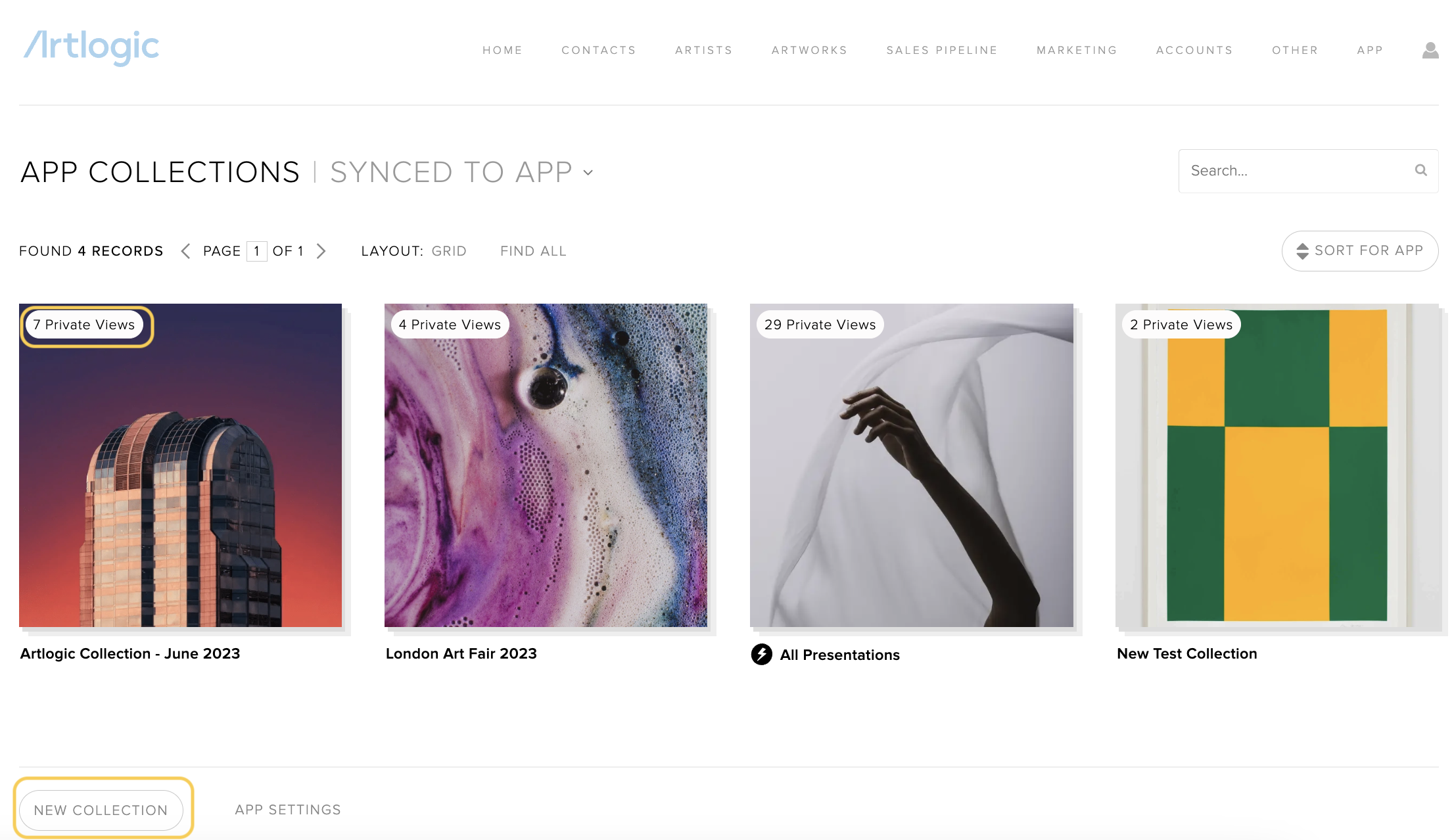
Artlogic’s database genuinly puts a spreadsheet to shame. When recording my bronze sculpture edition (7 of 12), the system automaticly tracked which casts were at the foundry versus the gallery, generated certificates of authenticity with edition numbers included, and calculated remaining available works after two private sales without me touching a formula. The provenance fields are the exact same fields galleries use to track a piece from studio to auction house. For an independent artist, that means never scrambling years later to remember exactly where a particular piece ended up.
An Automated Website That Actually Works

My Artlogic-powered website updated in real time every time I marked a painting as sold in my inventory, added a new work to a current exhibition collection, or uploaded a high-resolution image — which formatted automaticly to gallery standards without any manual resizing or cropping. The exhibition microsites, auto-generated for each show, genuinly saved me upwards of 10 hours that I’d normally spend building a dedicated landing page from scratch for every exhibition.
Collector Management That Feels Properly Elite
The CRM tools genuinly transformed how I manage collector relationships. I could tag collectors by interest — abstract versus figurative — send personalised PDF previews of new work, and track conversations across both email and in-person meetings in one place rather than scattered across my inbox and memory. When a London curator asked about available large-scale works, I generated a targeted portfolio PDF with proper captions and pricing in two clicks. That’s the kind of professional presentation that genuinly changes how a curator or serious collector perceives you.
The Learning Curve Is Real — But Worth Pushing Through
I won’t pretend Artlogic is instantly intuitive — I spent around 8 hours learning inventory best practices, raised a couple of support tickets to properly understand the certificate templates, and took a couple of weeks before I felt fully comfortable in the CRM. The interface has a genuinly large number of menu items, which can feel like overkill if you’re not yet working at gallery-representation level. But this is software built to professional gallery standards, and that depth is exactly why it’s worth the investment once you’re ready for it — a simpler tool wouldn’t be able to do what this does.
Website Design — Functional Rather Than Flashy
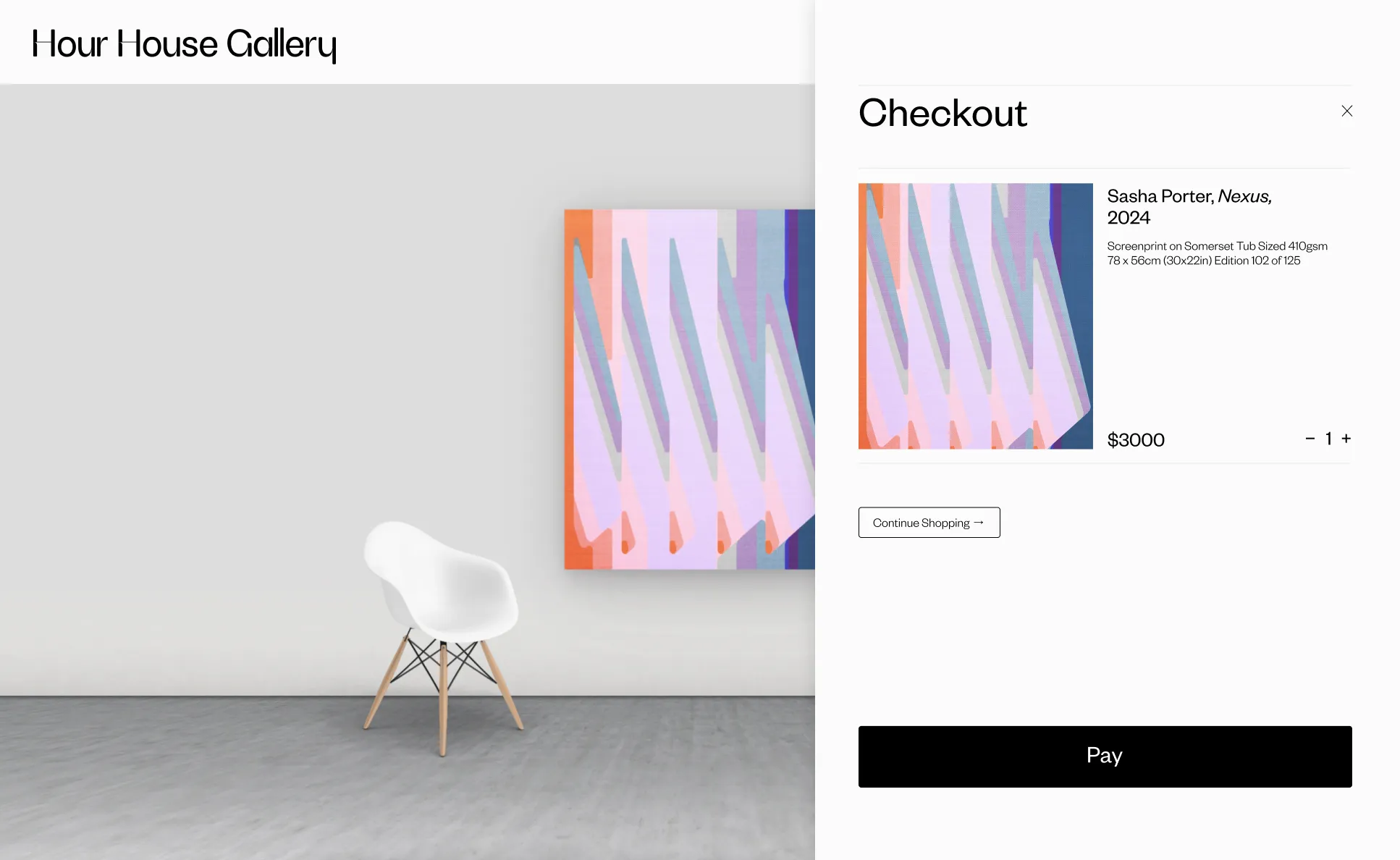
The website builder prioritises function over visual flourish — 12 colour schemes rather than custom HEX codes, and mobile layouts that are built around consistency rather than creative flexibility. There’s no built-in ecommerce, just contact buttons, which suits the gallery-representation model Artlogic is built around — serious collectors enquire rather than checkout instantly. If you want maximum creative control over your website’s look, a dedicated platform like WordPress or Squarespace gives you more design freedom — but you’d be sacrificing the automated inventory sync that makes Artlogic genuinly worth it for serious collectors.
Is the Price Justified?
At £492 a year, Artlogic costs more than a basic Shopify setup or a Squarespace site with a separate CRM bolted on. But that comparison misses the point slightly — you’re not paying for a website, you’re paying for gallery-grade inventory and collector management built specifically for how serious art sales actually work, with provenance, editions and consignment tracking that general-purpose tools simply don’t offer. The £99 a month pay-as-you-go option is there if you want to trial it properly before committing annually.
Artlogic vs the Alternatives
| Feature | Artlogic | ArtBase | ArtPlacer | DIY (Airtable + CMS) |
|---|---|---|---|---|
| Inventory Depth | ★★★★★ | ★★★★☆ | ★★★☆☆ | ★★☆☆☆ |
| Website Flexibility | ★★★☆☆ | ★★★★☆ | ★★★★★ | ★★★★★ |
| Collector CRM | ★★★★★ | ★★★☆☆ | ★★☆☆☆ | ★☆☆☆☆ |
| Cost/Year | £492 | £240 | £180 | £60-£120 |
The table makes the trade-off clear — Artlogic costs more, but it’s the only option here that genuinly competes with what galleries themselves use. For inventory depth and collector CRM specifically, nothing else on this list comes close.
Who Should Actually Use Artlogic?
Worth it if: You’re a mid-career artist with 50+ works in circulation, gallery representation in two or more countries, and need to track loans and consignments properly like a professional archivist. The CRM alone pays for itself once you have 20+ active collectors to manage.
Worth growing into: If you’re earlier in your career with under 30 works and selling primarily through one gallery or direct sales, the investment may feel early — but if you’re planning to scale your practice, Artlogic is genuinly the tool you’ll want once you get there, and starting on the pay-as-you-go plan lets you grow into it without overcommitting.
Reality check: The free trial doesn’t show certificate generation or client tagging until you subscribe properly, so budget at least a month or two to properly evaluate whether it fits your specific practice.
Try Artlogic’s System Yourself
Their 14-day trial is the best way to see whether the professional inventory and CRM tools justify the investment for your own practice.
Start Artlogic Free Trial →Final Verdict — 8/10
Artlogic delivers genuinly unparalleled inventory and CRM tools for artists who are ready to use them properly. The website builder favours function over visual flair, and the learning curve will take a few weeks to settle into — but for artists with complex inventory needs, editions to track or frequent loans, the professional collector management more than justifies both the time and the cost. If you’re not quite there yet, it’s worth keeping on the radar for when your practice reaches the scale where it makes sense.