Written by Paul Worrall
When I was producing web graphics and email templates for ARTdiscount, I was doing most of it on whatever monitor the company happened to have on the desk — not a deliberate colour-managed creative setup, just a standard office display. The number of times I sent an email out only to realise the red in our branded header looked orange on someone else’s screen is not something I particularly want to dwell on. Colour accuracy in monitor choice is one of those things that sounds like a technical detail for people who care too much about specifications, right up until you’ve spent three hours on a digital illustration and printed it to find the whole tonal range shifted by about twenty percent.
I’ve spent sixteen years in the UK art supplies and design industry and now run Discount Art Supplies, used by over 36,000 UK artists and designers every week. The monitor question comes up regularly in our community — particularly from digital artists and illustrators who are investing seriously in their setup for the first time. Here’s the current picture, with Amazon links so you can check UK pricing before buying.
⭐ Best Monitors for Graphic Design — Quick Picks
Best overall: BenQ PD2730S — 5K resolution, factory calibrated, 99% sRGB and 95% DCI-P3 straight out of the box.
Best premium OLED: ASUS ProArt PA32UCDM — OLED with built-in hardware calibration and Thunderbolt 4, a genuine professional tool.
Best for Mac users: Apple Studio Display (2026) — Thunderbolt 5 daisy-chaining, 5K Retina, designed specifically for the Apple creative ecosystem.
Best value 4K: Dell UltraSharp U2725QE — reliable, factory calibrated, excellent USB-C integration at a sensible price.
Best for print professionals: EIZO ColorEdge CG2700X — built-in self-calibration sensor, the monitor print studios and photographers use when accuracy is genuinly non-negotiable.
Best budget pick: BenQ PD2705U — 4K, factory calibrated, reliable colour accuracy at an accessable price point for designers on a tighter budget.
What Actually Matters When Choosing a Monitor for Design Work
Three things matter considerably more than everything else: colour accuracy, colour space coverage, and resolution. Everything else — speaker quality, built-in USB hubs, adjustable stands — is worth knowing about but doesn’t change what your work actually looks like.
Colour accuracy is measured by Delta-E, where lower numbers mean more accurate colour reproduction. Delta-E below 2 is the professional standard — values below 2 are genuinly imperceptible to the human eye, meaning what you see on screen is essentially what your audience, client or printer will see. Most monitors targeted at creative professionals ship factory calibrated to Delta-E below 2. Most standard office or consumer monitors don’t, and the difference is visible the moment you put them side by side.
Colour space coverage is the other critical specification. For web and screen-based digital art, 100% sRGB is the baseline. For print work, branding or anything destined for wide-gamut displays, 95% DCI-P3 or Adobe RGB coverage matters considerably. A monitor with 100% sRGB but only 70% DCI-P3 will look perfectly fine for web illustrations and genuinly misleading for print work.
Resolution determines how much detail you can see and how crisp your text and fine lines render. 4K (3840×2160) is the current practical standard for serious design work on a 27-32 inch monitor. 5K adds meaningfully more sharpness at 27 inches — the pixel density hits 218 DPI, which is the same as Retina scaling on macOS and makes text and line work genuinly noticeably crisper than 4K at the same size.
BenQ PD2730S — Best Overall Monitor for Graphic Design
The BenQ PD2730S is the current top recommendation from multiple independent sources including TechRadar and Creative Bloq, and the reasoning is consistent. A 27-inch 5K IPS Nano display delivering 99% sRGB and 95% DCI-P3 colour coverage, factory calibrated to Delta-E under 2 before it leaves the factory — which means it’s genuinly colour accurate out of the box without needing a separate hardware calibrator. The BenQ Hotkey Puck for one-button mode switching, Smart KVM for seamless dual-machine workflows, and Thunderbolt 4 with 96W power delivery round out a feature set that’s specifically built for design professionals rather than adapted from a gaming or office product.
The 5K resolution at 27 inches delivers 218 PPI — the same pixel density as Apple’s Retina displays — which makes a genuinly visible difference for fine typography, intricate illustration detail and colour gradient smoothness compared to 4K at the same size. If you’re doing text-heavy design or fine vector work, the difference between 4K and 5K at 27 inches is the difference between “looks sharp” and “looks like print.”
ASUS ProArt PA32UCDM — Best Premium OLED for Designers

The ASUS ProArt PA32UCDM represents the current top of what a professional creative monitor can do. A 31.5-inch OLED panel with stunning HDR performance from per-pixel lighting — meaning true blacks and infinite contrast, not just backlit panel approximations — hardware calibration with 3D LUT support, and dual Thunderbolt 4 connectivity for docking and daisy-chaining. The built-in ASUS ProArt Calibration technology means you can run recalibration from within the monitor itself without a separate hardware calibrator, which is a meaningfull practical advantage for a busy creative setup that needs to stay accurate over time.
OLED brings genuine advantages for creative work specifically — the perfect blacks and per-pixel contrast make subtle shadow detail in dark illustrations genuinly visible in a way that even the best IPS panels can’t quite replicate. The caveats are the same as with any OLED desktop monitor: theoretical risk of burn-in with static UI elements over very long periods, and peak brightness slightly lower than the best Mini-LED IPS panels in bright SDR environments. For a serious professional creative who primarily works in controlled or dimmed studio lighting, neither limitation changes the practical recommendation. This is the tool working professionals in illustration, photo editing and video production reach for when budget allows.
Apple Studio Display (2026) — Best for Mac Creative Workflows
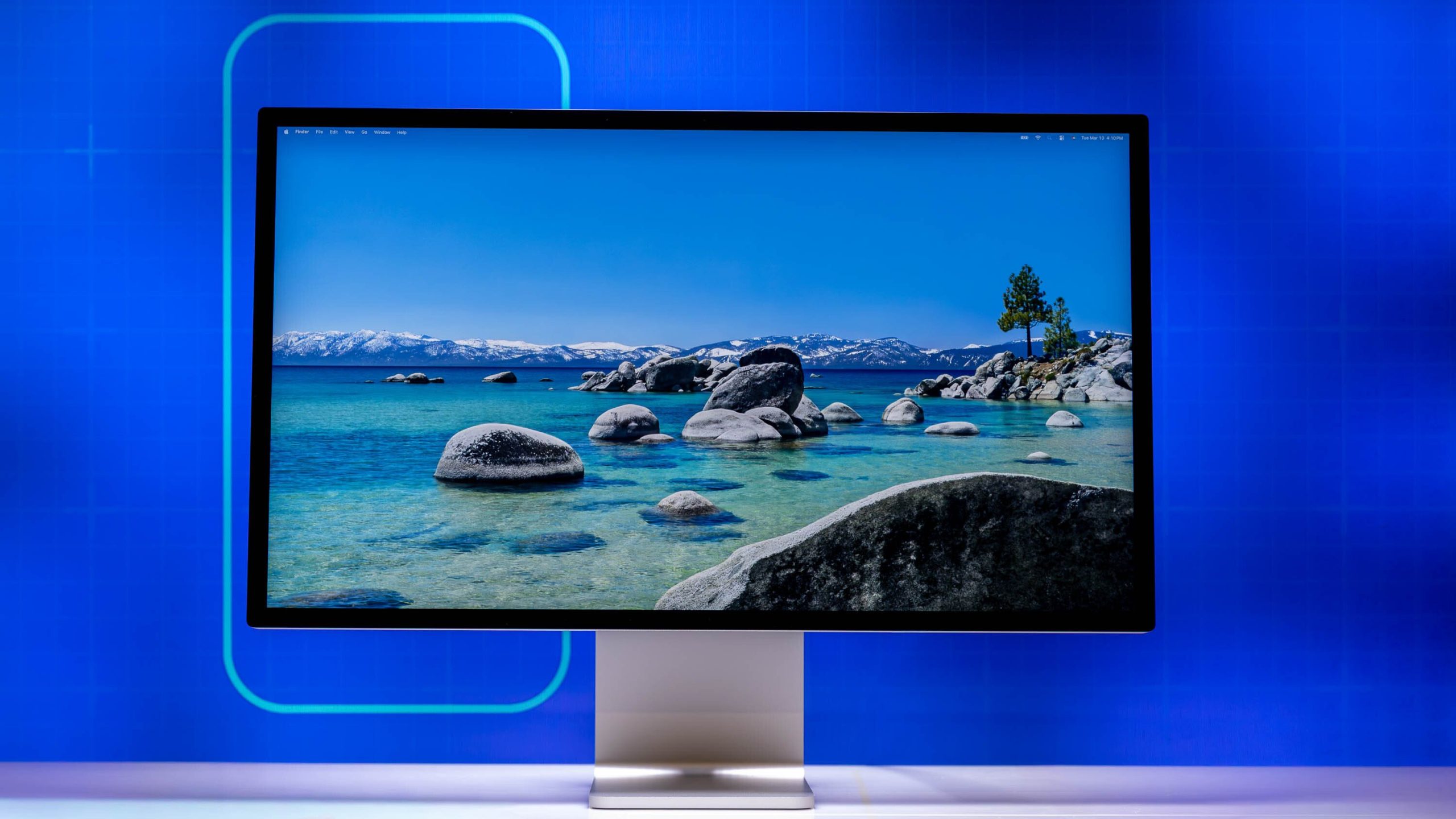
The updated Apple Studio Display launched in early 2026 with the addition of Thunderbolt 5 daisy-chaining — a genuinly significant upgrade for Mac users with multi-display setups or those using high-bandwidth peripherals alongside their monitor. The 27-inch 5K Retina display with 218 PPI, True Tone, P3 wide colour and nano-texture glass option remains the reference external monitor for Apple’s own creative ecosystem, and the integration with macOS — including Center Stage camera tracking and Spatial Audio via the six-speaker system — is simply better than any third-party monitor manages.
The honest caveat is that it’s a premium product positioned specifically within Apple’s ecosystem. It doesn’t have a DisplayPort input — HDMI or Thunderbolt only — and it’s not the best choice if you work across both Mac and Windows regularly. For Mac-centric creative workflows, particularly Procreate on iPad Pro connecting to a larger display, or Final Cut and Logic Pro setups, it remains the most cohesive option available.
Dell UltraSharp U2725QE — Best Value for Designers

The Dell UltraSharp U2725QE is the sensible recommendation for designers who want genuinly professional colour accuracy without spending premium monitor money. Factory calibrated to Delta-E under 2, 99% sRGB and 95% DCI-P3 colour coverage, USB-C with 90W power delivery for single-cable laptop connections, and the kind of reliable ergonomic stand — height, tilt, pivot, swivel — that makes long working days considerably more comfortable. Dell UltraSharp monitors have earned a reputation for consistency and reliability across multiple generations, and this model continues that track record.
For illustrators, UI designers and anyone doing primarily web-destined design work where 4K resolution is more than sufficient, the U2725QE delivers what the BenQ PD2730S does at a meaningfully lower price, trading 5K resolution for 4K. Whether that trade-off is right depends on how much text and fine line detail your daily work involves.
EIZO ColorEdge CG2700X — Best for Print Professionals
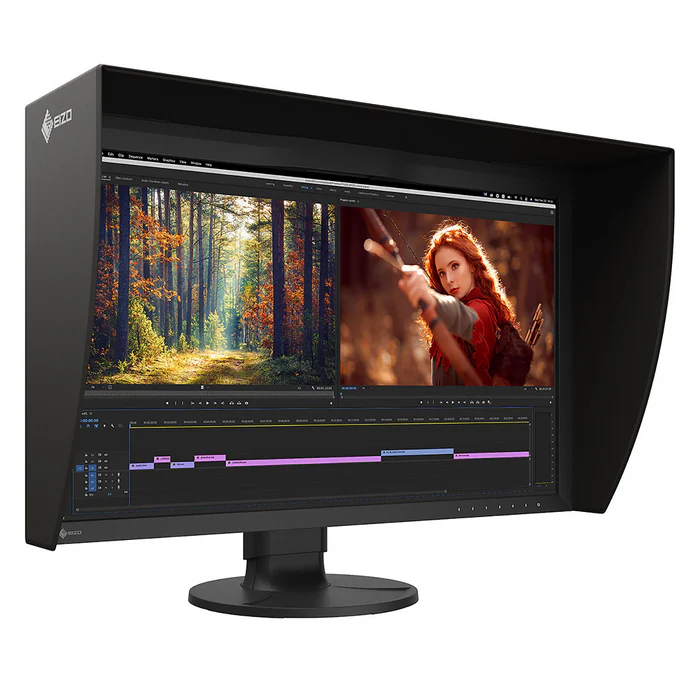
EIZO is the name professional print studios, photographers and colour-managed production environments reach for when accuracy is genuinly non-negotiable, and the ColorEdge CG2700X earns that reputation through a specific hardware differentiator: a built-in self-calibration sensor that runs automatically — overnight or on a schedule you set — without you needing to attach a separate calibration device or remember to do it manually. For a production environment where colour consistency isn’t just a preference but a client requirement, that automated consistency is worth the premium price over any of the other options on this list.
Pantone validation, Calman verification, factory calibration and 99% Adobe RGB coverage round out a specification list built specifically for print professionals rather than adapted from consumer or gaming hardware. If your work involves colour matching to print on a regular basis, the EIZO is the investment that pays for itself in avoided reprints and client corrections.
BenQ PD2705U — Best Budget Pick for Designers

The BenQ PD2705U is the most recommended 4K option for designers on a tighter budget — factory calibrated to Delta-E under 2, 99% sRGB, 95% DCI-P3, with USB-C 65W power delivery and BenQ’s Hotkey Puck for easy colour mode switching. The 27-inch 4K IPS panel isn’t as sharp as 5K at this size but is genuinly capable for most illustration, UI and graphic design work, and it’s one of the more reliable ways to get properly calibrated colour performance without spending BenQ PD2730S money.
Panel Technology — IPS, OLED or Mini-LED?
Worth explaining briefly since the terminology comes up on every spec sheet. IPS (In-Plane Switching) is the current standard for professional creative monitors — good colour accuracy, wide viewing angles, strong brightness for well-lit rooms. OLED delivers perfect blacks and genuinly infinite contrast, which makes it exceptional for dark illustration work and HDR content, but with lower peak SDR brightness and theoretical long-term burn-in risk with static UI elements. Mini-LED is a newer backlight technology that improves an IPS panel’s contrast ratio dramatically by using thousands of individually controlled lighting zones — getting closer to OLED contrast without the burn-in concern. All three panel types appear across the monitors on this list, and the right choice depends primarily on your working environment and whether you work in a brightly lit or dimly lit studio.