Written by Paul Worrall
My dad was a sign maker his entire working life, and he started using Illustrator back when it ran on a Macintosh SE — the screen barely bigger than a paperback book. He worked at a company called DT Signs (now Granthams Signs). He desgined some of Blackpool’s most recognisable signs with it, including the Pepsi sign on Blackpool Tower, with the Fanta sign following onto the tower a few years later, plus the Sandcastle sign, the North Pier sign which is still up today, and the Mr B’s sign on the amusement arcade along the prom, among plenty of others most people in the town would recognise without ever knowing who made them. These were all designed to scale and to the millimetre by the way, which is what Adobe Illustrator was very good for.
I started learning Illustrator myself a couple of decades later, and used it constantly during my years at ARTdiscount — email graphics, homepage banners, more or less anything that needed designing for the website passed through it at some point.
So I’ve got a genuine soft spot for Illustrator, but I also understand completely why people go looking for alternatives — the subscription cost has crept up considerably since my dad’s day, and Adobe’s increasing focus on AI features over core tool refinement frustrates plenty of working designers who just want reliable vector tools. I’ve spent sixteen years in the art and design supplies industry and run Discount Art Supplies, used by over 36,000 UK artists and designers every week. Here’s the honest comparison of what’s actually worth switching to.
Quick Guide — Best Illustrator Alternatives
Best overall: Affinity Designer — one-off purchase, handles 95% of what Illustrator does.
Best free option: Inkscape — genuinely capable, completely free and open source.
Best for print and signage: CorelDRAW — the choice many sign and print shops still use.
Best for UI and web design: Figma — built for interface design, not classic illustration.
Best for non-designers: Canva — templates and drag-and-drop simplicity over precision vector tools.
Best for painters who need occasional vectors: Krita — free, vector layers alongside painting tools.
Affinity Designer — The Best All-Round Alternative
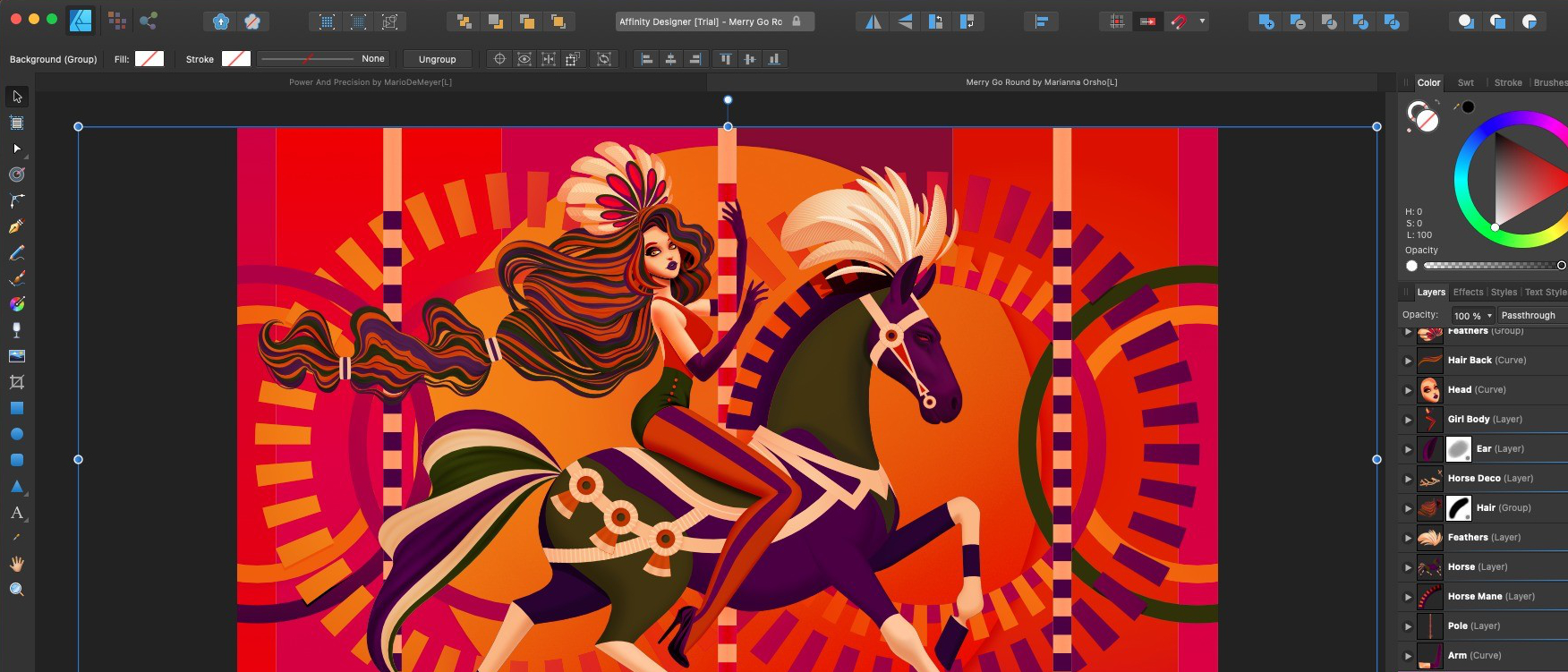
Affinity Designer is consistently the top recommendation across every comparison I researched for this article, and for genuinly good reason. It’s a one-off purchase rather than a subscription — roughly £70 for desktop, considerably less for iPad — against Illustrator’s ongoing monthly cost, and it handles the vast majority of what most designers actually use Illustrator for day to day.
The standout feature is the dual Persona system, letting you switch between vector and pixel/raster editing within the same document without exporting between separate programmes the way you’d have to bouncing between Illustrator and Photoshop. Performance is genuinly excellent even on complex files with thousands of vector objects, and it imports AI and EPS files reasonably well, though very complex effects sometimes need manual tidying after import. The one genuine limitation is the lack of a plugin ecosystem — Illustrator’s marketplace of extensions and scripts is something Affinity simply doesn’t try to compete with.
For my dad’s generation of sign makers and the working designers I sat alongside at ARTdiscount, Affinity is the closest thing available to “Illustrator, but you own it outright.” If you’re switching away from Illustrator for cost reasons specifically, this is almost certainly where you should land.
Inkscape — The Best Free Option
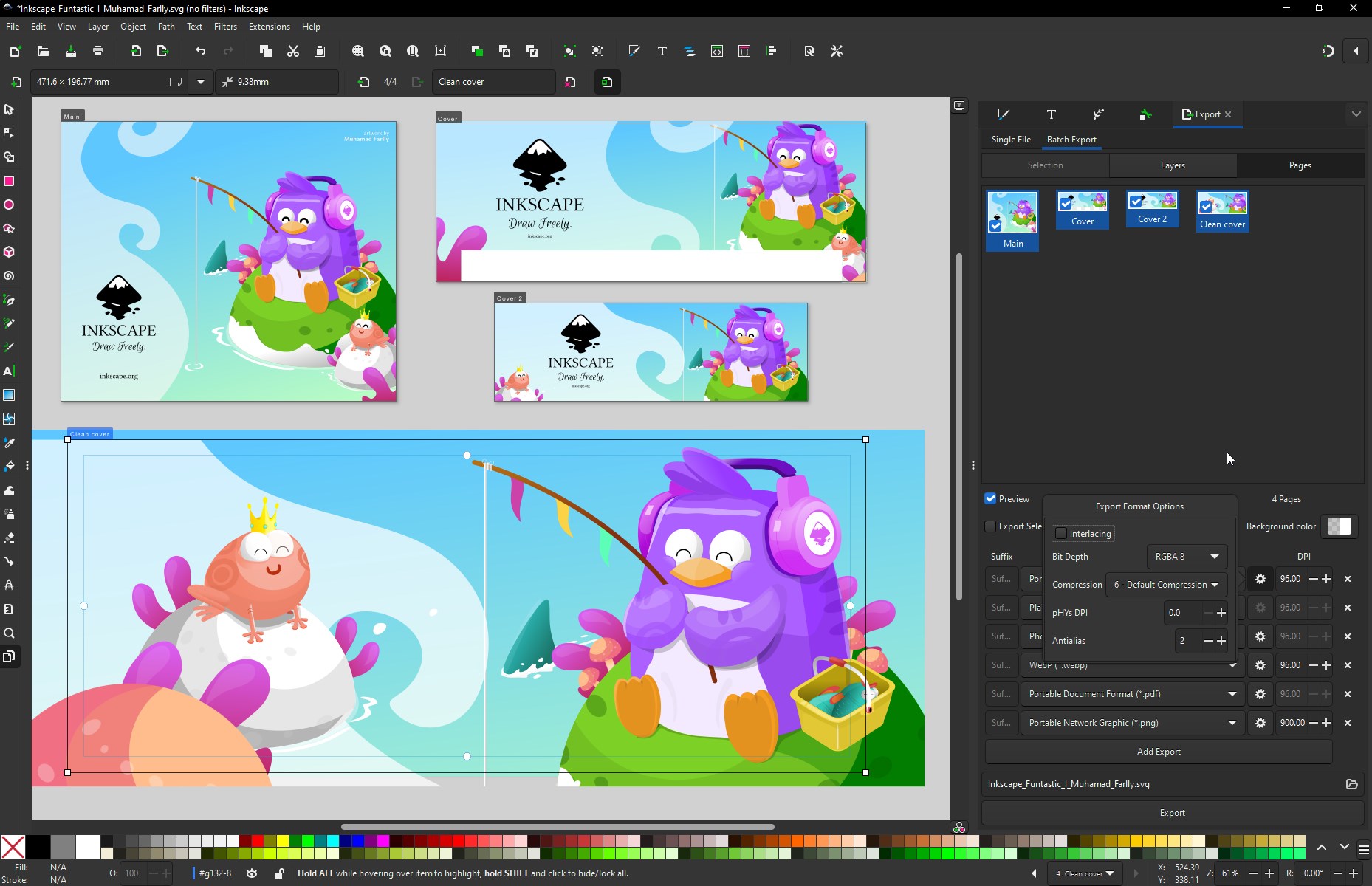
Inkscape has been the default recomendation for a free Illustrator alternative for years, and it remains genuinely capable — open source, completely free, with a comprehensive toolset covering node editing, path operations, bitmap tracing and an active community building extensions for everything from 3D effects to pattern generators. It uses SVG as its native file format, which suits web and digital work particularly well.
The honest trade-off is polish. Inkscape can feel sluggish on heavier files, the interface takes longer to feel intuitive than Affinity’s does, and development moves at the pace of a volunteer-driven open source project rather than a funded commercial company. For students, hobbyists or anyone on a genuinly tight budget, none of that outweighs the fact that it costs nothing and does serious vector work properly.
CorelDRAW — Still the Choice for Sign and Print Work
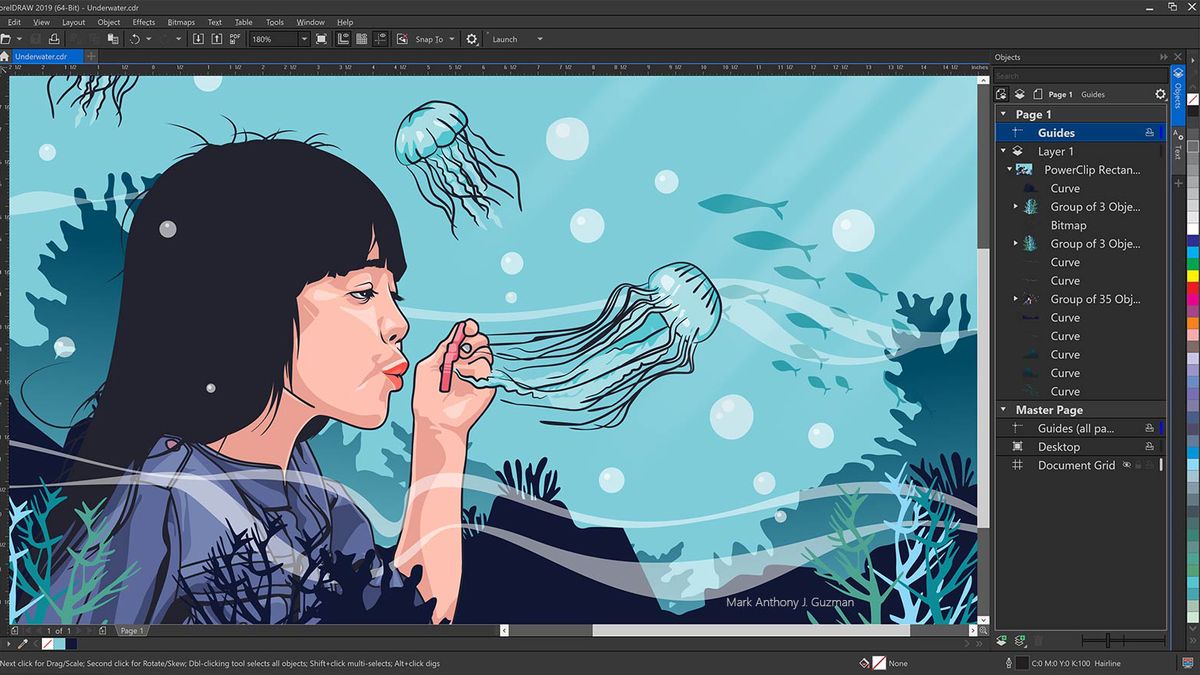
This is the one that genuinly connects back to my dad’s career specifically. CorelDRAW remains deeply embedded in the sign making and print production world, particularly across Europe, because of its tight integration with the RIP software that drives commercial printing and cutting machinery. Variable data merge tools — generating hundreds of unique name badges or labels from a spreadsheet in one go — and genuinly precise micro-nudge controls for industrial templates are the kind of feature that matters enormously to a sign shop and barely registers for an illustrator working on personal projects.
If you’re in signage, technical illustration or print production specifically, CorelDRAW is still worth serious consideration over Affinity or Inkscape. For general illustration and design work, the other options on this list are more genuinly suited to most people’s needs.
Figma — Best for UI and Web Design
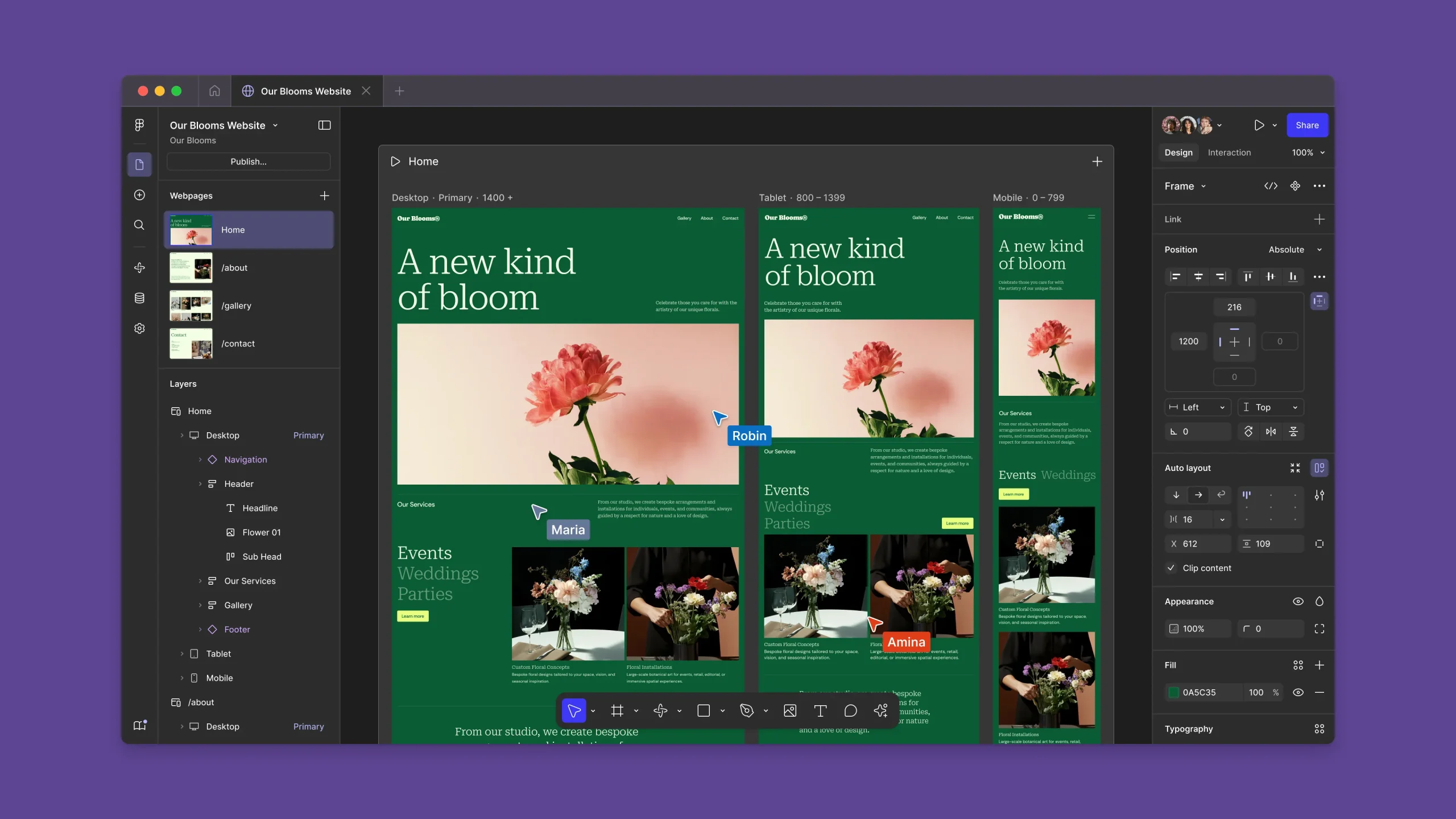
Figma wasn’t built as an Illustrator competitor, but if most of your vector work is interface components, icons and web layouts rather than classic illustration, it’s quietly become the stronger tool. The pen tool is genuinly capable for icon work, the free tier is generous for a solo designer, and real-time collaboration is the standout feature for anyone working with a team rather than alone.
Where it falls short of Illustrator and Affinity is in dedicated illustration depth — there’s no offset path tooling, no advanced typography controls, and logo or technical illustration work is better served elsewhere. Figma earns its place on this list specifically for UI and web designers, not as a general Illustrator replacement.
Canva — Best for Non-Designers
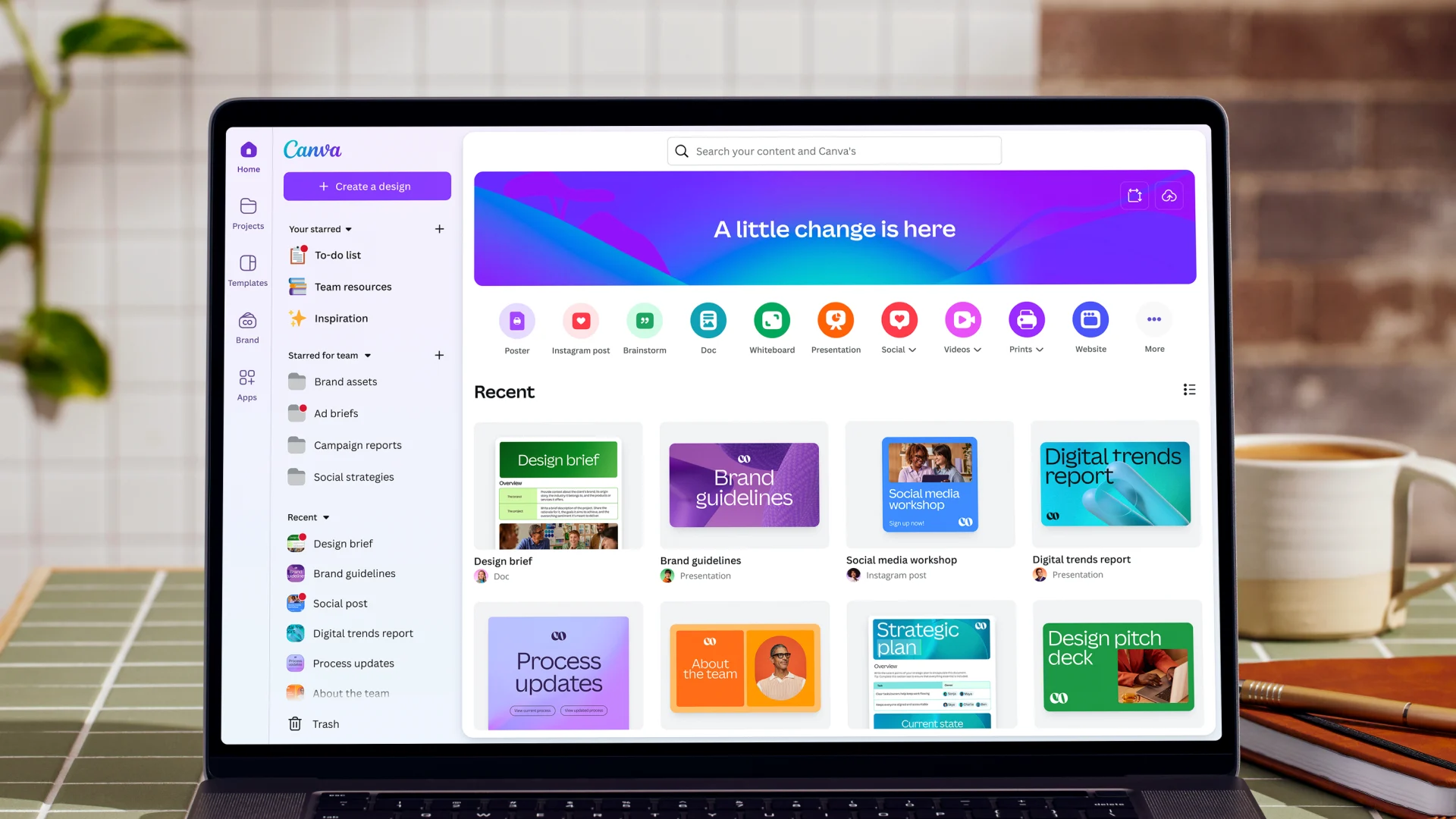
Canva isn’t a genuine vector editor in the way Illustrator or Affinity are, and it won’t suit anyone doing serious illustration or precision logo work — but it’s worth including because for a huge number of people who only ever used Illustrator for fairly simple graphics, Canva’s template-driven, drag-and-drop approach gets the job done faster and with far less of a learning curve. Social media graphics, simple posters, basic logos built from existing shape libraries — Canva handles all of this comfortably, and its AI-assisted layout suggestions speed things up further for anyone who isn’t a trained designer.
The trade-off is precision and control. You’re working within templates and pre-built elements rather than drawing freely with proper vector tools, and anyone with genuine design training will find it limiting fairly quickly. For artists and small business owners who just need to knock out a flyer or a social graphic without learning real vector software, Canva is genuinly the easiest entry point on this entire list. Our Canva Pro review for artists covers whether the paid tier is worth upgrading to.
Sketch — Mac-Only, Built for Focused Workflows
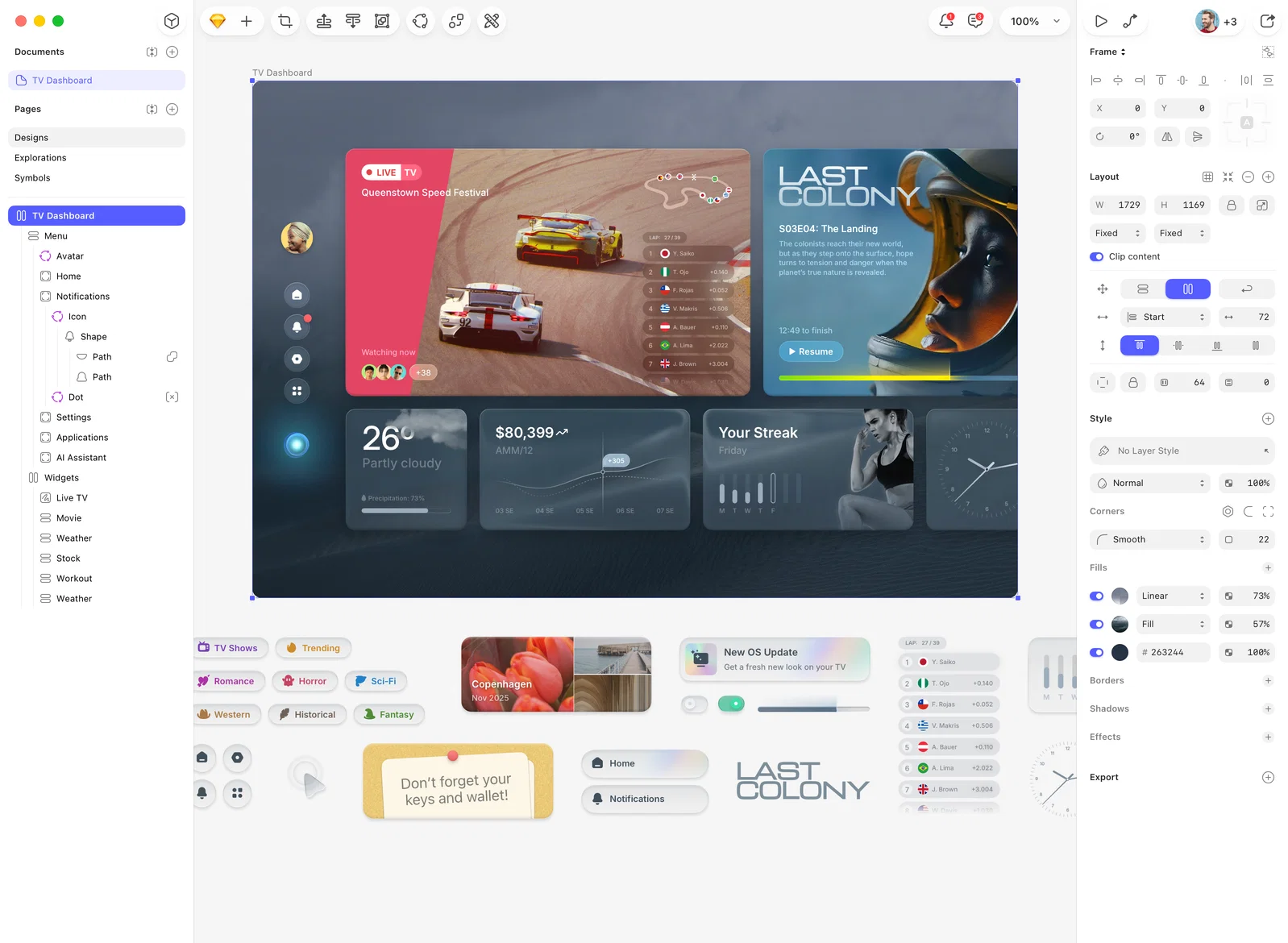
Sketch is Mac-only and has carved out a loyal following among designers who want a clean, focused workspace without Illustrator’s broader complexity. It leans toward UI and digital product design more than traditional illustration, similar territory to Figma, but with a more native Mac feel and a long-established plugin ecosystem of its own. If you’re firmly in the Apple ecosystem and want something simpler than Illustrator without the real-time collaboration emphasis that defines Figma, Sketch is worth trialling.
Linearity Curve (formerly Vectornator) — Strong on iPad
Linearity Curve, previously known as Vectornator, runs smoothly across Mac and iOS, including iPad and iPhone, and includes boolean operations, grouping, anchoring and masking tools that put it genuinly close to a proper professional vector editor rather than a stripped-down mobile app. For artists who want to draw and design directly on an iPad without sacrificing real vector precision, this is one of the stronger options specifically built with touch and Apple Pencil input in mind, and it imports AI files on Mac and iPad with reasonably decent accuracy.
Gravit Designer — Free and Genuinely Cross-Platform

Gravit Designer runs entirely in the browser as well as via desktop apps, making it one of the most genuinly accessible free options regardless of what operating system you’re on. It covers the core vector editing basics competently — shapes, paths, boolean operations, text tools — without the steeper learning curve some find in Inkscape. It won’t replace Illustrator for serious professional production work, but as a free, no-installation-required option for quick vector tasks, it’s a solid addition to this list.
Krita — For Painters Who Occasionally Need Vectors
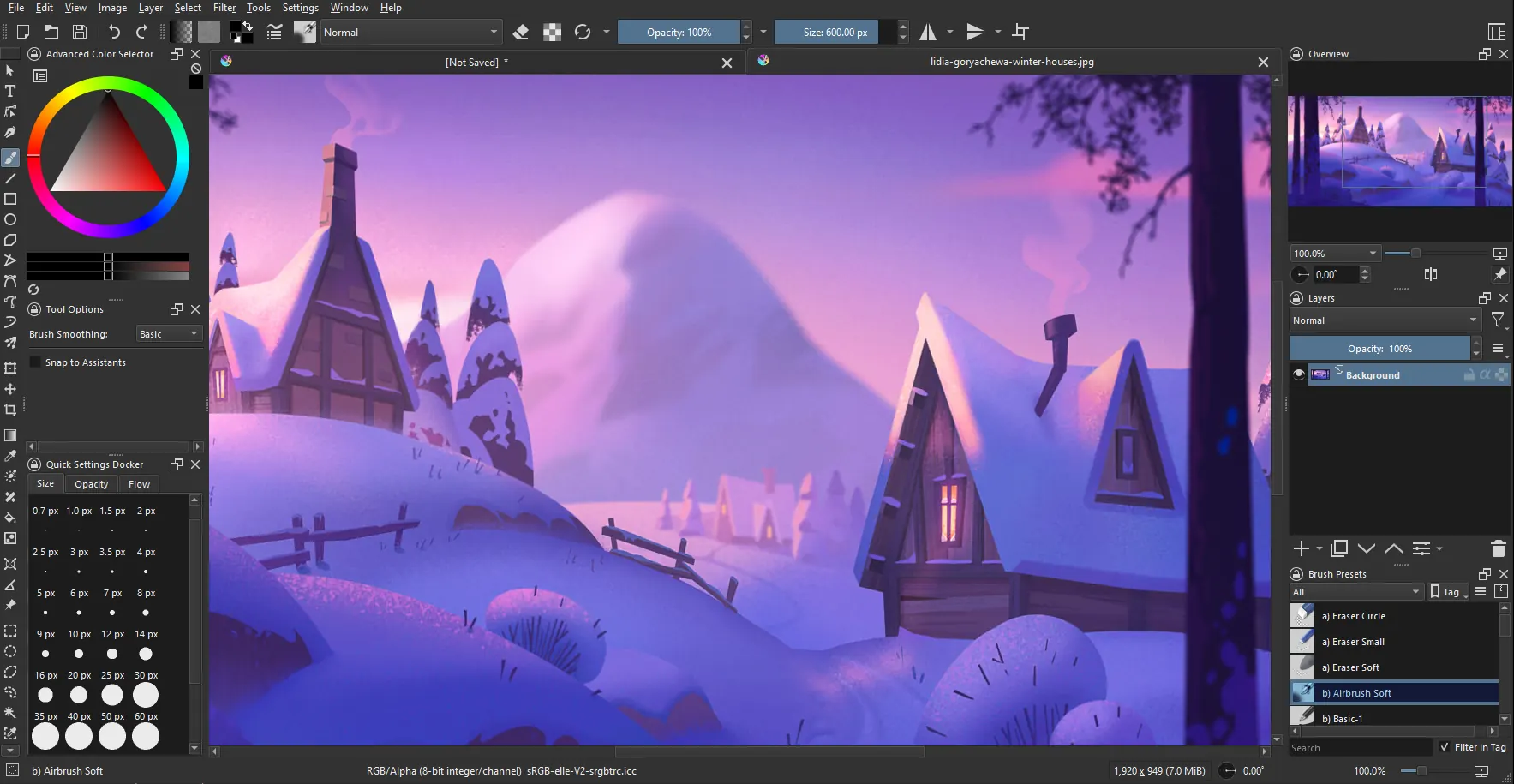
Krita is primarily a digital painting application rather than a vector tool, but it includes basic vector layers that fill a genuine gap for artists whose main work is painting but who occasionally need a clean vector shape or two within the same piece. It’s completely free and open source. The vector toolset is genuinly basic compared to Inkscape or Affinity — no path effects, no offset paths, no advanced typography — so it’s not a direct Illustrator replacement for anyone doing serious vector or logo work.
The Honest Recommendation
If you want the closest like-for-like replacement and are switching primarily for cost reasons, Affinity Designer is where almost everyone should start. If budget genuinly doesn’t stretch to even a one-off purchase, Inkscape or the browser-based Gravit Designer do the job properly for free. If you’re in signage or print production specifically, CorelDRAW remains the industry-embedded choice my dad’s world would still recognise. If your vector work is mostly UI and web rather than illustration, Figma or Sketch have quietly overtaken Illustrator for that specific use case. If you work mainly on iPad, Linearity Curve is built specifically for that. If you’re not a trained designer and just need something simple, Canva will get most jobs done without a learning curve at all. And if you’re primarily a painter who occasionally needs a vector shape, Krita covers that gap without asking you to learn a whole separate programme.
Illustrator itself is still genuinly powerful software — my dad built half of Blackpool’s seafront signage with an early version of it, and I spent years building ARTdiscount’s web graphics in a later one. But it’s no longer the only serious option, and for a lot of people, several of the alternatives above are genuinly the better fit now.