Written by Paul Worrall
Every artist selling original paintings or posters online eventually hits the same problem — a flat product photo doesn’t tell a buyer anything about scale, and “this is 60cm wide” means very little until someone can picture it actually hanging on their own wall. Canvy exists specifically to solve that, and after reviewing ArtPlacer a little while back, several people asked how Canvy compares — since the two genuinly overlap in what they do but differ enormously in who they’re built for and what they cost. I’ve spent sixteen years in the art and craft supplies industry and run Discount Art Supplies, used by over 36,000 UK artists every week. Here’s the honest picture.
Quick Verdict
Best for: Solo traditional painters and poster designers selling through Etsy or their own small shop, who want mockups and a simple portfolio site without a big budget.
Pricing: Free tier with 7 watermarked rooms; Pro plan from roughly $9-15/month.
The catch: No downloading your mockups for offline use, and the frame and room variety, while extensive, can start to feel repetitive at scale.
What Is Canvy?
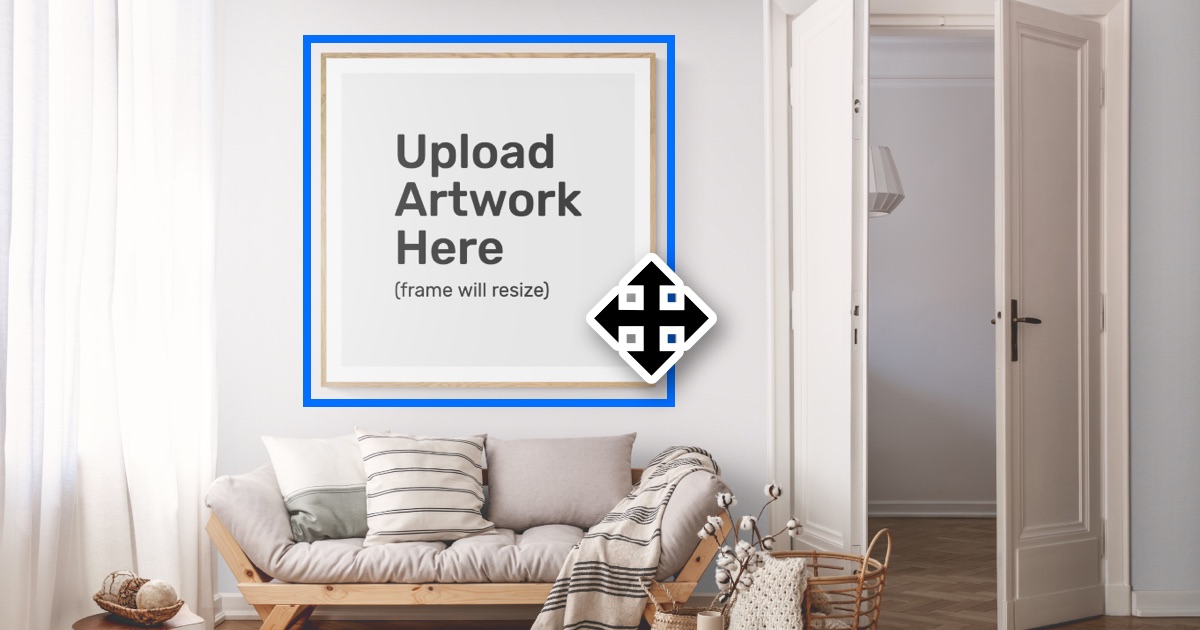
Canvy is a Danish-built online tool specifically for fine art painters and poster designers, covering two things: room mockups — placing your artwork into realistic, customisable interior scenes so buyers can picture it on their own wall — and a built-in portfolio website creator that turns your uploaded artwork into a simple online shop, complete with titles, pricing, dimensions and medium. The free tier includes 13 non-watermarked model rooms and access to the full room library if you’re happy with a Canvy watermark; the Pro plan removes watermarks and unlocks the full library, which has grown to well over 1,500 rooms.
The genuinly interesting part of Canvy’s story is its origin. Co-founder Tobias Tex Waaentz spent eight years at art school before teaching himself to code, and the idea came from a side project — photographing his own wall posters and making them customisable inside a Photoshop template he’d built for web designers. He realised traditional artists needed the same simulation tool far more than the web design crowd he’d originally built it for, and pivoted the whole business around that insight. It’s run by a genuinly small team — seven people last I checked — who personally answer support queries rather than routing you through a ticket system.
The Room Mockups — Canvy’s Main Feature
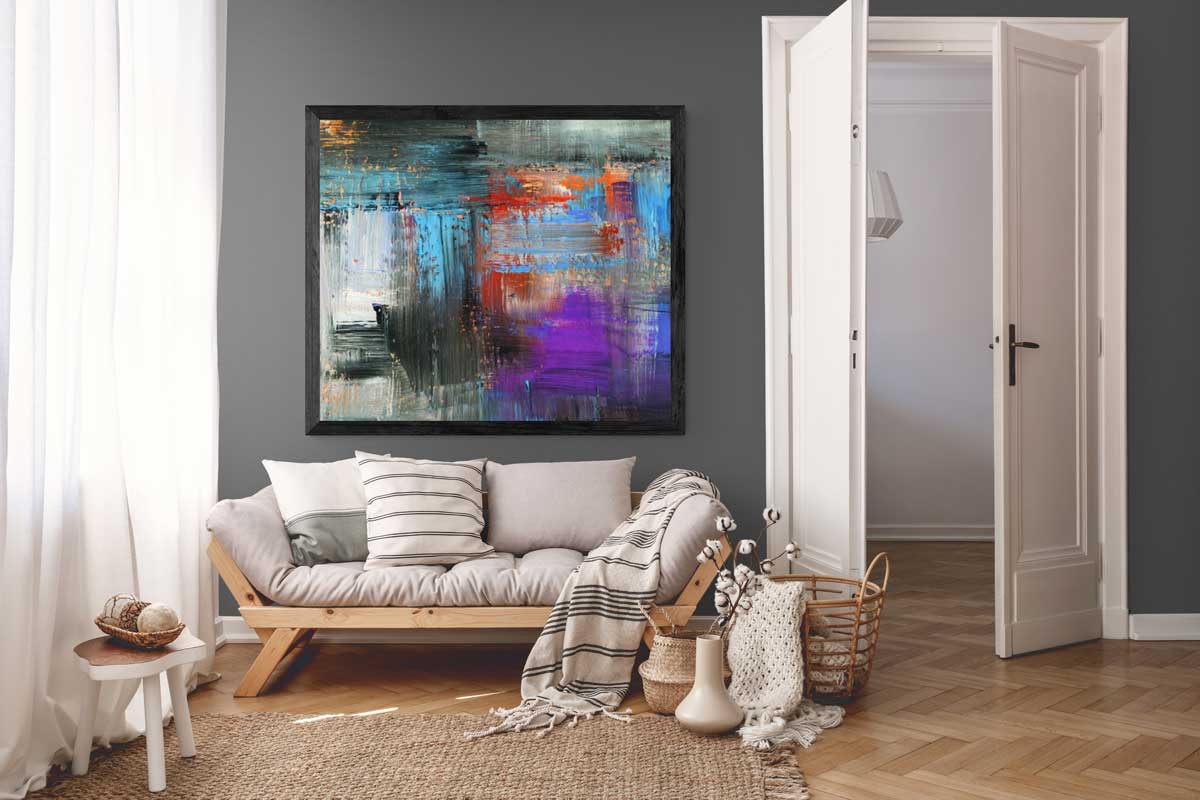
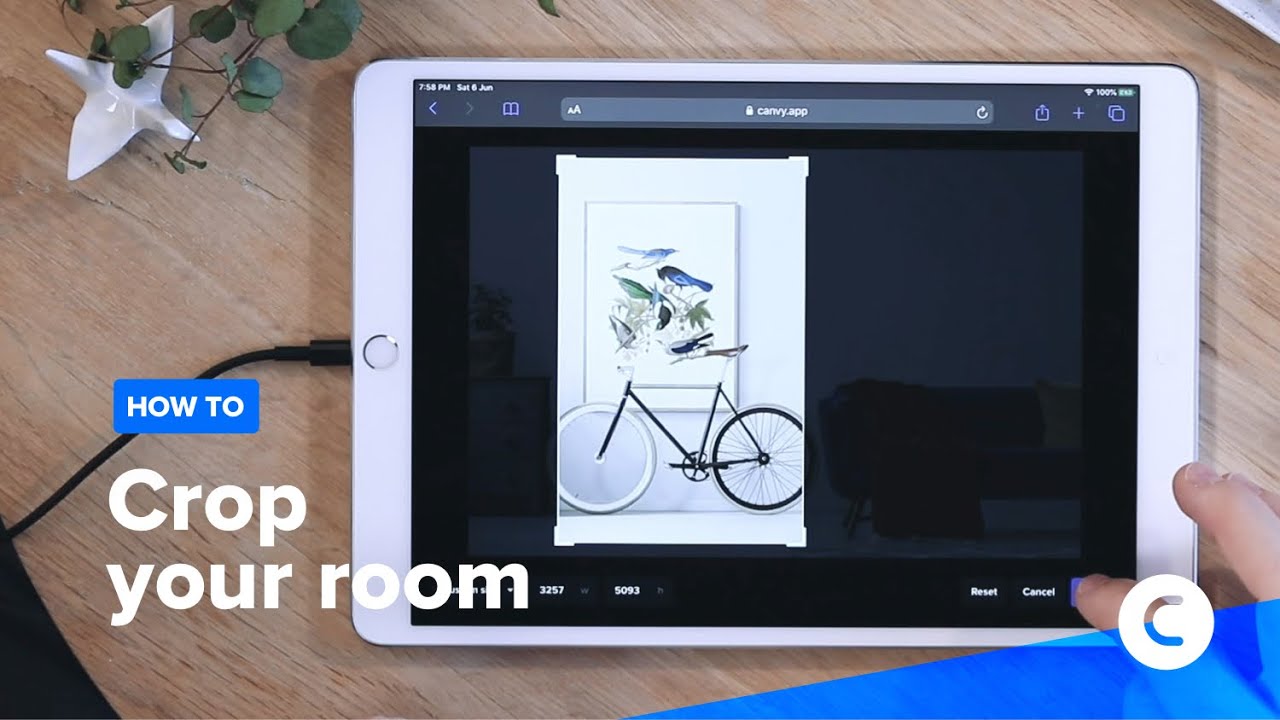
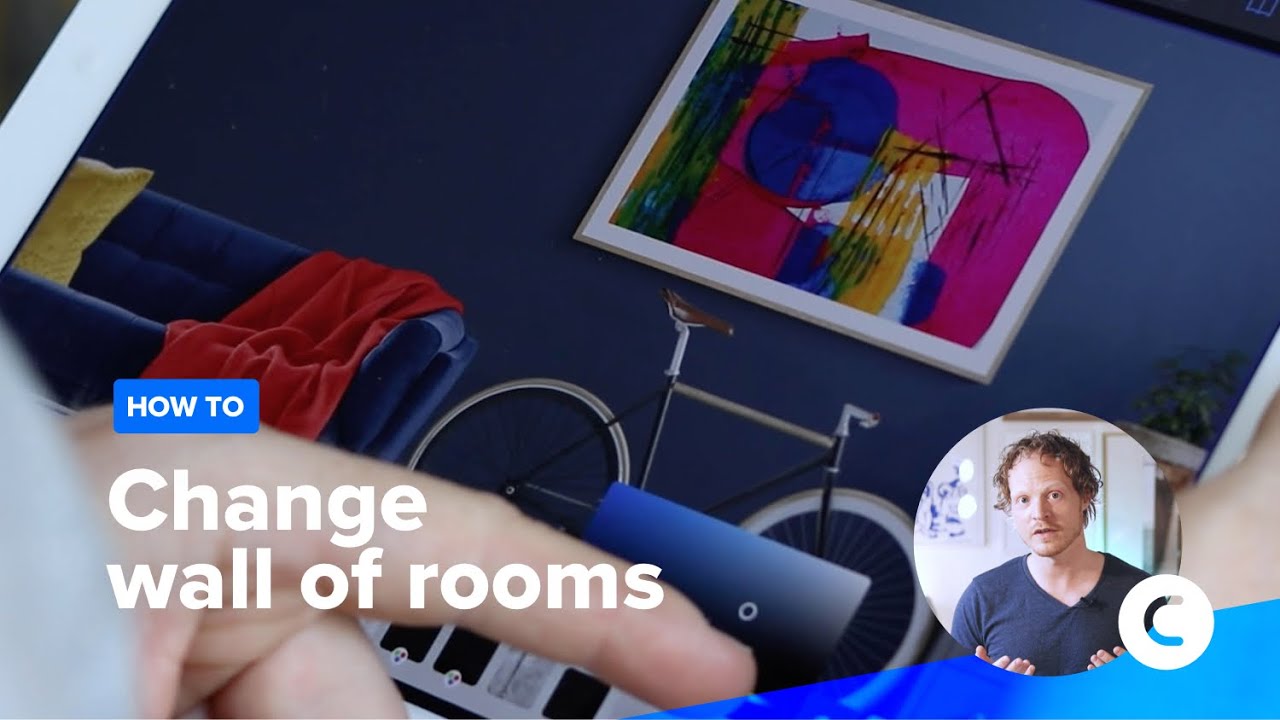
This is what most people come to Canvy for, and it does the job well. Upload your artwork, drop it into one of the pre-styled rooms, adjust the frame, and the dimensions scale accurately to the room — a genuinly important detail, since getting the proportions wrong on a mockup misleads buyers about actual size rather than helping them. You can recolour walls and furniture to better suit a specific piece, and the finished mockups export at a quality good enough for Etsy listings, Redbubble, or your own website without looking obviously fake.
The honest limitation, according to several independent reviews, is variety at the detail level — only 21 frame types, and while there are 1,500+ rooms, the underlying furniture and interior styling can start to feel repetitive once you’ve used the tool a lot, particularly if your work doesn’t fit neatly into the existing room aesthetics on offer. For occasional use this won’t matter; for an artist generating dozens of mockups a month across a varied body of work, it’s a genuine constraint worth knowing about upfront.
Etsy Integration and the Portfolio Site Builder
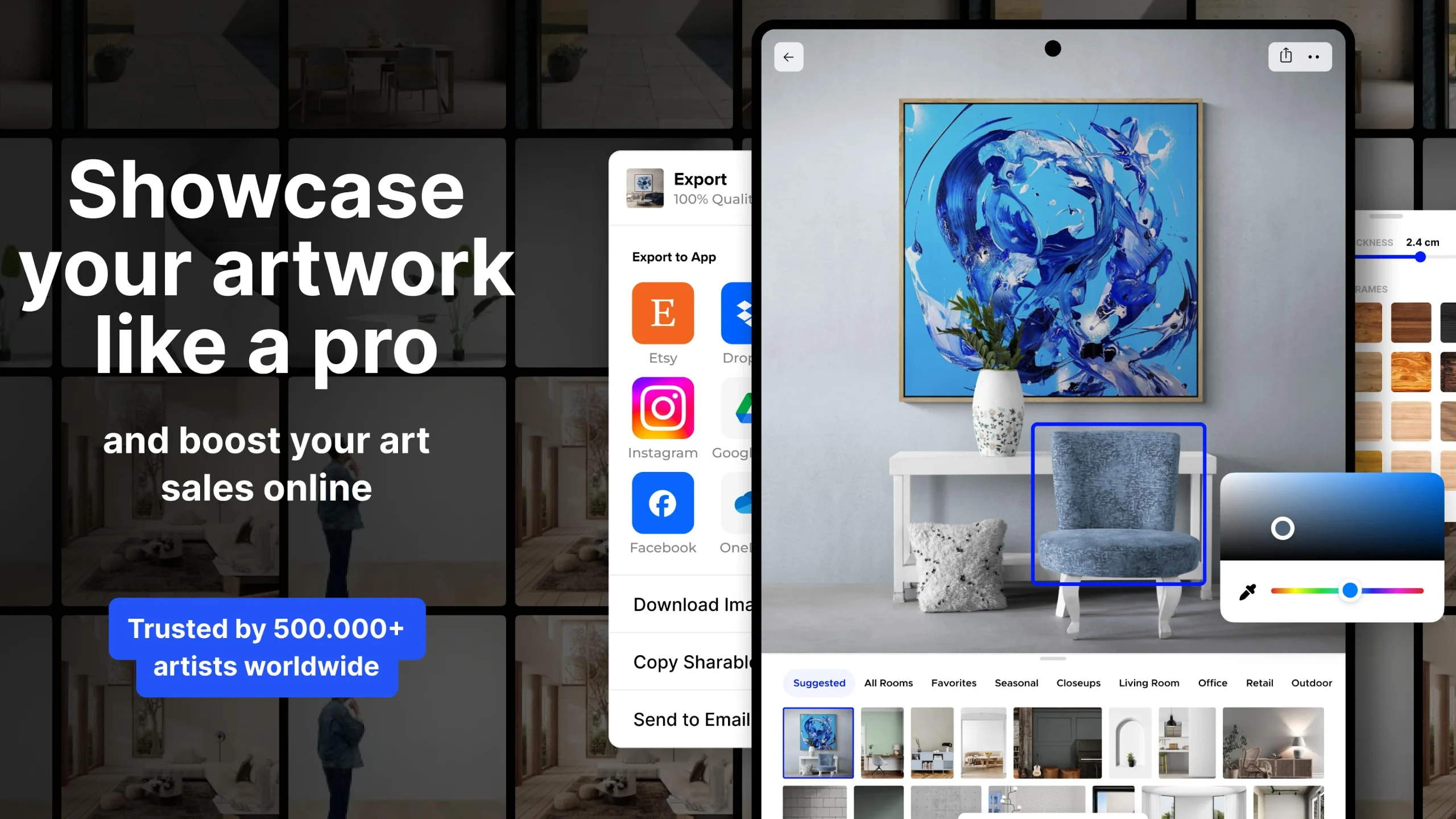
The Etsy integration is genuinly Canvy’s strongest practical feature for working artists — once your mockups are ready, exporting and listing on Etsy is straightforward, and given Etsy remains the single biggest marketplace for wall art and poster sales, that integration alone justifies the subscription for a lot of users. Our Etsy vs Shopify guide for UK artists covers the wider decision of where to sell if you haven’t settled on a platform yet.
The built-in portfolio website creator is the other half of Canvy’s offer — add your artworks with title, price, dimensions, medium and creation date, and within a few clicks you have a basic online portfolio site. Free members get this with a canvy.com subdomain attached; paid members can connect it more cleanly to their own domain. It’s not going to compete with a properly built site from a platform like the dedicated artist website builders we’ve covered elsewhere, but as a free, bundled extra on top of the mockup tool, it’s a genuinly useful bonus rather than the main reason to sign up.
Canvy vs ArtPlacer — Which Should You Actually Use?
| Feature | Canvy | ArtPlacer |
|---|---|---|
| Built for | Solo painters & poster designers | Galleries, advisors, larger inventories |
| Starting price | Free tier, Pro from ~$9-15/mo | From ~$9/mo, key features higher up |
| AR visualisation | No | Yes — genuine standout feature |
| Etsy integration | Yes, built in | Shopify-focused instead |
| Portfolio website builder | Yes, included | No |
| Inventory limits | Generous on paid tier | Capped lower on entry tier |
The honest split is fairly clean once you lay it out. Canvy is built for the individual artist selling through Etsy or a small shop who wants mockups and a basic portfolio without a big budget or commitment — exactly the audience that found ArtPlacer a stretch when we reviewed it, since ArtPlacer’s most useful features for solo artists sit behind its higher tiers and its 20-artwork inventory cap on the entry plan feels built for a bigger operation than most individual sellers run.
If your priority is genuine AR visualisation — letting a buyer point their phone at their own wall and see your painting at true scale — ArtPlacer is still the stronger tool, since Canvy doesn’t offer AR at all, only pre-styled static room mockups. If your priority is affordable mockups plus a simple way to sell through Etsy and present a basic portfolio, Canvy is genuinly the better fit and the better value.
Who Should Actually Use Canvy?
Worth it if: You’re a solo painter or poster designer selling primarily through Etsy or a small personal shop, want professional-looking mockups without a photography setup, and like the idea of a bundled basic portfolio site thrown in.
Probably not for you if: You’re a gallery or advisor managing a large, varied inventory who needs AR visualisation specifically — ArtPlacer is the better fit there despite the higher cost. If you already have a properly built portfolio website, the bundled site builder adds little value beyond the mockup tool itself.
Final Verdict
Canvy does a genuinly good job at a genuinly fair price for exactly the audience it was built for — solo traditional artists who need their work to look properly presented online without spending serious money or time on it. The lack of AR and the occasionally repetitive room styling are real limitations, but neither matters much if you’re simply trying to make your Etsy listings look more professional than a flat photo against a wall. For that specific job, it’s hard to beat at this price.
More Digital Tools for Artists
- ArtPlacer Review — Is the AR Visualisation Worth It for Artists?
- Artlogic Review — The Honest Truth About This Artist Platform
- Etsy vs Shopify for UK Artists
- The Best Artist Website Builders
- How to Sell Art Online UK — The Complete Guide
- Discount Art Supplies — Compare Prices Across All UK Art Retailers