Written by Paul Worrall
Zach got a basic drawing app on an old tablet of mine last year and, within about ten minutes, had discovered the undo button, the fill tool and about four brush settings I didn’t know existed. Kids pick up digital art tools faster than adults because they’re not scared of pressing the wrong thing — which is honestly most of the battle when you’re starting out. The blank digital canvas problem is real, and most “beginner digital art ideas” lists just show finished pieces without any thought for what’s actually achievable on day one.
I’m Paul Worrall. I spent nearly a decade running digital marketing for ARTdiscount, one of the UK’s largest online art retailers, and I now run Discount Art Supplies — a price comparison platform used by over 41,000 UK artists every week. This list isn’t about software or hardware — I’ve covered what’s worth buying separately in my Best Digital Art Software guide and Best Drawing Tablet guide. This is about what to actually open a new canvas and attempt first.
1. A Simple Line Drawing
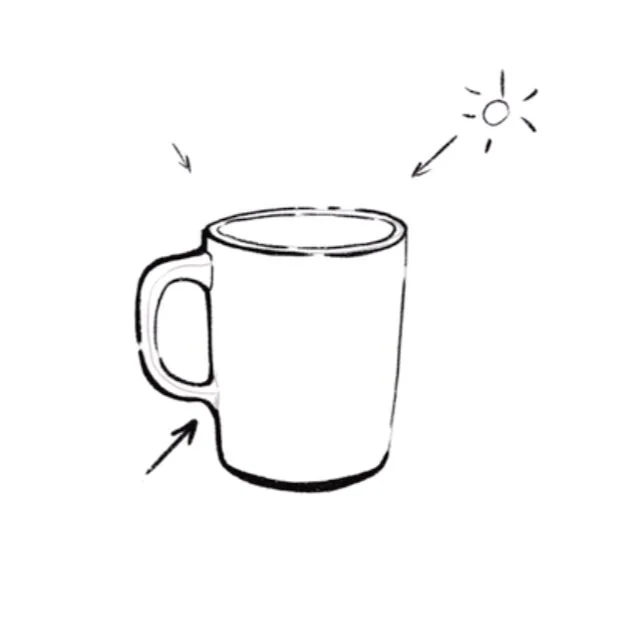
Before layers, blending or anything clever, just get comfortable with how a digital brush actually feels under your hand — pressure sensitivity, line weight, and how different the stroke feels compared to a pencil on paper. A simple object drawn in clean outline, nothing shaded, teaches you the basic feel of the tool without any other decisions getting in the way.
2. Flat Colour Illustration
Take a simple line drawing and fill each shape with a single flat colour on its own layer. This is genuinely the best way to learn selections, the fill tool and — importently — how layers actually work, since you’ll quickly understand why colouring on a separate layer beneath your linework saves you from constantly colouring outside the lines.
3. A Gradient Sky

Blending colours smoothly is one of the trickier digital skills to get a feel for, since it behaves quite differently to physical paint. A simple sunset or sky gradient is a low-pressure way to get properly comfortable with soft brushes and blending modes before you need that skill for anything more complicated.
4. A Digital Collage From Your Own Photos
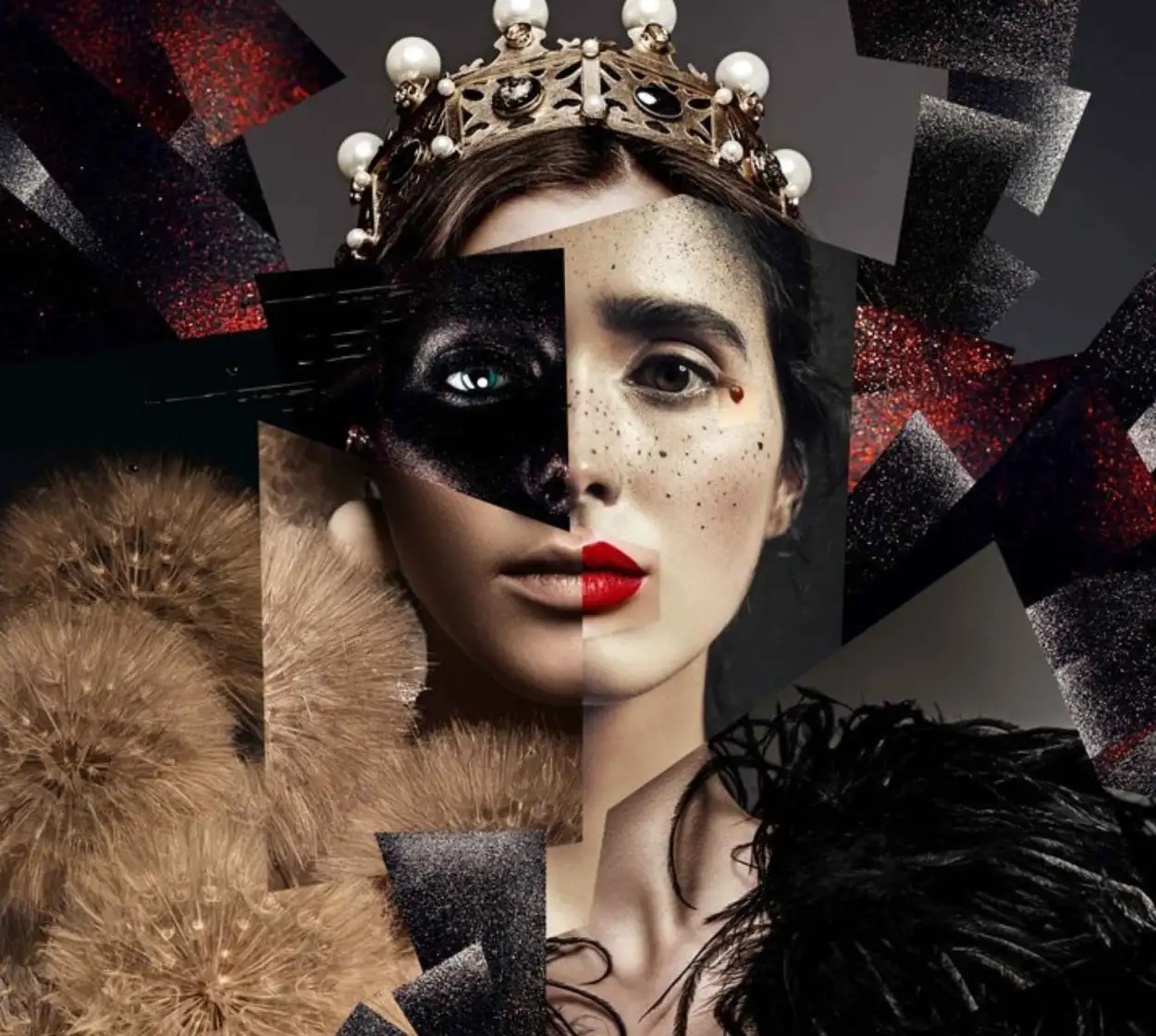
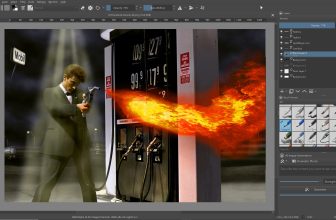
Import a few of your own photos and layer, mask and blend them into one composition. It sounds advanced but it’s genuinely one of the most forgiving ways to learn layer stacking and masking, since you’re working with existing images rather than needing to draw anything from scratch — and it teaches composition thinking that carries over into original work later.
5. A Simple Character Doodle
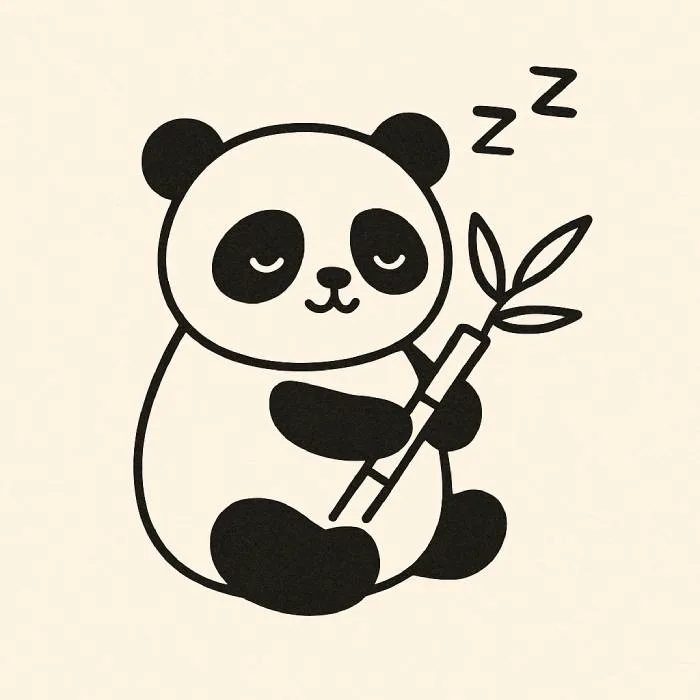
Not a detailed character design — a loose, simplified doodle working from basic shapes rather than anatomy. Digital art’s undo button makes this genuinely the easiest medium to experiment with character ideas in, since a wrong proportion costs you nothing to fix, unlike on paper.
6. A Repeating Pattern
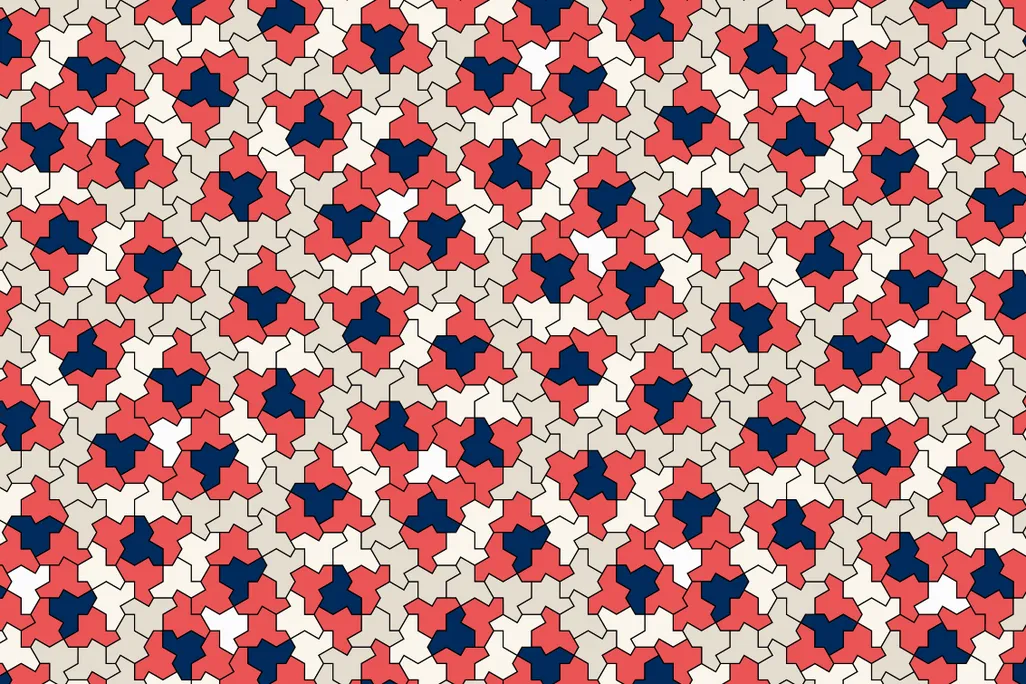
A simple repeated shape or motif across a canvas teaches precision and spacing, and it’s one of the few digital exercises where the software’s own tools — copy, paste, transform — genuinely do some of the heavy lifting for you while you’re still learning. It’s oddly satisfying to actually make too.
7. Digital Lettering
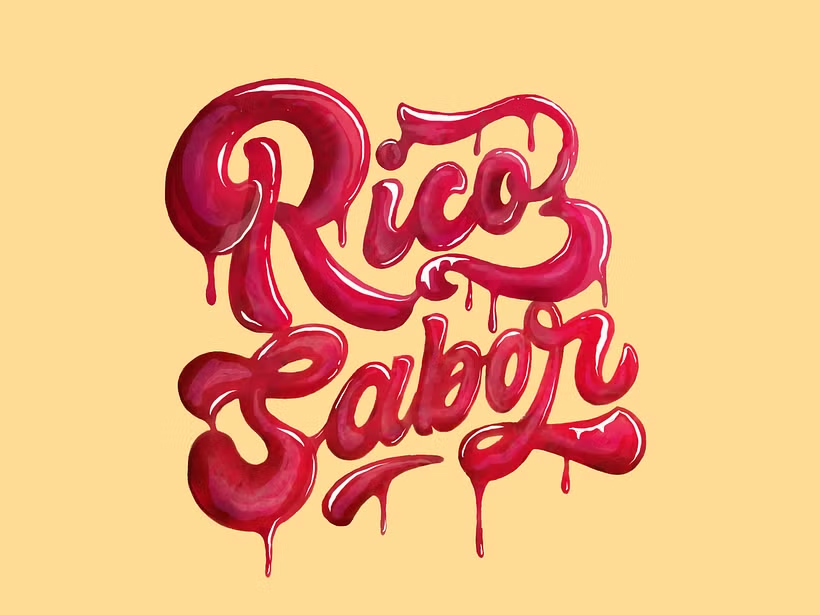
Hand-drawing a word or short phrase digitally teaches control and consistency in a way that’s genuinely different to illustration work. It’s also one of the more immediately shareable things you can make as a beginner, which helps with motivation more than people admit.
8. Simplify a Photo Into an Illustration

Pick a photo — your pet, a houseplant, a landscape — and reduce it to its simplest shapes and colours rather than trying to recreate every detail. This teaches you to actually look at a reference properly, which is a skill that transfers directly into more detailed work once you’re ready for it.
9. A Colour Palette Study
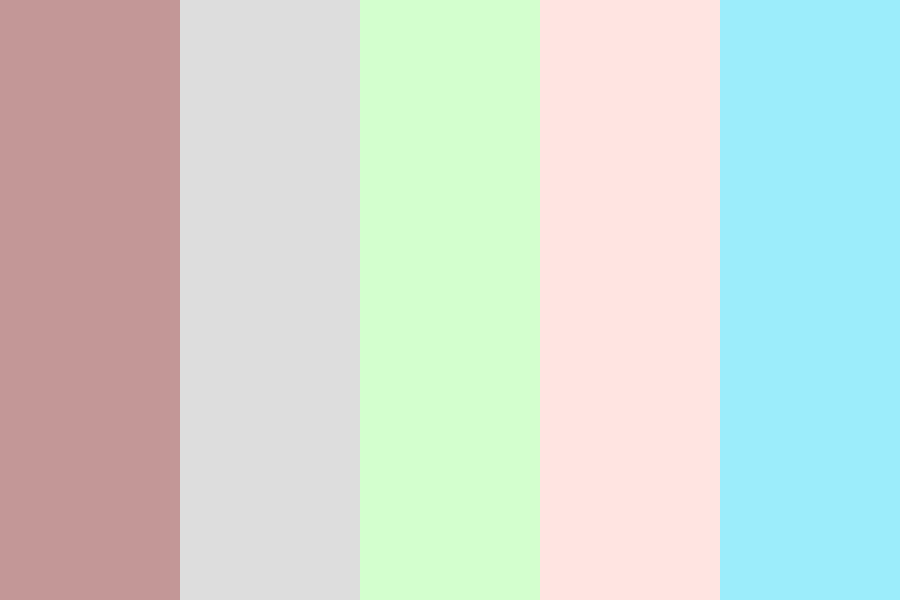
Pick a photo you like and use the colour picker tool to pull out its actual palette, then paint a few simple shapes using only those colours. It’s a genuinely useful exercise in understanding why certain colour combinations work, and it’s one that’s significently easier to do digitally than with physical paint, since you’re never guessing at a colour match.
10. Texture Experiments
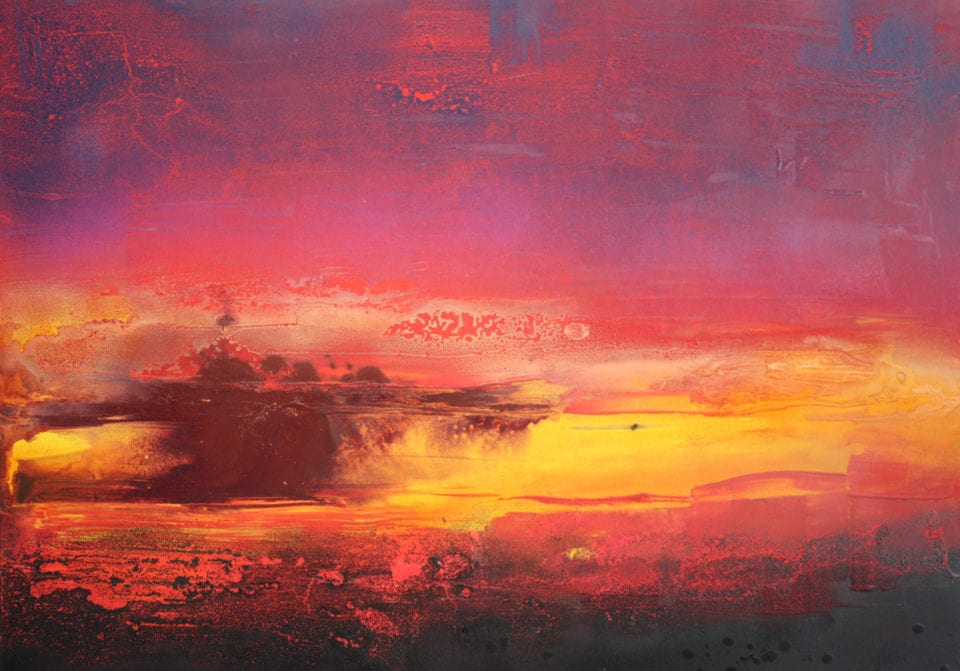
Most digital art software comes with a genuinely huge range of textured brushes that beginners rarely explore beyond the default round brush. Set aside a canvas purely to try different brush textures and blending modes with no goal beyond seeing what they do — it’s the digital equivalent of testing paint on scrap paper, and it pays off later.
A Few Honest Tips Before You Start
Work in layers from the very first piece, even the simple ones — it’s a habit that’s far easier to build early than to retrofit later. Don’t worry about finding “your style” yet; that comes from doing a lot of pieces, not from picking one deliberately. And don’t feel you need the most expensive tablet or software to start — I’ve genuinely seen better beginner progress from someone using a budget setup consistantly than from someone with premium kit who paints once a month. If you haven’t settled on hardware yet, my Apple Pencil Compared guide and Best Drawing Tablet guide cover what’s actually worth buying at every budget.
FAQ
What software should a beginner use for digital art?
Procreate on iPad is the easiest genuine starting point for most beginners, but there are strong free options too. I’ve compared the full range in my Best Digital Art Software guide.
Do I need an expensive tablet to start digital art?
No — a budget drawing tablet or even a basic iPad with an entry-level stylus is genuinely enough to learn the fundamentals. I’ve covered what’s actually worth buying in my drawing tablet and Apple Pencil guides.
Is digital art harder to learn than traditional art?
Not harder, just different. Digital art removes some traditional obstacles like mixing paint or waiting for something to dry, but replaces them with new tools like layers and selections that take a bit of getting used to.
Whatever you end up creating, it’s worth a quick check on software and hardware prices before you commit to anything — they move around more than people expect. At Discount Art Supplies we compare prices across all the major UK art retailers in real time, so you can find the best current deal before you buy.