Written by Paul Worrall
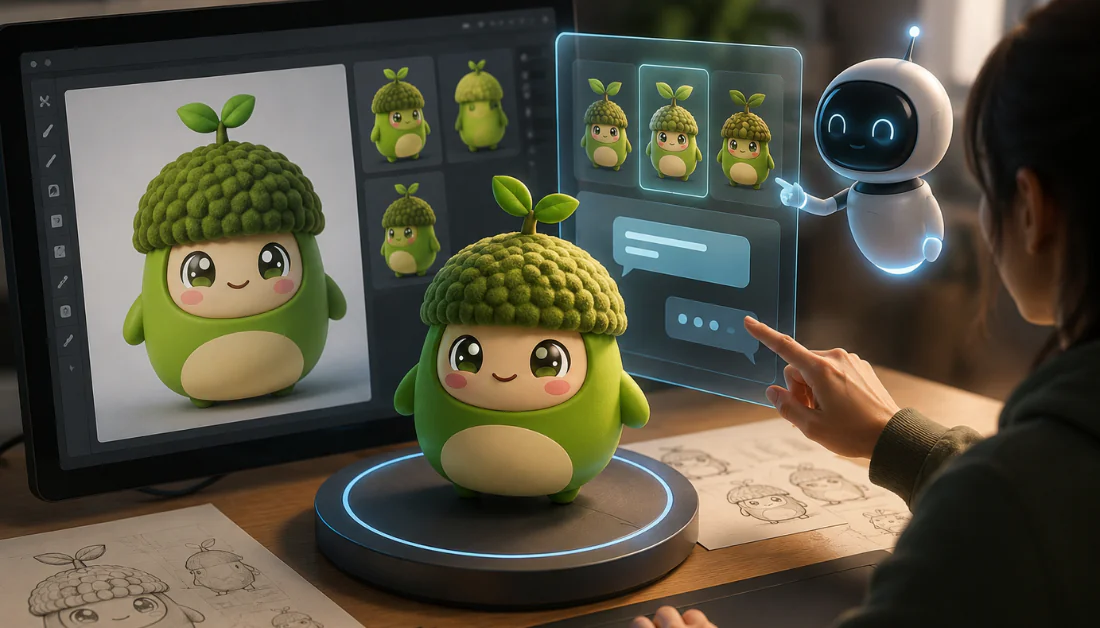
I’ve already written about the best resin 3D printers for painting miniatures, but that whole hobby depends on actually having a model to print in the first place — usually downloaded from a marketplace or modelled by hand in something like Blender. Meshy AI does something genuinely different: it generates a printable 3D model directly from a text description or a photo, no modelling skill required.
I’m Paul Worrall. I spent nearly a decade running digital marketing for ARTdiscount, one of the UK’s larger online art retailers, and I now run Discount Art Supplies — a price comparison platform used by over 41,000 UK artists every week.
What Meshy AI Actually Does
You type a description — or upload a photo — and Meshy generates a textured 3D mesh in around a minute, complete with realistic surface detail. It exports to FBX, OBJ, GLB, USDZ and STL, the last of which is the format that actually matters for 3D printing, and it’s compatible with Blender, Unity and Unreal Engine if you want to edit further before printing.
Pricing

Runs on a monthly credit system. The free plan gives around 200 credits a month, but there’s an importent catch: it only lets you download outputs from the older Meshy 4 model, and everything generated on the free tier is licensed CC BY 4.0 and made publicly visible — fine for learning and personal prints, not suitable for anything commercial. Pro is $20 a month (roughly £16) for 1,000 credits, private and commercially usable assets, and API access. Studio runs $60 a month (roughly £48) for 4,000 credits and team features. Prices are in US dollars, so worth checking the current converted cost before committing.
Is the Print Quality Actually Good?
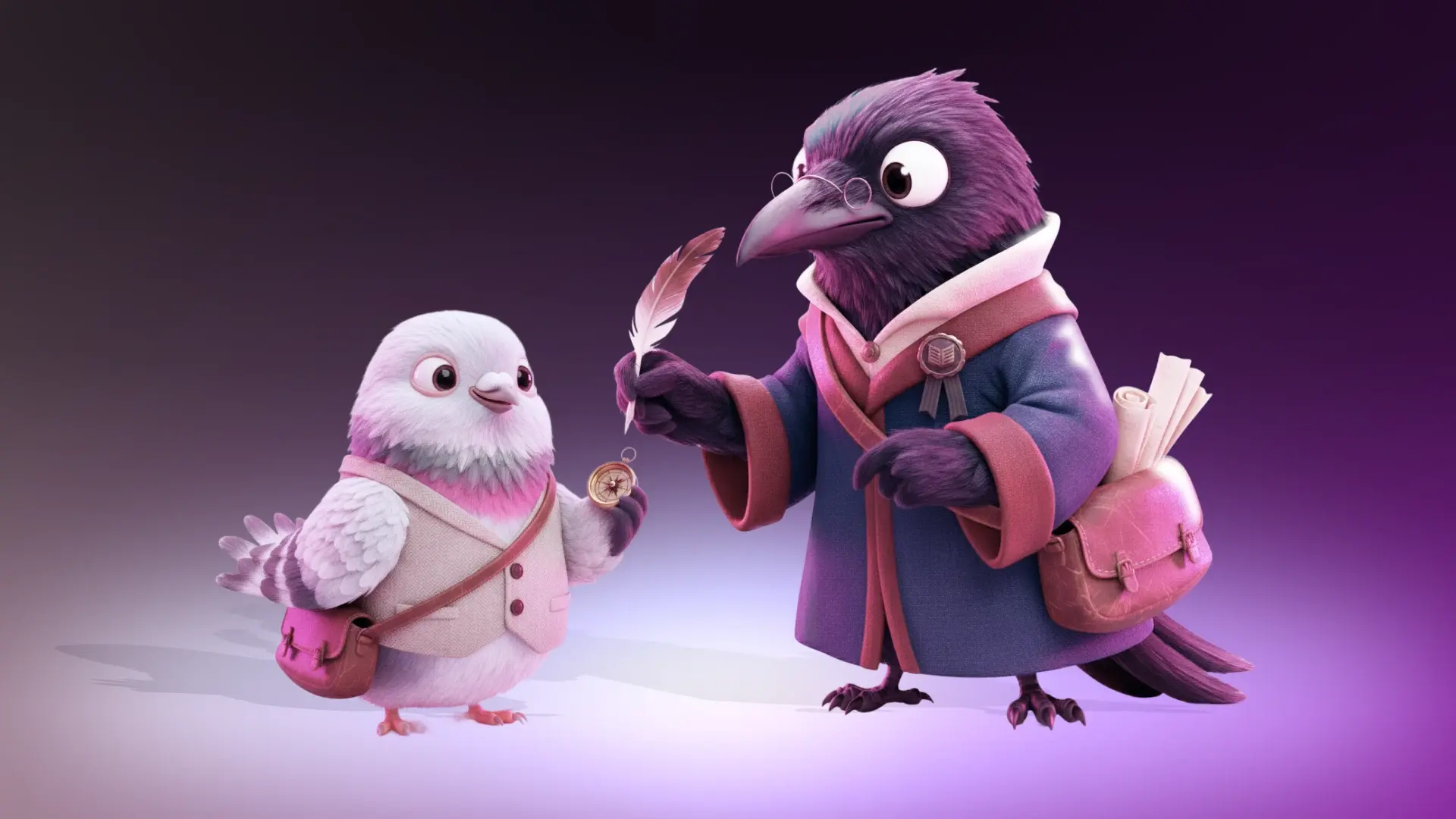
Genuinely, yes, and this is a real change from earlier AI 3D tools. The current Meshy 6 model produces watertight meshes that generally slice and print cleanly without needing manual repair first — several independent reviewers specifically mention getting a clean print on the first attempt, which wasn’t true of this category even a year or two ago. Complex anatomy and fine detail can still trip it up, so results vary depending on what you’re generating, but for straightforward miniatures and props it’s consistantly capable.
What to Know Before You Buy

The free tier is more limited than it first looks — you can generate on it, but you can’t actually download the good Meshy 6 output, which is the main reason most people would want the tool in the first place. The credit system also makes casual experimentation feel a bit restrictive, since retries and higher-detail generations eat credits faster. Worth knowing too that Meshy’s refund policy is genuinely strict, citing high GPU running costs, so it’s worth trying the free tier properly before committing to a paid plan.
Who It’s Actually For
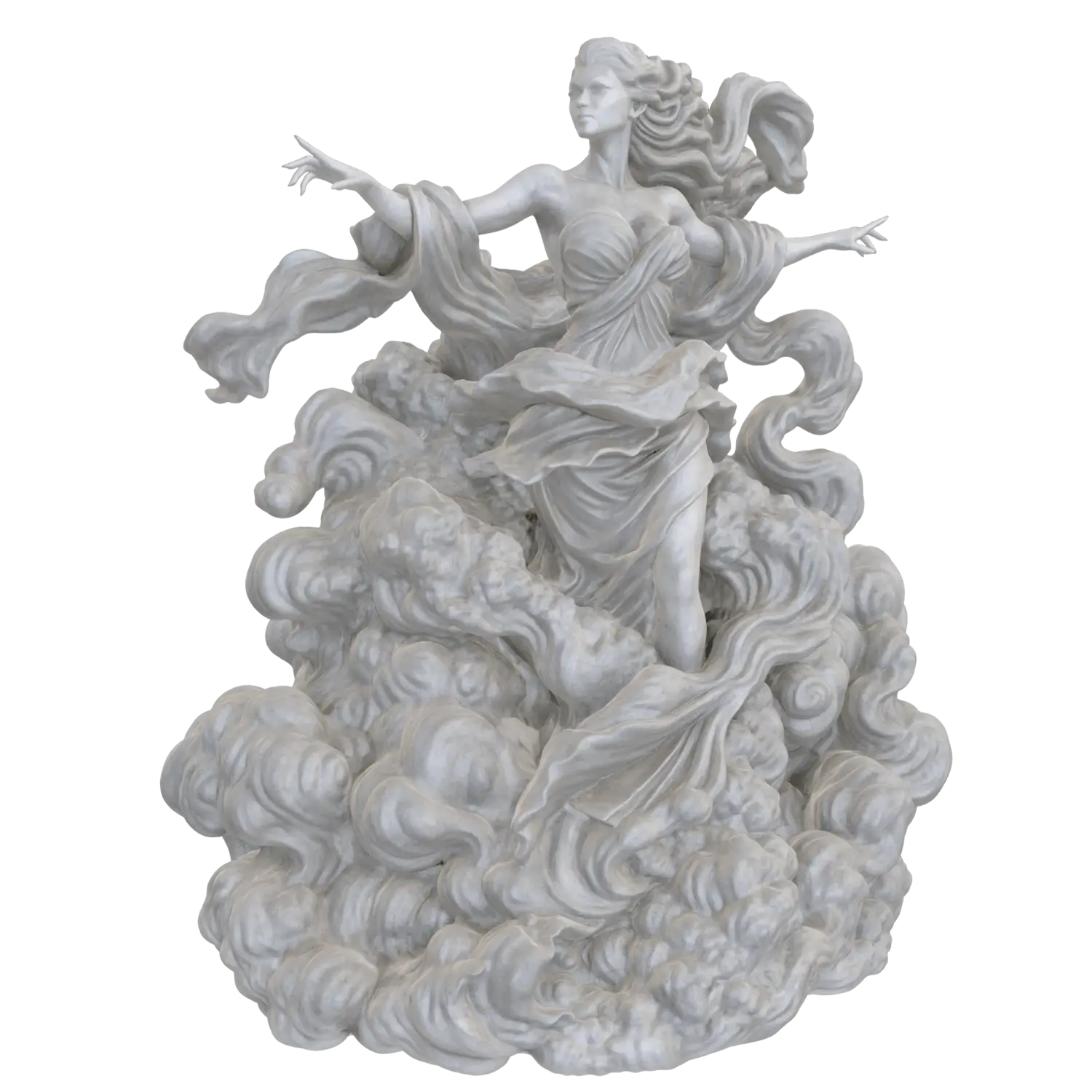
This is a genuinely good fit for miniature painters and 3D printing hobbyists who want to generate their own designs rather than relying entirely on marketplace downloads — turning a rough idea or a reference photo into a printable model without learning Blender first. It’s less suited to anyone needing production-ready game assets straight out of the tool, since some manual cleanup is still often needed for more demanding uses.
FAQ
Is Meshy AI free to use?
There’s a free plan with a monthly credit allowance, but it only lets you download the older Meshy 4 model outputs and everything you generate is publicly licensed under CC BY 4.0. To download the newer, better-quality Meshy 6 outputs or keep your models private, you need the paid Pro plan.
Are Meshy AI models actually good enough for 3D printing?
The current Meshy 6 model produces watertight, print-ready meshes that generally don’t need manual repair before slicing, which is a genuine improvement over earlier AI 3D tools. Complex anatomy and fine detail can still trip it up, so results vary by subject.
Can I sell miniatures printed from Meshy AI models?
Only if you’re on a paid plan. Free-tier output is licensed CC BY 4.0 and shared publicly, which isn’t suitable for commercial or client work — the Pro plan is where generated models become private and usable commercially.
If you’re setting up for miniature painting more broadly, my Best Resin 3D Printer guide and Best Brushes for Miniature Painting guide cover the rest of the setup. At Discount Art Supplies we compare prices across all the major UK art retailers in real time, so you can find the best current deal on materials too.