Written by Paul Worrall
Before I get into this, a quick note on how this guide is different from our best laptops for graphic design article, because the two are genuinly distinct categories even though they overlap in the marketing. That guide is for designers who primarily use a keyboard and trackpad — building layouts in Illustrator, editing in Photoshop, working in Figma. This one is specifically for artists who want to draw directly on the screen — the 2-in-1 laptop and tablet-laptop hybrid market, where the stylus experience is the deciding factor rather than just processing power and display colour accuracy.
I’m a Mac user, have been most of my adult life, and I’ll be upfront about the bias that runs through some of what follows. But drawing directly on a screen is genuinly the one category where Windows 2-in-1 machines make a stronger case than Apple currently does — because Apple doesn’t make a laptop you can draw on with a Pencil. The iPad Pro with a Magic Keyboard is close, but it’s not technically a laptop, and Procreate isn’t macOS. So if you want to draw on your laptop screen specifically, you’re largely in Windows territory, and this guide reflects that honestly. I’ve spent sixteen years in the UK art supplies industry and now run Discount Art Supplies, used by over 36,000 UK artists every week. Here’s the honest picture.
⭐ Best Laptops for Drawing — Quick Picks
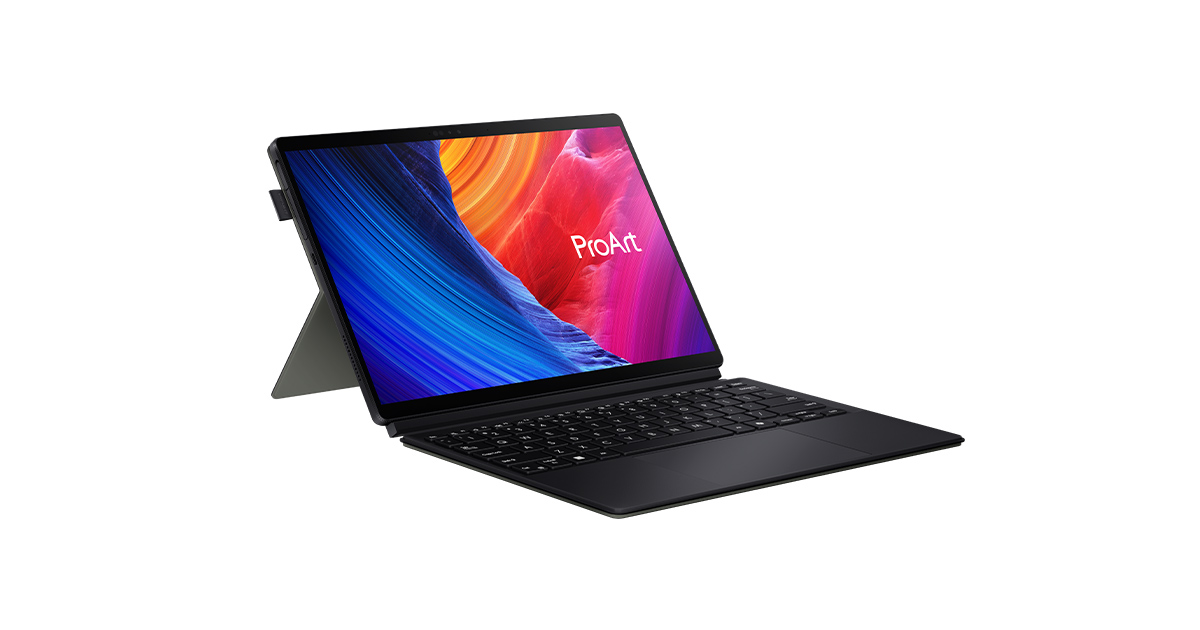
Best overall drawing laptop: ASUS ProArt PZ13 — the current top pick across independent reviews, 3K OLED touchscreen, stylus included.
Best for Windows illustrators: Microsoft Surface Pro 11 — the benchmark 2-in-1 for serious illustrators who need full desktop software.
Best mid-range 2-in-1: HP Omnibook X Flip 16 — 16-inch IPS touchscreen, stylus included, excellent for digital artists on a moderate budget.
Best for artists who prefer Mac ecosystem: iPad Pro M5 + Magic Keyboard — not technically a laptop, but the closest Apple gets for direct screen drawing.
Best budget drawing laptop: Lenovo Yoga 7i — OLED touchscreen, pen support, affordable entry point for digital illustration.
Best for 3D and heavy creative workloads: ASUS ROG Zephyrus G14 — serious GPU power for artists who also work in 3D, animation or video.
What’s Different About Choosing a Drawing Laptop vs a Design Laptop
The key distinction is screen input. A laptop for graphic design can have a perfectly standard non-touch display — you’re working with mouse and keyboard primarily, with maybe a separate drawing tablet alongside. A laptop for drawing specifically needs to be a device you can draw on directly, which means a touchscreen, stylus support, and crucially, a fully laminated display — one where the glass is bonded directly to the panel rather than having an air gap between them. That air gap is the thing that makes cheaper touchscreen laptops feel like you’re drawing on glass rather than on the artwork itself, and it’s the single most important hardware spec to check before buying.
Pressure sensitivity is the other thing to check properly — not just “has a stylus” but how many pressure levels the stylus detects. 4,096 levels is the practical minimum for serious illustration work. Anything below that and fine line-weight variation starts to feel imprecise. The best current styluses from Microsoft (Slim Pen 2) and ASUS go considerably higher than that, which is why the premium machines feel meaningfully better to draw on than budget alternatives with the same screen resolution on paper.
ASUS ProArt PZ13 — The Best Overall Drawing Laptop
The ASUS ProArt PZ13 is the current top recommendation across every serious independent drawing laptop review I researched, and the reasoning is convincing. A 3K OLED touchscreen that’s gorgeous for colour-critical work, a Snapdragon X Plus processor delivering impressive performance alongside exceptional battery life, and an ASUS Pen 2.0 stylus included in the box rather than sold separately. The ProArt branding exists specifically for creative professionals — this isn’t a gaming machine repackaged, it’s a device genuinly designed from the ground up with artists’ workflows in mind, from the colour calibration to the pressure-sensitive pen input.
The 3K OLED display is the standout feature in real drawing conditions — the contrast, the colour depth and the response time of OLED technology specifically suits illustration work in a way that IPS touchscreens simply can’t match. For artists used to drawing on paper who find digital screens feel flat and artificial, OLED makes the most meaningfull difference of any single hardware upgrade. The Snapdragon X Plus chip also means this is a genuinly thin, light machine for its screen quality — something you’d actually want to carry to a life drawing class or use on a train without thinking twice about the weight.
Microsoft Surface Pro 11 — Best for Serious Illustrators
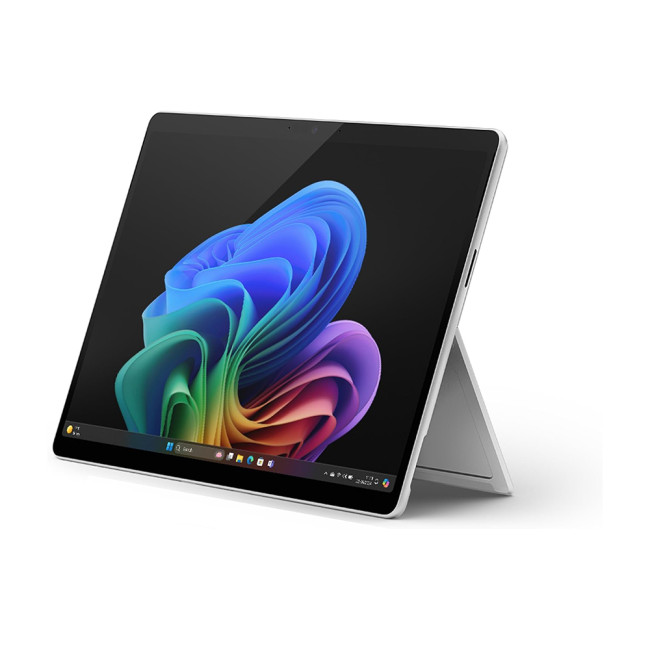
The Microsoft Surface Pro 11 is the machine professional digital illustrators and concept artists return to again and again, and the reason is consistent: the Surface Slim Pen 2’s drawing experience — the tactile feedback, the pressure response, the palm rejection — is as close to drawing on paper as any Windows device currently offers. Lines appear where you expect them. Pressure ramps naturally. You stop thinking about the hardware and start thinking about the drawing.
The honest caveat that applies every year and still applies now: the Surface Slim Pen 2 is sold separately, adding meaningfully to the total cost, and the keyboard cover is also an additional purchase if you want a proper laptop experience rather than a pure tablet. By the time you’ve added both, you’re well above the headline price. For serious illustrators who draw for hours at a time and need a Windows machine that runs full desktop Photoshop and Clip Studio Paint natively, the combined investment genuinely earns its return. For more casual use, the ASUS ProArt PZ13 or Lenovo Yoga offer better value.
HP Omnibook X Flip 16 — Best Mid-Range 2-in-1 for Drawing

The HP Omnibook X Flip 16 is the strongest mid-range option on this list — a 16-inch IPS touchscreen that’s described by independent reviewers as “a delight” for digital artists, with a 165Hz refresh rate that makes drawing feel genuinly fluid rather than slightly lagged, and an HP MPP2.0 rechargeable stylus with pressure and tilt sensitivity included. The 16-inch screen is meaningfully larger than the 13-inch ProArt PZ13, which matters considerably for detailed illustration work or anyone who finds smaller screens cramping their natural drawing hand movements.
The trade-off versus the ProArt is display technology — IPS rather than OLED, which means less contrast and slightly less punchy colour. For most illustrators working in Photoshop or Clip Studio Paint rather than doing colour-critical print production, that difference is noticeable but not decisive. The extra screen size compensates considerably for the display tech step down.
iPad Pro M5 + Magic Keyboard — The Apple Drawing Option

Apple doesn’t make a laptop you can draw on with an Apple Pencil — the MacBook range has no stylus support, full stop. The closest Apple gets is the iPad Pro with a Magic Keyboard, which is technically a tablet with a keyboard attached rather than a proper laptop, but for artists deeply embedded in the Apple and Procreate ecosystem it’s the honest recommendation rather than pretending a MacBook works for direct-screen drawing.
The iPad Pro M5 with the Apple Pencil Pro offers the lowest-latency stylus experience of anything on this list — the Apple Pencil Pro’s barrel roll, squeeze gesture and haptic feedback are genuinly excellent for illustration. Running Procreate on iPad Pro is still the reference standard for what direct-screen drawing feels like on a consumer device. If Procreate is your primary app and the Apple ecosystem is where your creative life lives, this is the honest recommendation ahead of any Windows 2-in-1. Our best tablets with a pen for drawing guide covers the iPad Pro and its competitors in more depth.
Lenovo Yoga 7i — Best Budget Drawing Laptop
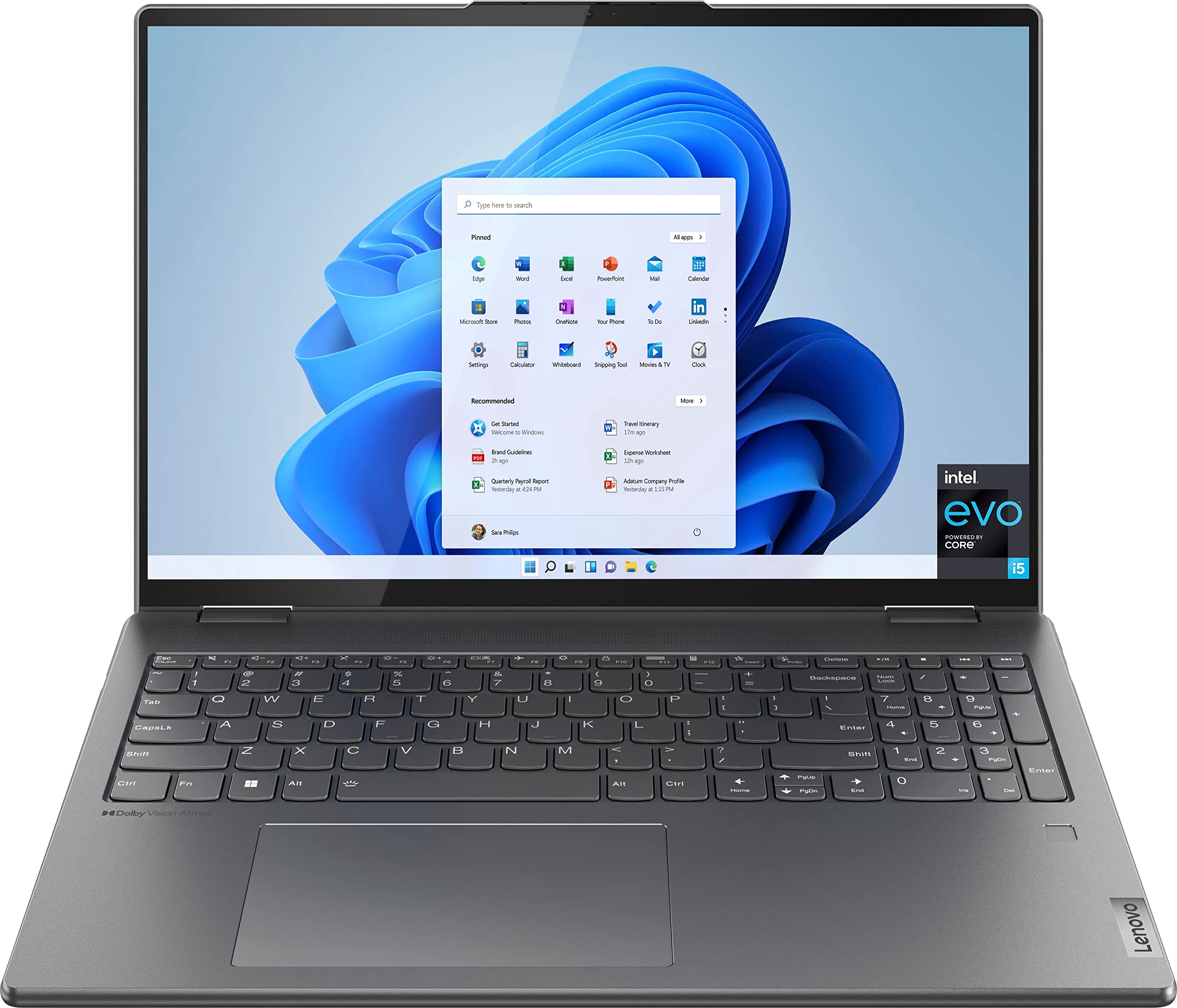
The Lenovo Yoga 7i is the most recommended affordable entry point for digital artists wanting a proper drawing laptop rather than an experiment. OLED touchscreen options within the Yoga 7i range deliver impressive colour accuracy at a price point considerably below the ProArt and Surface Pro, pen support is solid with a Lenovo Digital Pen or compatible MPP pen, and the 360-degree hinge means it converts properly to tablet mode for drawing sessions rather than awkwardly propping a keyboard behind a screen. The main caveat is that not all Yoga 7i configurations ship with OLED — worth specifically checking the display spec before ordering, as the IPS variants at this price point are less impressive for drawing work specifically.
ASUS ROG Zephyrus G14 — Best for 3D Artists and Heavy Workloads
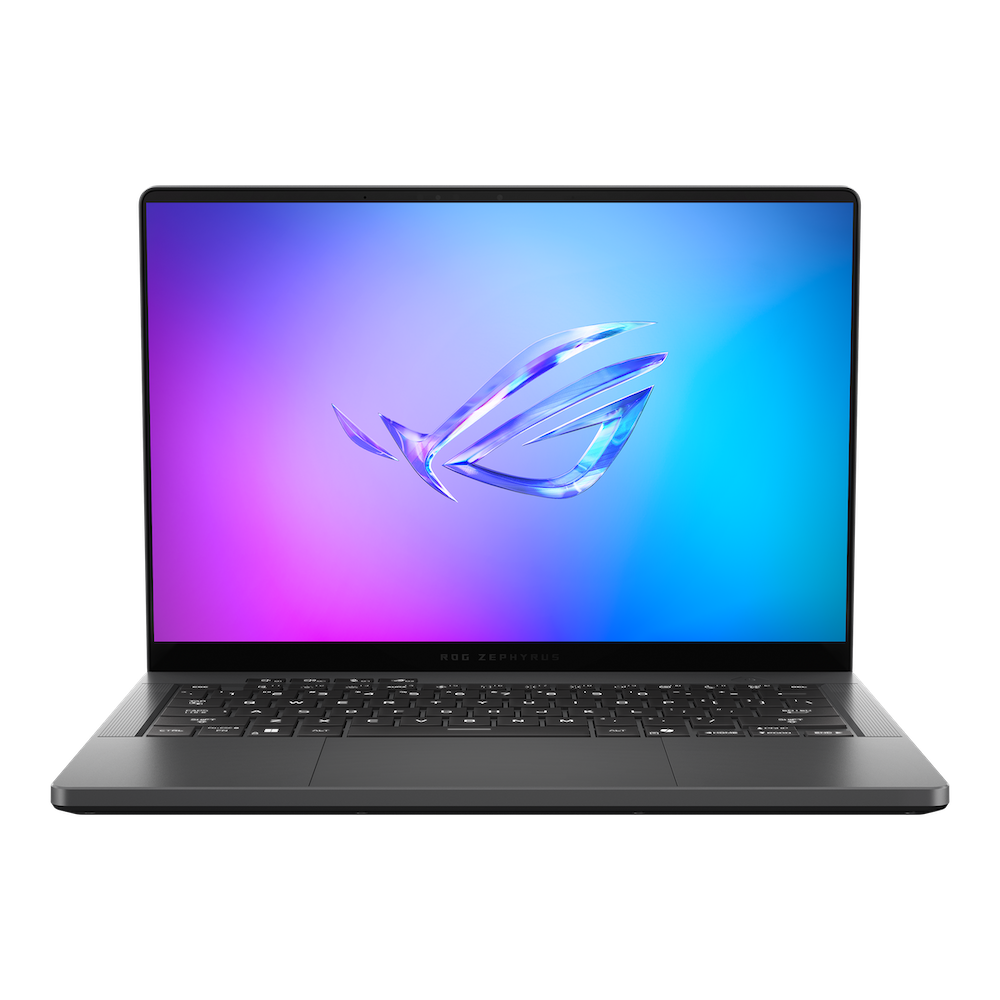
The ASUS ROG Zephyrus G14 earns its place specifically for artists whose practice extends into 3D, animation or video work alongside 2D illustration. A dedicated GPU — genuinly powerful, the kind found in serious gaming machines — combined with a high refresh rate display and solid build quality makes this the machine for anyone whose creative workflow involves Blender, Unreal Engine or heavy After Effects work that the processor-only machines above would struggle with. The ROG branding is gaming-oriented but the hardware is entirely appropriate for creative professional work, and it handles high-resolution drawing and painting with the same ease it handles gaming workloads. It’s less of a pure drawing device than the ProArt or Surface Pro and more of a workhorse that also draws well.
Should You Buy a Drawing Laptop or a Separate Drawing Tablet?
Worth being honest about this since we have dedicated guides to both. A standalone drawing tablet — a Wacom, Huion or XP-Pen device that connects to your existing computer — often gives a better pure drawing experience than a 2-in-1 laptop at the same price point, because all the processing is handled by your existing machine rather than the tablet hardware. The trade-off is that it’s not portable the same way. If portability matters and you want to draw on the train, in a café, at life drawing sessions or anywhere without a desk setup, a drawing laptop is the right choice. If you primarily draw at a desk and your laptop is already capable, a dedicated drawing tablet is usually the better value. Our best drawing tablet guide covers that category in full.