Written by Paul Worrall
Back in 2012 I was working on a project for Granthams, a printing company who’d just invested in a brand new KIP large format poster printer — one of the fastest machines of its kind at the time, pumping out A2 prints at a rate that felt genuinley extraordinary to watch. My job was to build a website around it called posterprints.co.uk and, as part of that, create a promotional video. I did it in iMovie. What that looked like in practise was me sitting at a Mac for most of an afternoon, dragging clips around a timeline, struggling with transitions, trying to make the text look less like it was made in 2012, and producing something that was — if I’m being completley honest — functional at best. It took hours and the result was mediocre.
The reason I mention this is that what took me most of a day in iMovie in 2012 would take about fifteen minutes with the AI video tools available now. The gap between then and now isn’t incremental — it’s genuinley transformative. And for artists, who need to create video content about their work but have no interest in becoming video editors, that transformation matters enormously.
I’ve spent sixteen years in the art supplies industry and run Discount Art Supplies — a platform used by over 36,000 artists and crafters every week. One of the most common questions I see in our community is how to create video content without spending hours learning software that has nothing to do with actually making art. This is the answer.
⭐ Best AI Video Tools for Artists — Quick Guide
Best overall, especially for free: CapCut — the most complete free AI video tool available, genuinly unmatched at this price.
Best browser-based paid all-rounder: FlexClip — no installation, covers reels through to promotional videos.
Best for subtitles and team collaboration: Veed.io — fastest, most accurate auto-subtitling, genuinely good for remote teams.
Best for commercially safe professional video content: Adobe Express — Firefly-powered, watermark-free 1080p exports and 20,000+ Adobe Fonts.
Best for beginners already using Canva: Canva Video — if you already use Canva for graphics, the video tools are right there.
Best for artistic/experimental generative video: Pika — image to video, creative effects, genuinley unique visual outputs.
Why Artists Need Video Content Now
The social media landscape has shifted decisivley toward video. Instagram Reels, TikTok, YouTube Shorts — the algorithms on every major platform now heavily favour video content over static images. For artists who’ve built their following on the strength of their finished work, this is both an opportunity and a frustration. The opportunity is that process videos — painting timelapses, studio vlogs, materials reviews, before-and-after transformations — perform extraordinarily well and build audience engagement in a way that posting finished work alone never quite does. The frustration is that creating video content requires either technical skills most artists don’t have or software that costs money and takes months to learn properly.
AI video tools have largely solved the technical barrier. You don’t need to know what a keyframe is. You don’t need to understand colour grading or audio compression or export codecs. You need to be able to drag a video file into a browser window and click a few buttons. The AI handles the rest. What took me an afternoon in iMovie in 2012 — and produced something embarrassing — now takes minutes and produces something you’d actually be happy to post.
CapCut — The Best AI Video Tool for Most Artists
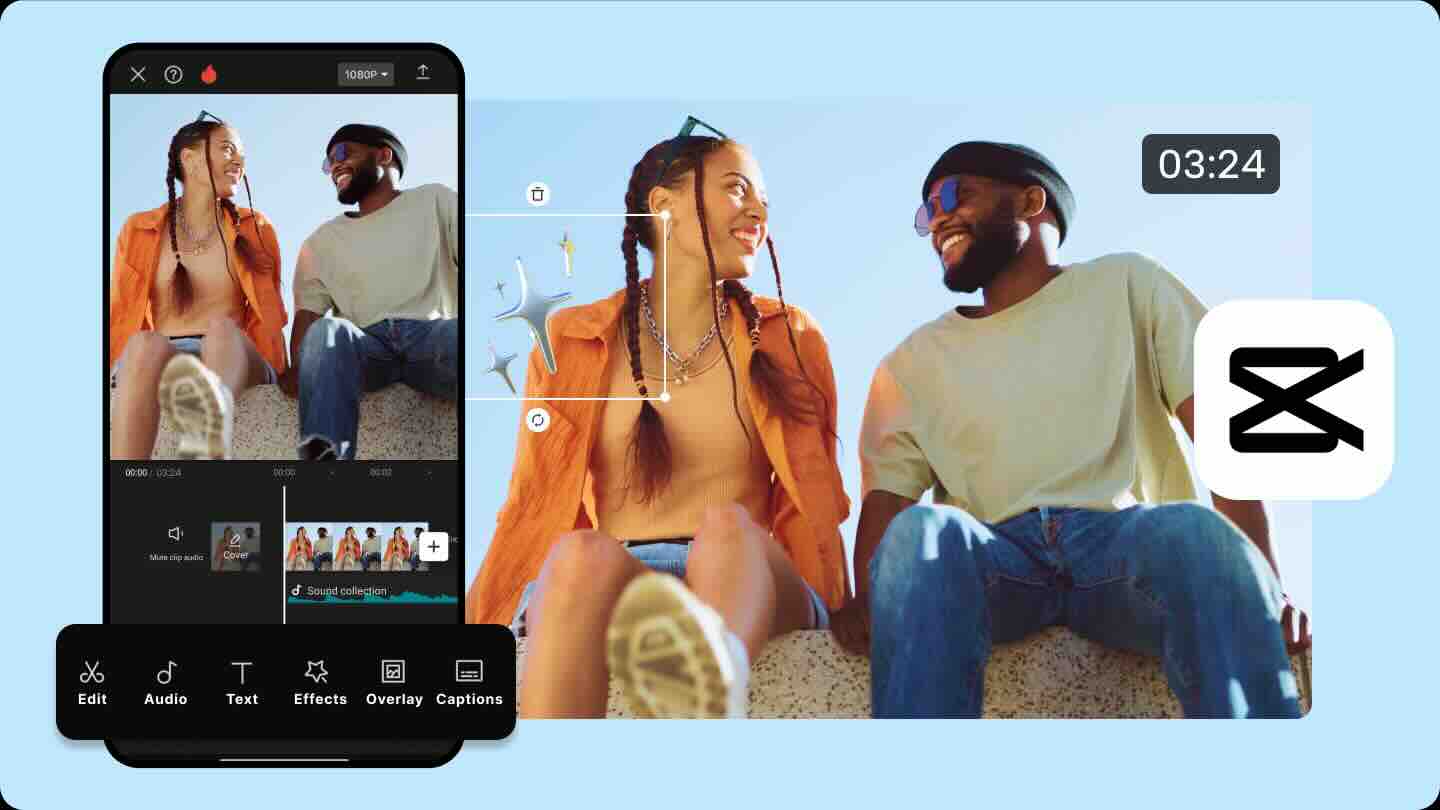
I’ve actually used CapCut myself — not for art content but for my band, The Keytars. You just feed it a load of clips and the AI stitches them together into a reel automaticly. It picked the cuts, synced to the music and produced something that looked genuinley polished in minutes. I was impressed. My mate Chris uses it for a completely different purpose — he films corporate presentations for MAP the Accountants in Manchester and CapCut handles all the post-production editing. Two very different use cases, same tool, both working well.
Across pretty much every independent comparison I researched for this article, CapCut comes out as the genuinely best free AI video editor available — and by a fair margin. The free tier exports in full HD with no watermark, which is unusual generosity at the free level, and the AI feature set covers auto-captions, voice isolation, background removal and automatic scene detection that genuinly hold up against tools costing considerably more. The TikTok template ecosystem, unsurprisingly given CapCut is owned by ByteDance, remains unmatched, and the mobile editing experience is genuinly excellent — touch-optimised and built specifically with vertical video in mind, which matters since most artists’ Reels and TikToks get filmed and edited from a phone in the studio rather than at a desk.
One honest caveat worth knowing before you commit your artwork to it: CapCut’s pricing jumped considerably in 2025, and their terms of service now claim broad rights over content uploaded to the platform. For casual social content that’s a minor concern, but if you’re uploading original, unreleased artwork or anything you’d want tight control over, it’s worth reading the current terms properly first. For everyday Reels and process videos, it remains the easiest recomendation on this list.
FlexClip — Best Browser-Based Paid All-Rounder
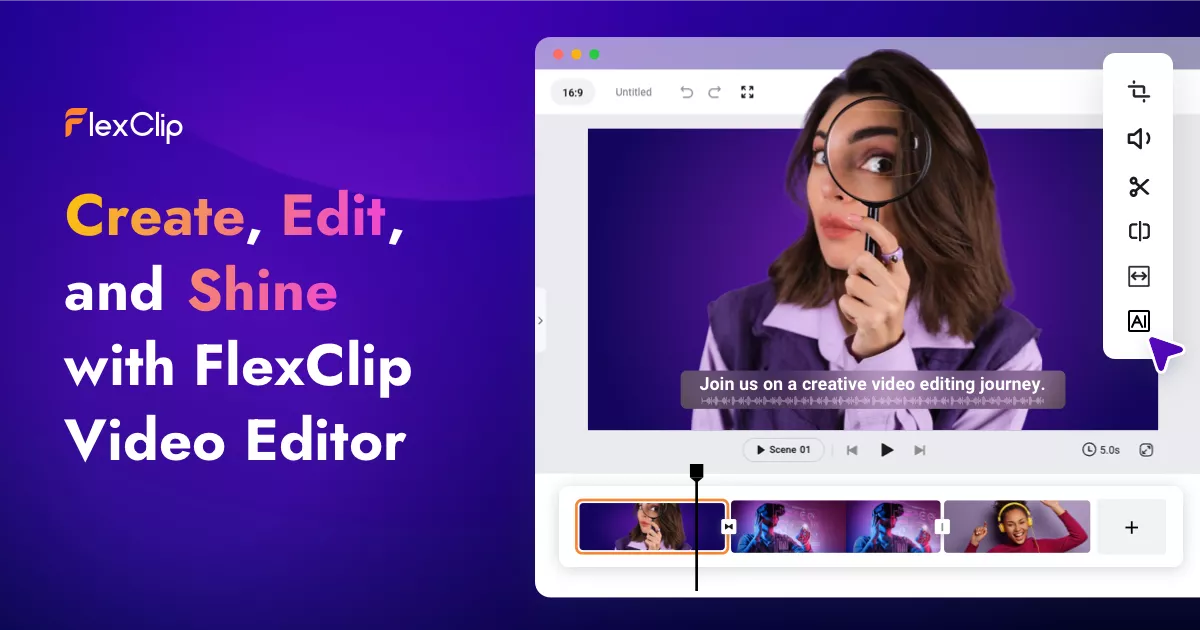
FlexClip is worth considering if you’d rather not use a ByteDance-owned product, or if you want something specifically geared toward marketing and promotional video rather than pure social content. It’s entirely browser-based — no download, no instalation, works in Chrome, Firefox and Safari — which means you can use it on any machine without cluttering up your computer.
The AI features are where FlexClip genuinley earns its place on this list. The Text to Video tool takes a written description and generates video content from it — useful for promotional content without needing to film anything. The AI Image Generator creates visual assets from text prompts. Background Removal works on your images directly in the platform — useful for clean product shots of your artwork without needing Photoshop. Auto Subtitles transcribes and times captions automatically. The free plan includes a watermark on exports; paid plans start at a very accessable price point for what’s on offer, and crucially the platform isn’t built around the same data and content rights model that CapCut’s parent company operates under.
Veed.io — Best for Subtitles and Remote Collaboration
Veed.io built its reputation on subtitle generation and that remains its strongest feature — the auto-subtitling is faster and more accurate than most competitors, handles regional accents well, and produces properly timed captions that don’t need significant manual correction. For artists who produce process videos or tutorials with spoken narration, accurate subtitles are now effectively mandatory — both for accessibility and because a significant majority of social media video is watched on mute.
Veed.io also covers video translation across well over a hundred languages — useful if you want to reach beyond English-speaking markets. The standout extra use case is genuine real-time collaboration — multiple people working on the same project simultaneously, which matters if you’re working with a designer, a manager or a fellow artist on a joint promotional piece. The free tier watermarks exports though, and the paid plans run noticeably higher than CapCut for broadly comparable editing depth.
Adobe Express — Best for Commercially Safe, Professional-Grade Video Content
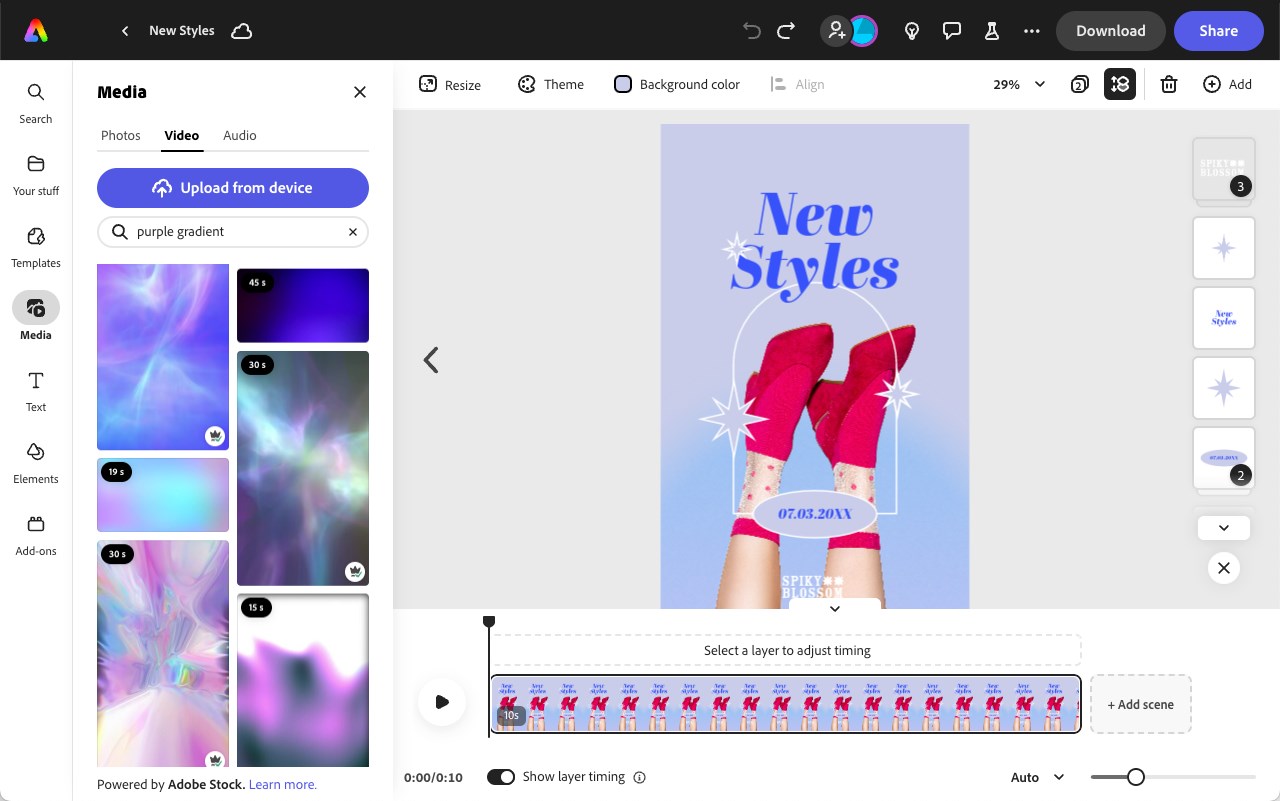
Adobe Express is worth serious consideration if you’re creating video content that needs to hold up professionally — promotional pieces for galleries, art fairs, commissions, or anything you’d want to put in front of a client rather than just post to Stories. The built-in video editing tools cover trimming, resizing, captions, and 1080p export without watermarks, but what genuinely sets it apart from the other tools on this list is what’s behind it.
Every asset you generate in Adobe Express is powered by Adobe Firefly — trained exclusively on licensed Adobe Stock images and public domain content, which means everything you produce is commercially safe. For artists who sell their work, take commissions, or produce content for brands, that distinction matters considerably more than it might for casual social posting. You’re also drawing from Adobe Fonts’ library of 20,000+ premium typefaces, which makes a noticeable difference when you’re adding text to a process video or creating a title card that needs to look deliberately designed rather than assembled from defaults.
The honest caveat is that Adobe Express sits inside the Adobe ecosystem, and getting the most from it — connecting assets directly to Photoshop or Illustrator — works best if you’re already paying for Creative Cloud. If you’re not, the free plan covers the core video tools, and the Premium plan at $9.99 a month unlocks the full font library and advanced AI features. For artists who already pay for Creative Cloud, it’s effectively already included.
Canva Video — Best for Artists Already Using Canva
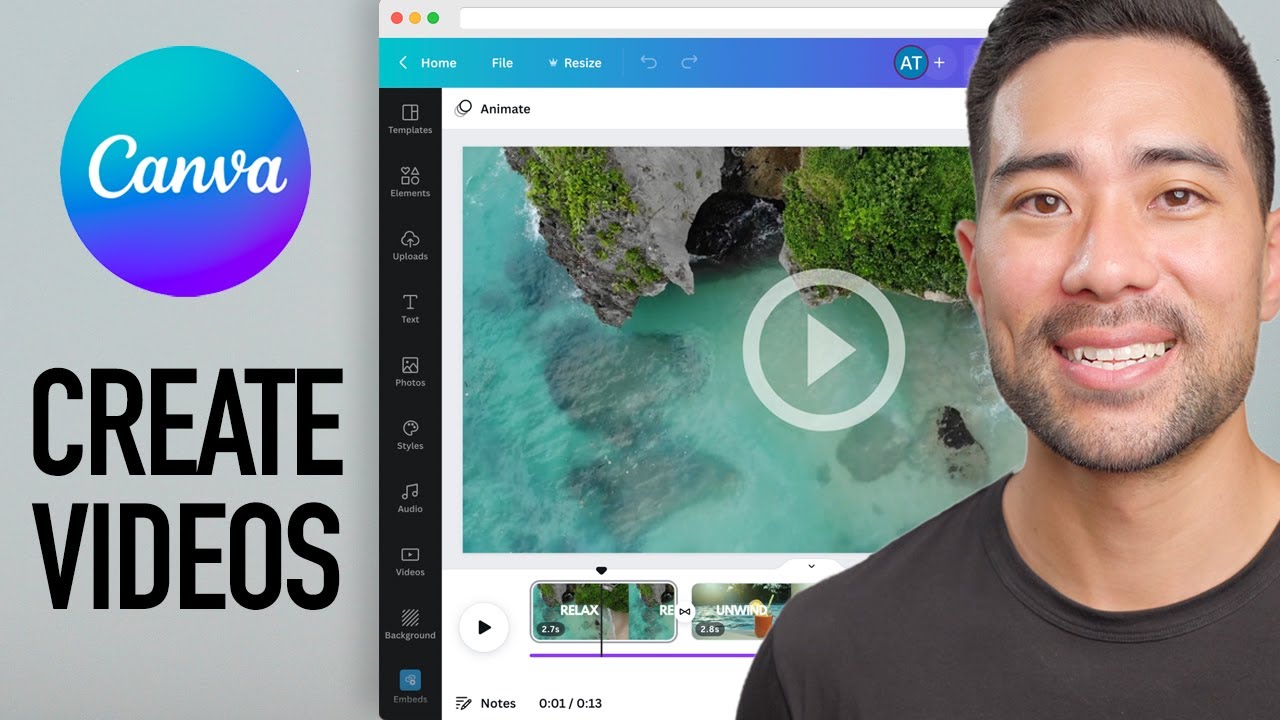
If you already use Canva for creating graphics, social posts or promotional material — and a large proportion of artists in our community do — the video tools built into Canva Pro are a natural extension. The same drag-and-drop interface, the same template library, the same brand colour and font management, now extended into video. For artists who want consistency across their visual content without managing multiple platforms, keeping video within Canva makes practical sense.
The AI features in Canva Video are slightly less sophisticated than dedicated video AI tools, but the integration with the rest of the Canva design ecosystem is genuinley useful. Our Canva Pro review for artists covers whether the paid plan is worth it in detail.
Pika — Best for Experimental and Artistic Video
Pika is a different proposition to the tools above — less about editing your existing footage and more about generating genuinley original, stylised video from images and text prompts. For artists who want to create atmospheric promotional content, animated versions of their artwork or experimental visual pieces for social media, Pika produces outputs that are immedietly distinctive. The image-to-video feature is particularly interesting — upload a finished painting and Pika can generate subtle motion and atmospheric effects that bring a static image to life in a way that photographs simply can’t.
It’s not a general-purpose video editor and the free tier uses a credit system that limits how much you can produce. But for the specific use case of creating artistically interesting promotional content that stands out on social media, Pika does things that CapCut and FlexClip simply don’t attempt.
InVideo — Best for Longer Promotional Videos
InVideo is strong specifically for longer-form promotional video — the kind of three to five minute overview of your artistic practice, your process or your online shop that a simple Instagram reel doesn’t have room for. The AI script generation takes a brief description and produces a structured video script with suggested visuals and narration, which gives non-video-people a framework to work within rather than a blank canvas. The stock footage library is extensive and the finished outputs are polished enough to use as promotional material on a professional website or in an email campaign.
The Honest Summary — Which Tool Should You Start With?
For the vast majority of artists wanting to create quick, free social content — process videos, timelapses, simple promotional Reels — start with CapCut. It’s genuinly the most capable free tool available, the mobile editing experience is excellent, and the learning curve is close to zero. Just be mindful of the content rights terms if you’re uploading original artwork you’d want tighter control over.
If you’d rather avoid a ByteDance-owned product, or want something built more specifically for marketing and promotional video rather than pure social content, FlexClip is the strongest browser-based paid alternative. If subtitles or remote collaboration with someone else matter most: Veed.io. If your video content needs to hold up professionally — for galleries, clients or commercial use — Adobe Express is the commercially safe choice thanks to its Firefly foundations. If you already use Canva: start with the video tools already in your plan before adding another subscription. If you want to do something genuinley artistic and experimental: Pika is the creative outlier worth exploring.
The distance between what I spent an afternoon producing in iMovie in 2012 and what any of these tools produce in fifteen minutes today is not an exaggeration. The technology has moved faster than almost any other creative software category. If you’ve been putting off creating video content because the technical barrier felt too high, that barrier no longer exists. The only remaining question is whether you want to.